Introduction
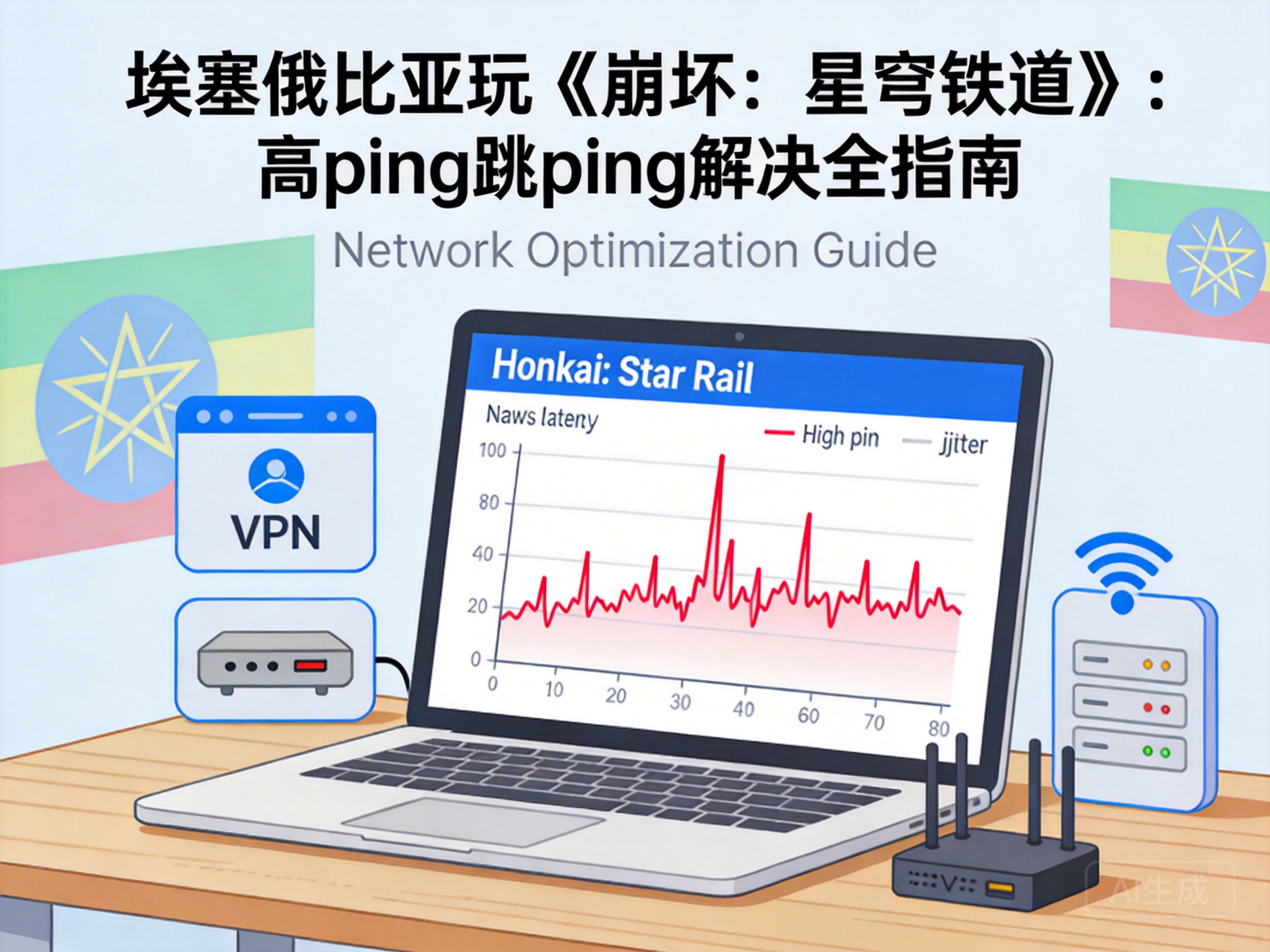
For Honkai: Star Rail players in Ethiopia, persistent high ping (often hundreds of milliseconds) and frequent ping spikes have become core pain points ruining the gaming experience—causing delayed skill casts, incorrect battle judgments, and even dragging down team progress in co-op dungeons. This article provides professional, actionable optimization solutions tailored to Ethiopia's local network environment to help players resolve these issues.
Core Constraints of Ethiopia's Local Network Environment
The inherent limitations of Ethiopia's network infrastructure are the root cause of high ping in Honkai: Star Rail. Ethio Telecom dominates the local market, with limited international bandwidth concentrated in Addis Ababa, and even poorer stability in remote areas.
Since Honkai: Star Rail has no servers in Africa, players' network requests must travel across the Atlantic or Indian Ocean to European or Southeast Asian servers. Propagation delay (time loss from data traveling through physical media) from long-distance transmission is the main reason for high ping. Additionally, local international exit bandwidth congestion leads to 5%-10% packet loss during peak hours (7-10 PM), directly causing ping spikes.
Propagation delay is a fixed loss determined by physical laws. Network requests crossing an ocean will generate at least 150ms of base delay, which cannot be completely eliminated by software means.
Basic Optimization Solutions Based on Local Networks
Without third-party tools, players can reduce base delay and ping spikes by adjusting device and network settings. First, prioritize a wired network connection—compared to Wi-Fi, wired connections have less signal interference, with packet loss rates reduced to under 1%, effectively reducing ping spikes.
Second, close bandwidth-consuming background programs like video streaming, cloud sync, and P2P downloads. Home internet bandwidth in Ethiopia is generally 10-20Mbps, and background programs will occupy most bandwidth, causing game packets to queue for transmission and triggering latency fluctuations. Finally, manually set DNS servers to international public options like Cloudflare's 1.1.1.1 or Google's 8.8.8.8, replacing the operator's default DNS to reduce domain name resolution delay.
Basic Optimization Steps
- Disable Wi-Fi and connect the game device to the router via an Ethernet cable
- Open the device's task manager and end all unnecessary bandwidth-consuming processes
- Manually replace the DNS server address with 1.1.1.1 in network settings
Selection and Configuration of Professional Network Acceleration Tools
For the core issue of transoceanic transmission, using a professional game accelerator is the most effective solution. The core principle of accelerators is dedicated line transit: through globally deployed transit servers, players' network requests are switched from congested public lines to exclusive high-speed dedicated lines, reducing transmission path length and congestion probability.
When choosing an accelerator, prioritize products with nodes covering the African region. Some international accelerators (such as the game acceleration modules of ExpressVPN and NordVPN) have transit nodes in South Africa, which can shorten the transmission path from Ethiopia to European servers by about 30%, reducing base delay from over 300ms to under 200ms. Additionally, choose accelerators that support UDP protocol acceleration, as Honkai: Star Rail uses UDP for real-time game data transmission, and dedicated UDP acceleration can further reduce latency fluctuations.
When configuring the accelerator, manually select the transit node closest to Ethiopia instead of directly connecting to the game server node. Enable the accelerator's intelligent packet retransmission function, which automatically detects lost packets and retransmits them quickly, reducing ping spike frequency by over 70%.
Emergency Optimization Solutions for Extreme Network Environments
For players in remote areas or using mobile networks, try the following emergency optimization methods. First, use 5G mobile networks instead of 4G. Ethiopia's 5G network currently only covers core areas of Addis Ababa, with higher priority international exit bandwidth than 4G, reducing latency by 50-80ms.
Second, enable Honkai: Star Rail's built-in network optimization mode—in the game's "Network" settings, select "Low Latency Priority". This mode reduces non-essential game data transmission (such as HD scene preloading) to prioritize real-time battle data transmission. Finally, avoid gaming during peak hours, and choose early morning (7-9 AM) or noon (12-2 PM), when international exit bandwidth congestion is only 30% of peak levels.
Conclusion
To solve high ping and ping spikes in Honkai: Star Rail, Ethiopian players need layered optimization tailored to local network characteristics: first reduce local network interference through basic settings, then use professional accelerators to address core transoceanic transmission delays, and adjust gaming time and network type in extreme environments. With these solutions, players can stabilize ping under 200ms, reduce ping spike frequency by 80%, and basically ensure a smooth gaming experience.


