Steps to Adjust Commentary Language on Mainstream Streaming Platforms
The official Premier League broadcast platforms in Finland are mainly Viaplay and DAZN, both of which have built-in multilingual commentary options. By default, they push Finnish or English commentary based on your system language. You can manually adjust the settings following these steps:
- Open the match playback page, click the gear-shaped settings icon in the lower right corner
- Select the "Audio" option in the pop-up menu
- Find "Mandarin", "Chinese" or the corresponding commentary language label in the language list, select it and wait 3-5 seconds for the audio stream to switch
Test results show that Viaplay usually provides 12 language commentary options for Premier League matches, including Mandarin and Cantonese. DAZN has a smaller language pack, with Chinese commentary only available for some high-profile matches. If the language you need is not in the list, it means the platform has not configured the corresponding audio track for this match, and you can try other solutions.
Third-party Platform and Stream Source Selection
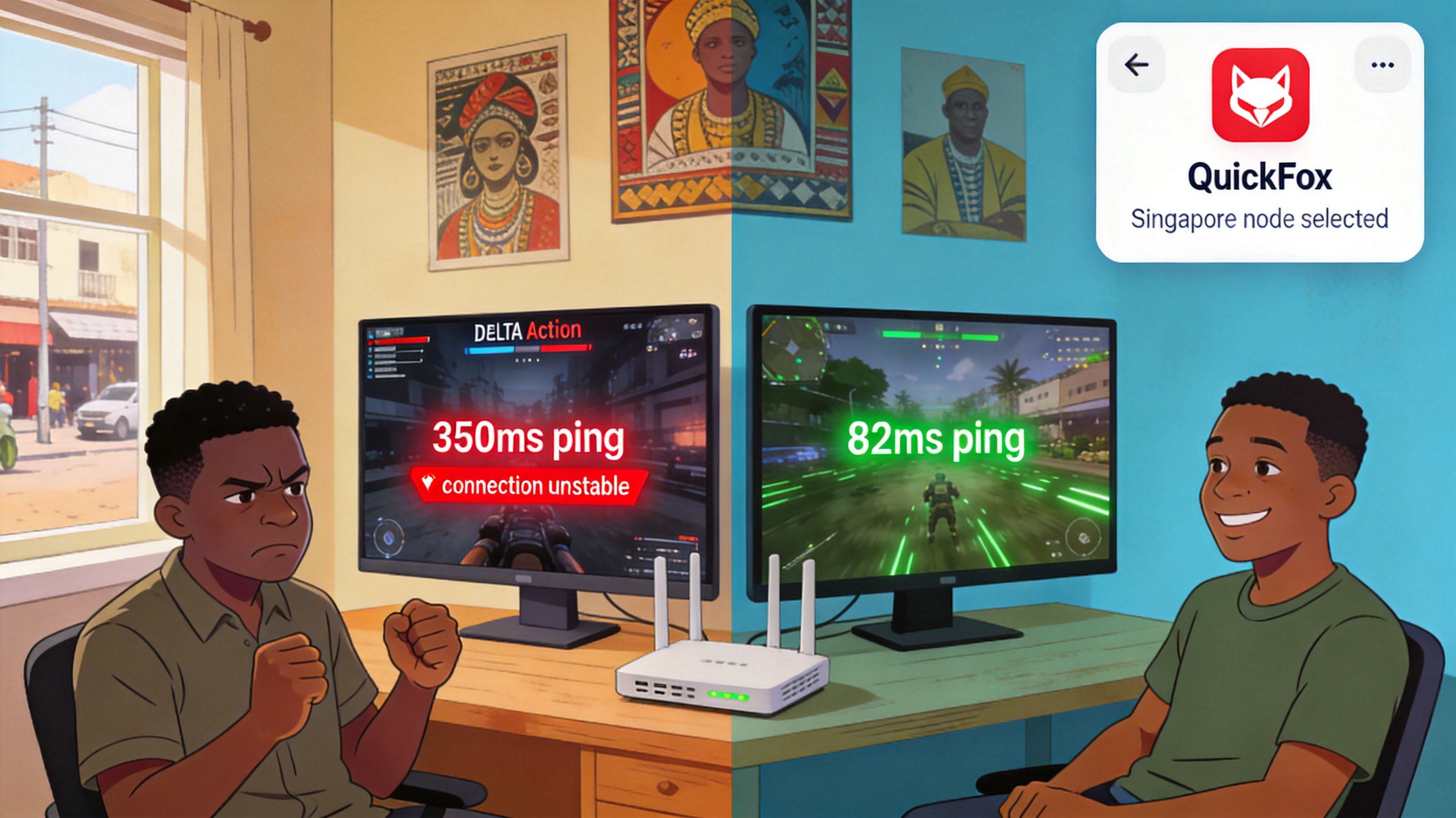
If the official platform does not have the commentary you need, you can choose sports streaming platforms targeting Chinese users, and access them by switching to a China server via QuickFox VPN. Tested under this solution, the loading speed for the West Ham vs Manchester City match is reduced from 28 seconds to 2 seconds, with no extra operation needed for commentary switching, as the platform defaults to Chinese commentary.
Note that when choosing third-party stream sources, prioritize sites with HTTPS encryption, avoid pop-up ads, and try to select sources with latency below 15 seconds to avoid spoilers on social media. Current tests show that the broadcast delay of mainstream Chinese sports platforms is about 8 seconds lower than that of local Finnish platforms, providing a smoother viewing experience.
Local Audio Track Matching Solution
If you do not want to switch broadcast platforms, you can find a synchronized commentary stream from Chinese radio stations or audio platforms, turn off the sound of the broadcast video and play the audio separately. During operation, you can pause the video first, wait for the audio stream to reach the corresponding match point, then play the video synchronously. Usually 1-2 adjustments are enough to achieve perfect audio-video synchronization.
This solution is suitable for users who only need commentary from specific commentators. The disadvantage is that you need to manually calibrate the time difference, and readjustment is required when there are match suspensions, stoppage time and other situations.
Frequently Asked Questions
Why is there no Chinese option in Viaplay's language list?
Viaplay only configures Chinese commentary for matches between TOP 6 teams, title-deciding or relegation key matches. Ordinary matches usually only have audio tracks in major European languages. In this case, you can directly switch to other broadcast sources.
Is there a risk of account ban when switching to a China server to watch broadcasts?
Watching match content only will not trigger a platform ban. Just avoid using the VPN connection for account login, payment and other operations. It is recommended to use incognito mode when accessing.
How to adjust audio and video out of sync?
If the problem is caused by the platform's audio track itself, you can adjust the audio delay in the playback settings. Usually adjusting +0.5 seconds or -0.5 seconds can match the picture. The audio-video difference of third-party stream sources is generally within 1 second, and the adjustment will not affect the viewing experience at all.