
Introduction
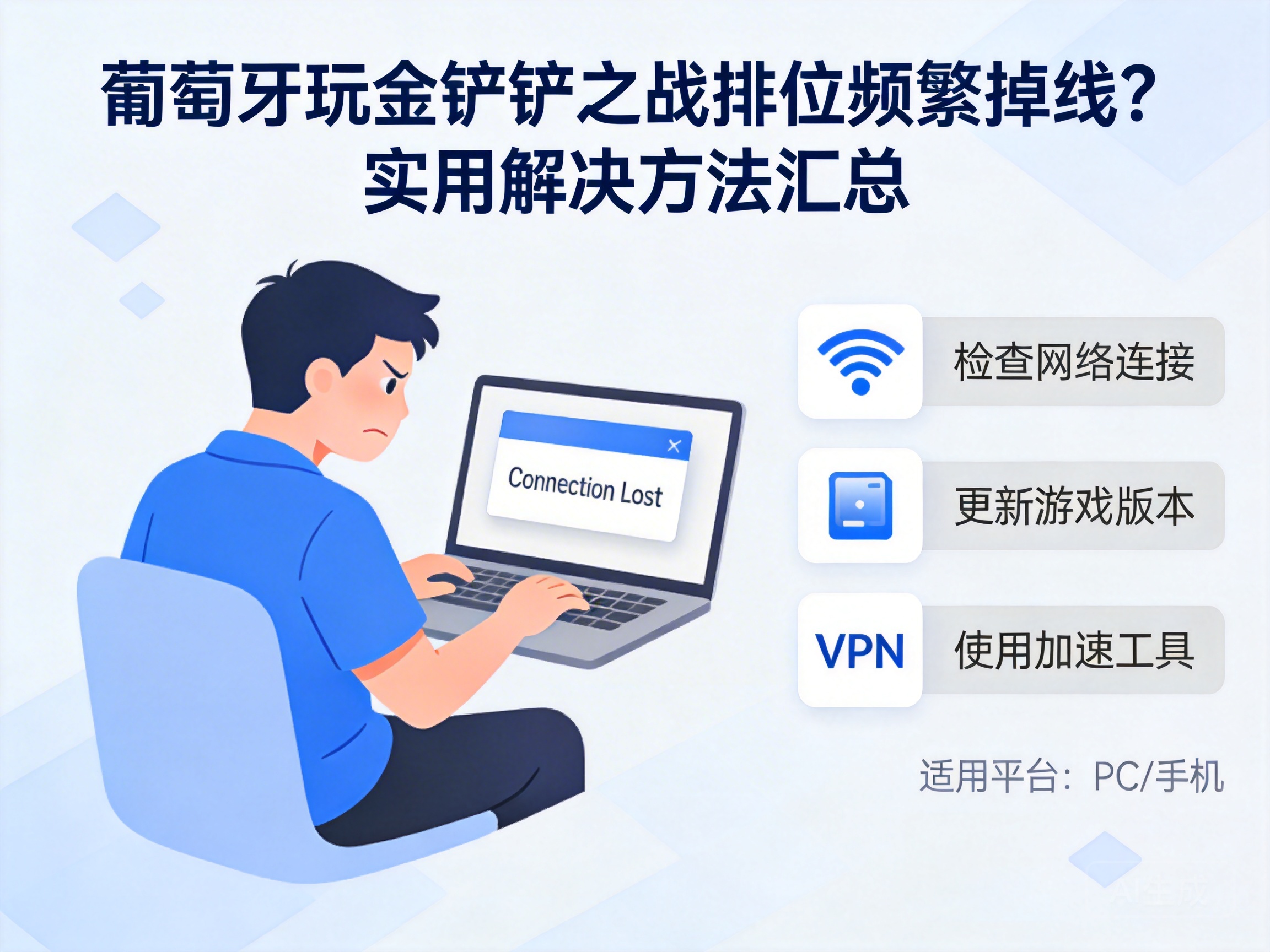
Many Chinese players residing in Portugal have reported frequent disconnections and server connection failures while playing ranked matches in Teamfight Tactics: China Server (commonly known as Jinchanchan Zhizhan). These issues not only ruin the gaming experience but may also lead to ranked point losses. This article summarizes targeted solutions based on network environment differences and game mechanics to help players maintain stable server connections.
Troubleshoot Local Network Basic Issues
First, check the stability of your local network, a factor that is often overlooked but directly impacts connectivity. Most home networks in Portugal use fiber or DSL lines, which may experience bandwidth congestion during peak hours. It is recommended to close background downloads, streaming services, and other bandwidth-intensive programs.
You can test your current upload and download speeds using a speed test website. The minimum network requirements for Teamfight Tactics: China Server are 10Mbps download speed and 2Mbps upload speed. If the test results do not meet these standards, contact your local internet service provider to adjust bandwidth or troubleshoot line faults.
Tip: Public WiFi often has strict network restrictions and may block necessary ports, so it is advisable to use a stable home network for gaming.
Optimize Cross-Border Network Connection Environment
The official servers of Teamfight Tactics: China Server are located in China. The core cause of disconnections is the long cross-border network route from Portugal to China, which often leads to node congestion. The packet loss rate of direct connections may exceed 10%, far higher than the 1% threshold allowed by the game.
Players can choose cross-border acceleration tools optimized for Chinese games. These tools establish dedicated game transmission lines to reduce route detours and packet loss. When using them, select domestic nodes with low latency, such as those in East China or South China near the game server clusters. This usually stabilizes latency at 100-150ms, meeting the network requirements for ranked matches.
Additionally, some acceleration tools support exclusive optimization for specific games. Make sure to enable the dedicated acceleration channel for Teamfight Tactics: China Server to avoid sharing bandwidth with other applications.
Adjust Game Client and Account Settings
After ruling out network issues, check for anomalies in the game client and account settings. First, disable the background auto-update feature of the client, as background updates consume network bandwidth and cause unstable game connections.
Next, enable the "Network Stability Mode" in the game settings. This mode reduces the frequency of real-time data transmission, lowering the probability of disconnections caused by network fluctuations. It is also recommended to clear the client cache regularly, as excessive cache files may cause program malfunctions and indirectly affect network connectivity.
If you are using a guest account or an unbound account, bind it to an official account to avoid connection interruptions caused by account verification exceptions.
Contact Official Customer Support for Special Issues
If the above methods do not resolve the problem, the issue may be caused by special factors such as account region restrictions or temporary server failures. In this case, submit feedback through the in-game customer service portal, official Weibo, or official WeChat account, providing detailed information including your location, network environment, and specific error messages when disconnections occur.
Some players may encounter situations where their IP address is misjudged as a risky address. When submitting feedback, you can request the official team to lift the IP restriction. Additionally, pay attention to the official announcements of Teamfight Tactics: China Server; if there is temporary maintenance or a server failure in China, the official will issue a notification immediately.
Summary
When playing ranked matches of Teamfight Tactics: China Server in Portugal, disconnections mainly stem from cross-border network differences and local network environments. By troubleshooting local networks, optimizing cross-border connections, and adjusting client settings, most players can resolve over 90% of disconnection issues. If problems persist, contact official customer support promptly to further identify special faults.


