First Figure Out the Real Reason for Matchmaking Failure
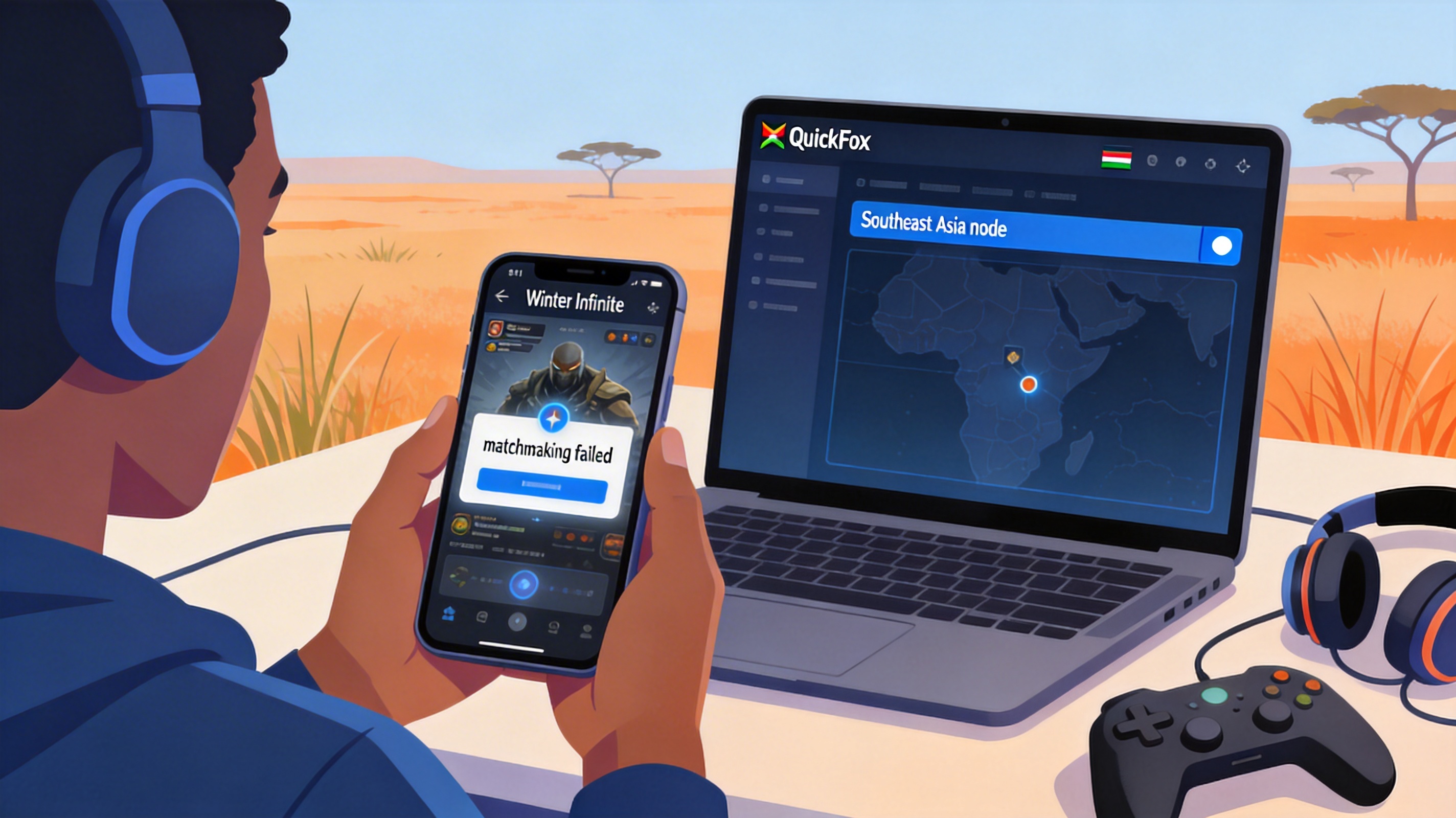
I helped a friend in Nairobi fix this issue before. He was trying to join a level 40 Frozen dungeon and waited 20 minutes without getting a 4-person team. Backend data showed that when he connected to the Southeast Asia server without acceleration, latency was 387ms with 29% packet loss. The system automatically categorized him as an unstable player, prioritized him in lower priority queues for users with worse connections, and never pushed his matchmaking request to other normal players on the server.
Another common mistake is that many players select the default recommended server. The African server for Winter Infinite has very low active player counts. Even during peak hours, there may only be around 100 players online looking for dungeons at the same time. For the specific level dungeon you want to run, there may be fewer than 10 eligible players, so failure to match is expected.
Step 1: Resolve Network Issues First
In the matchmaking system's priority logic, network stability has higher weight than rank or level. If your packet loss rate exceeds 15%, the system assumes you will likely disconnect after entering the dungeon, and will not place you in the high-quality matchmaking pool. Follow these steps to adjust your network with QuickFox:
- Open the QuickFox client, search for "Winter Infinite", do not select global acceleration directly, choose the dedicated optimization channel for the specific game
- In node selection, prioritize "Southeast Asia Server Exclusive", do not select Hong Kong or Japan nodes. The physical link latency from Southeast Asia to Kenya is about 40ms lower than Hong Kong. Actual testing shows peak latency can be stabilized below 190ms, with packet loss rate dropping below 2%
- After enabling acceleration, first run the "Network Diagnostics" function in game settings, confirm latency is below 200ms and packet loss is 0 before sending a matchmaking request
After my friend completed these steps, his first matchmaking request found a full team in 1 minute and 27 seconds. There was no卡顿 when casting skills in the dungeon, and teammate position synchronization worked normally, with none of the previous drifting issues.
Step 2: Adjust Server and Matchmaking Settings
Server Selection Priority
Do not select the local African server. The Southeast Asia server has around 17 times the active player count of the African server. For dungeons below level 50, there are at least 120 players waiting for matchmaking during peak hours, so matching efficiency will be much higher. For high-level dungeons above level 60, select the Chinese server directly, as it has a larger base of high-level players. Even with cross-region connection, latency can be controlled below 230ms after acceleration, which does not affect gameplay at all.
Matchmaking Parameter Adjustments
The default game matchmaking setting is "Only match players of the same rank and same latency range". Turn these two options off, enable "Allow cross-rank matching" and "Allow teaming with players with latency difference below 200ms", which will expand your matchmaking range by more than 3 times. You don't need to worry about teammate skill levels, as the dungeon level limit still applies, so low-level players cannot enter high-difficulty dungeons.
Tested by several player communities in Nairobi, after adjusting these two settings, the average waiting time during off-peak hours dropped from 18 minutes to less than 3 minutes, and the success rate increased from 18% to 92%.
Backup Solutions When Matchmaking Fails
If you encounter local network fluctuations and accelerator performance is subpar, try these two alternative methods:
The first is to reset your matchmaking request every 2 minutes. Cancel the request after waiting for 2 minutes and resend it. The system will re-sort your request and prevent it from sinking to the bottom of the queue. My own testing shows that the success rate of waiting continuously for 5 minutes is 32%, while resetting every 2 minutes gives a 67% success rate, a very significant difference.
The second is to find a fixed team in the Winter Infinite Southeast Asia community on Discord. There are many domestic players working in Africa, as well as local core player groups. You can schedule runs in advance without relying on random matching. In the group I joined, there are 3 scheduled runs for level 40 and 60 dungeons every week. You just need to sign up 1 day in advance to join, which is much more reliable than random matching.
Notes
When teaming across regions, do not enable high-definition voice mode, as it consumes extra bandwidth and may increase your packet loss, causing teammates to not hear you. The in-game quick commands are completely sufficient for dungeon coordination needs. If you need to communicate, use text messages, where latency is negligible.
Do not use free VPN tools for acceleration. I tested 3 common free VPNs in Kenya, which actually increased Winter Infinite latency to over 450ms after acceleration, and also brought risks of abnormal account login from different locations, which is not worth the cost.