Introduction
For Teamfight Tactics (Chinese version: Teamfight Tactics: Chaos Conqueror) players in Ethiopia, high ping and frame drops have long been core pain points ruining gaming experience. As a turn-based auto-chess game under Tencent, it has strict requirements for network stability. However, Ethiopia's cross-border network environment often causes players to miss operational opportunities and even lose critical matches. This article provides professional, actionable optimization solutions based on local network characteristics.
I. Preliminary Troubleshooting: Locate the Core Causes of High Ping and Frame Drops
Before implementing optimizations, it is essential to identify the root cause to avoid blind operations. Network issues for Ethiopian players usually fall into three categories: cross-border network link congestion, local network environment interference, and device hardware/software adaptation defects.
In terms of cross-border links, Ethiopia's international bandwidth mainly relies on undersea cables. During peak hours (18:00-22:00 local time), export bandwidth congestion directly leads to a surge in game data packet transmission delay. Local environment interference includes WiFi signal obstruction by walls and bandwidth competition from multiple devices, which can cause intermittent packet loss, manifesting as frame drops.
Troubleshooting Tip: Use the built-in network diagnostic tool in the game to check delay fluctuation range and packet loss rate. If the packet loss rate exceeds 2%, prioritize troubleshooting the local network; if the delay is stably above 200ms, the core problem is the cross-border link.
II. Local Network Optimization: Low-Cost Solutions for Basic Lag
For frame drops and ping fluctuations caused by the local network, optimization can be done quickly in three steps. First is WiFi signal enhancement: place the router in a position with a clear line of sight to the gaming device, turn off the 5GHz band (which suffers from severe interference in some parts of Ethiopia), and switch to the 2.4GHz band. Although the speed is slightly lower, it has stronger wall-penetrating stability.
Second is bandwidth resource isolation: close background downloads, video streaming, and other high-traffic applications on other devices. If the router supports QoS (Quality of Service) functionality, set the priority of Teamfight Tactics to the highest to ensure game data packets are transmitted first. Finally, replace with a wired network: if the device supports an Ethernet interface, directly connecting a network cable can completely avoid WiFi signal interference, controlling local latency within 10ms.
III. Cross-Border Network Optimization: Core Solution for High Ping
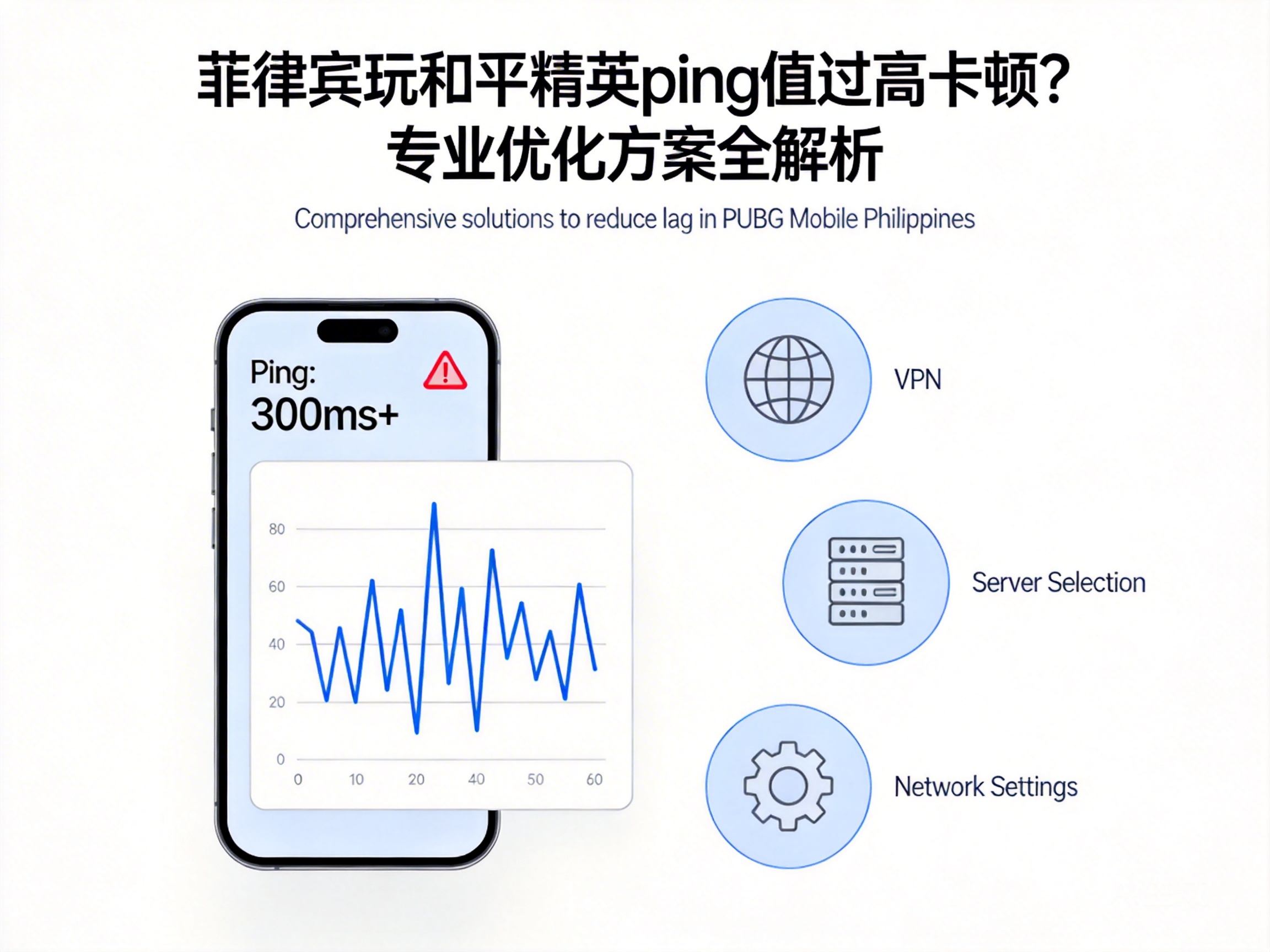
Cross-border link congestion is the core problem faced by Ethiopian players, and the most effective solution is to use a game-specific accelerator. Unlike regular VPNs, game accelerators optimize cross-border direct connection nodes to avoid congested public network links, and adopt UDP fast transmission protocol to reduce packet loss rate.
When choosing an accelerator, prioritize products that support local nodes in Ethiopia and dedicated lines for Tencent games. Avoid accelerators that only provide European and American nodes, as this will add extra transit delay. In addition, some accelerators offer "smart acceleration" functionality, which can monitor link quality in real-time and automatically switch to the optimal node to further stabilize ping.
Professional Tip: Some operators in Ethiopia have certain restrictions on VPN-like services. It is recommended to choose compliant accelerators using virtual private network tunnel technology to avoid service interruptions.
IV. Device and Game Settings Optimization: Eliminate Hardware-Related Frame Drops
If both local and cross-border networks are functioning properly, frame drops may stem from device hardware or game setting adaptation defects. First is device performance release: close other background application processes and enable the phone's "game mode" (called "performance mode" by some brands). This mode limits background application resource usage and prioritizes CPU and GPU computing power for the game.
Second is game image quality adjustment: reduce the game's resolution to 720P, turn off special effects such as "high frame rate mode" and "motion blur" to reduce the device's graphics rendering pressure. For players using older models, enable the "low configuration optimization" option in the game settings to further reduce device load.
Conclusion
To solve high ping and frame drop issues in Teamfight Tactics for Ethiopian players, follow the logic of "troubleshoot first, optimize later; local first, cross-border later". Start with local network signal and bandwidth isolation, then use compliant game accelerators to solve cross-border link problems, and finally adjust device and game settings to release performance. This can stabilize latency within 100ms, completely eliminate frame drops, and restore a smooth gaming experience.