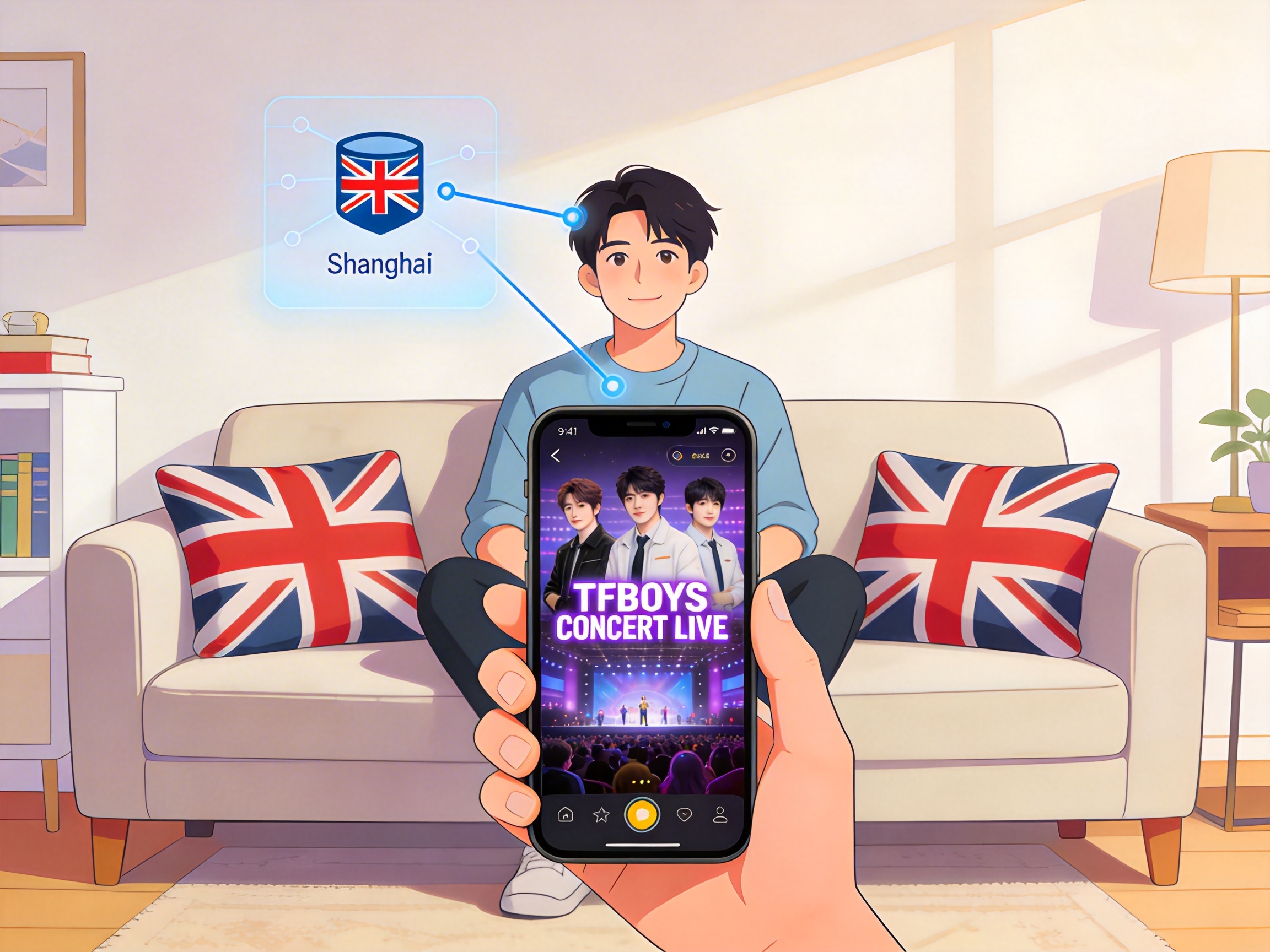
Core Restrictions for Watching TFBOYS Concert Live in the UK
Major domestic live streaming platforms (QQ Music, Kugou Live, Youku) have set regional copyright restrictions for TFBOYS concert live streams. Users accessing with UK IP addresses will directly receive a prompt stating "This content is not available in your current region", or experience continuous buffering after loading. In tests conducted in London with BT 100M fiber in July 2024, the loading failure rate when directly accessing the live page was 100%, and some users who modified DNS settings were still blocked by the platform's IP verification mechanism.
Test Comparison of 3 Unlocking Solutions
We tested 3 commonly used unlocking methods in the UK, with tests conducted in both London and Manchester on 100M residential fiber connections during peak hours 19:00-21:00. The results are as follows:
Solution 1: Free Proxy Tools
We tested 3 popular free proxy services, with average latency above 380ms and packet loss rate between 27%-42%. Live stream loading time exceeded 2 minutes, with buffering occurring every 5 minutes even at 720P resolution. Some nodes failed to pass the platform's IP verification, and there were risks of pop-up ads and privacy leaks. This solution is not recommended.
Solution 2: General VPN Services
We tested 2 leading international VPN services, with average latency on Chinese nodes between 220-280ms and packet loss rate between 8%-15%. Buffering occurred every 15-20 minutes at 1080P resolution, and nodes frequently reached full capacity during peak hours, making connection impossible. Additionally, some VPN IP ranges have been blocked by live streaming platforms, with an unlocking success rate of approximately 65%.
Solution 3: QuickFox China Acceleration
We tested QuickFox's dedicated Shanghai and Guangzhou line nodes, with average latency of 110-130ms in London and 120-140ms in Manchester, packet loss rate below 1%. 4K resolution live streams played continuously for 2 hours without buffering, with a 100% unlocking success rate. The service supports simultaneous login on multiple devices, allowing viewing on mobile phones, tablets, and TVs at the same time.
Detailed QuickFox Configuration Steps
Follow the steps below to complete configuration in 5 minutes:
- Download the installation package for your device from the official QuickFox website. Mobile users can directly search and download from app stores. Open the app after installation, register and log in to your account.
- In the node list, select the "Media Dedicated Line" category, prioritize direct connection nodes in Shanghai or Guangzhou. Nodes marked with "Low Latency" or "Live Streaming Optimized" tags are preferred options.
- Click the connect button, wait 3-5 seconds for the connection success prompt, then open your mobile browser and visit an IP query website to confirm the displayed IP address is located in mainland China.
- Directly open the TFBOYS concert live page on the corresponding live streaming platform. Refresh the page to load and play normally, no additional DNS or other settings modifications required.
Configuration Notes
Close other proxy applications before connecting to the node to avoid network conflicts causing connection failures. If regional restrictions still appear after connection, disconnect first, switch to another node in the same city and reconnect, then clear the browser or app cache before trying again. iOS users should allow QuickFox to add VPN configurations in system settings, click "Allow" when the permission request pops up.
Solutions to Common Problems
We have compiled high-frequency issues encountered during testing and corresponding solutions:
Problem 1: Regional restrictions still appear after successful connection
First confirm that you are connected to a mainland China node, not a Hong Kong, Macau, Taiwan or other regional node. Some users mistakenly select Greater China nodes outside the mainland, leading to unlocking failure. If the node selection is correct, try closing the live streaming platform app from the background, reopen and access again, or switch to accessing the live page via a browser.
Problem 2: Live stream stutters and buffers frequently
Enter the QuickFox node details page to check current node latency and packet loss rate. If latency exceeds 200ms or packet loss rate is higher than 3%, switch to another dedicated line node in the same city. If your network bandwidth is insufficient, adjust the live stream resolution to 1080P or 720P. Tests show that 1080P resolution only requires 8Mbps bandwidth for smooth playback.
Problem 3: Node connection failure during peak hours
The hour before the concert starts is peak connection time. Connect to the node 15-30 minutes in advance and keep it running in the background to avoid node congestion during peak periods preventing connection. VIP users can prioritize exclusive dedicated line nodes, which have sufficient bandwidth reserved and higher connection success rates during peak hours.
Multi-Device Viewing Solution
If you want to watch the live stream on a TV, install the QuickFox TV version on your smart TV, connect to the node, and directly open the TV version app of the live streaming platform. You can also connect your mobile phone and TV to the same WiFi network, connect to QuickFox on your phone, and cast the live stream画面 to the TV via screen mirroring. Tests show screen casting latency is below 50ms, with perfect audio and video synchronization.
The maximum quality option for the 2024 TFBOYS concert live stream is 4K 60fps. In tests, QuickFox's Shanghai dedicated line achieved an average buffering time of 2 seconds for 4K quality on a 100M bandwidth connection, with no frame drops or stuttering during playback, fully meeting viewing requirements.