When I met up with fellow One Piece fans in Helsinki last week, we talked about the latest episode where Luffy awakens his Gear 5, and a few juniors who had only been in Finland for half a year looked totally confused: “The progress on Netflix we’re watching is still stuck in the first half of Wano Country arc?” It turned out they had no idea that domestic Chinese platforms had already updated to the latest episodes, and were still waiting for the dubbed version on overseas platforms.
It’s not just new arrivals who run into this issue. When I first came to Finland, I fell into the same trap: I paid for a Bilibili premium membership, only to click on One Piece and get a gray screen with a geographic restriction notice. I checked local Finnish streaming platforms, and either they didn’t purchase the latest copyright, or the dubbed version was wrong, and subtitles took a week to update. I couldn’t keep up with discussions among Chinese fans at all, and I was even afraid of spoilers when scrolling Twitter.
Let me first explain why this restriction exists: The domestic Chinese broadcasting rights for One Piece are purchased by platforms like Tencent Video and Bilibili, and the contract clearly stipulates that the dissemination scope is limited to mainland China. When the platform detects that your IP is in Finland, it will directly cut off playback access, which has nothing to do with whether you have a paid membership or whether your account is registered in China.
I tried almost seven or eight methods back and forth: changing DNS, using free proxies, downloading from resource sites, and very few of them were reliable. Free proxies either have insufficient bandwidth, making 720p playback lag like a slideshow, or hide ads and secretly run background traffic. I once used one, and three unknown apps appeared on my phone in the background. Resource sites are even worse: low resolution, mostly pirated recordings, pop-up ads that redirect to gambling sites if you click wrong, and worst of all, the latest episodes are only uploaded 1-2 days after the domestic update, which completely kills the fun of following the series in real time.
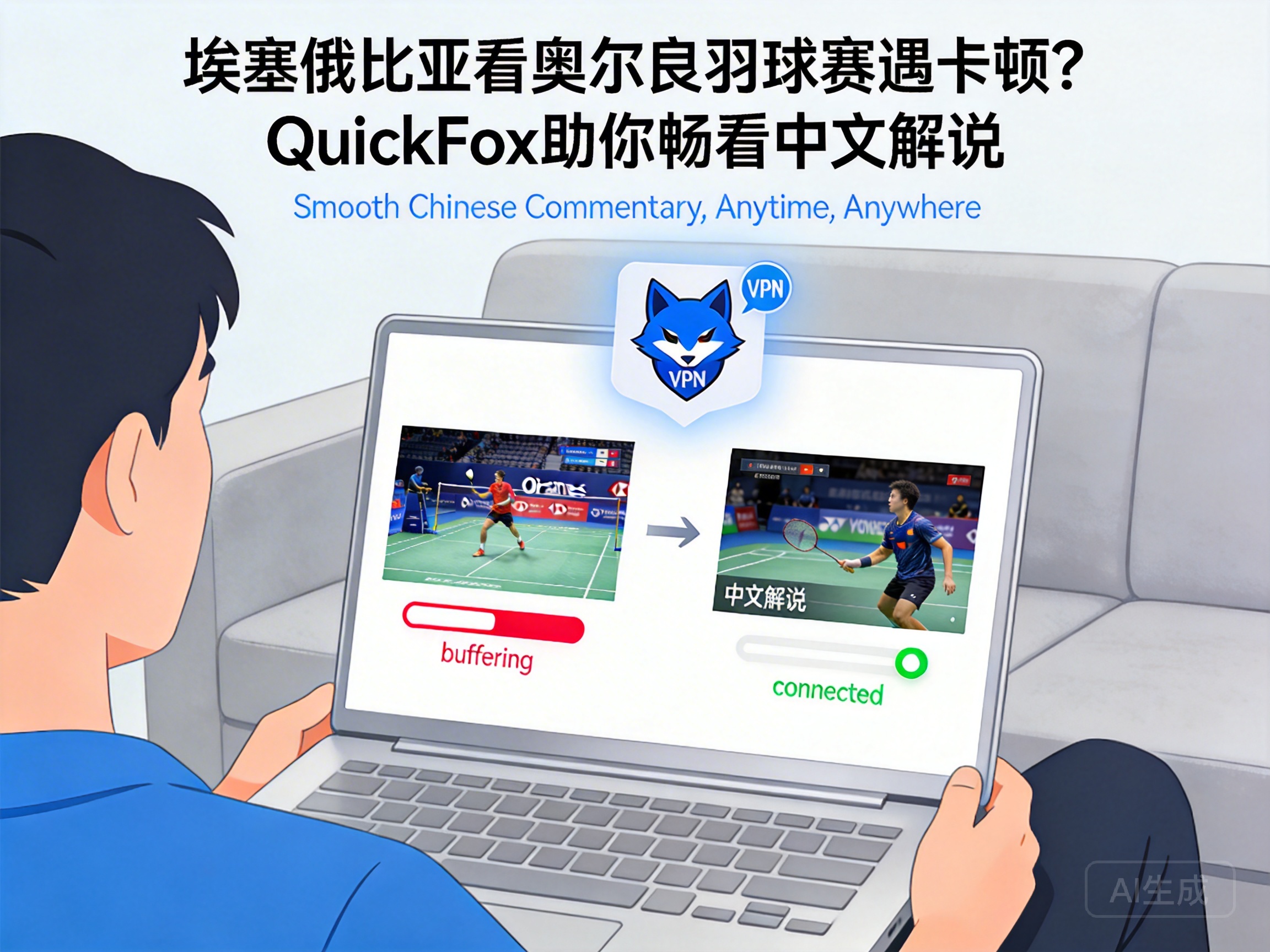
The stable method I’ve been using for almost two years is to switch my IP back to China with a back-to-China accelerator. Don’t think accelerators are complicated — the one I use now, QuickFox, just requires one tap to connect on mobile, and no settings changes on desktop. After launching it, open a domestic Chinese video platform, your IP will show as being in China, and the geographic restriction will be gone directly.
My tested parameters for your reference: Using Elisa broadband in Helsinki, connecting to QuickFox’s domestic dedicated line, watching 4K quality One Piece on Bilibili, buffering time is less than 3 seconds, dragging the progress bar anywhere doesn’t cause lag, and latency is stable below 80ms, which is even faster than the loading speed of local Finnish streaming platforms I use directly. It’s specifically optimized for audio and video, so unlike some general-purpose accelerators that buffer randomly during playback, I’ve followed almost 200 episodes with it, and never encountered a disconnection mid-episode.
The specific operation steps are really simple, no technical background required:
1. Search for QuickFox and download the version for your device from the official website. It supports mobile phones, computers, and TV boxes. I have it installed on my phone, iPad, and Mac, and the account can log in to 3 devices at the same time, so you can even split a membership with roommates.
2. After opening it, select “Audio/Video Mode”, and the system will automatically match the fastest domestic node, no need to select manually, which saves you from picking a冷门 node that’s extremely laggy.
3. After the connection is successful, directly open Bilibili or Tencent Video, search for One Piece and you can watch the latest episodes directly. Your domestic premium membership is still valid, so you don’t need to buy an additional overseas membership, which saves a lot of money.
I’ve sorted out common questions to save you from making the same mistakes
Q: Will this method get my account banned? I have several years of Bilibili premium membership left.
Not at all. The principle of the accelerator is only to route your access path to China, it won’t modify any information of your account, nor violate the platform’s user agreement. I’ve used my Bilibili account for almost 4 years with this method, no issues at all, and none of the dozens of international student friends around me have ever encountered an account ban.
Q: Will it affect my use of local Finnish apps? Like the school’s academic system, or banking apps?
No, QuickFox has a split-tunnel function. Traffic for Chinese platforms goes through the dedicated line, while traffic for local Finnish services still uses your original network. I usually keep the accelerator on while streaming videos, and at the same time use my Nordic bank app to transfer money and log into the school’s Moodle to submit assignments, with no impact at all. You don’t need to switch it on and off every time you watch videos.
Q: Can I use free accelerators? Is it necessary to pay for a membership?
I really don’t recommend free ones. I tried 3 free ones before, either they only give 1 hour of free usage per day, which cuts off halfway through an episode, or they throttle bandwidth, only supporting up to 720p, and you can’t connect at all during peak evening hours. Also, many free accelerators sell users’ browsing data. I used one before, and started getting several scam calls right after I registered with my phone number, which was extremely unsettling.
As for the membership, I got an annual card directly, which works out to only a bit more than 1 euro per month, way cheaper than buying a separate Netflix membership. Besides watching One Piece, you can also watch domestic Chinese variety shows, listen to NetEase Cloud Music, and play Chinese server mobile games, so the cost performance is really high.
A few notes that you must keep in mind
First, don’t connect to the accelerator to watch videos when using public WiFi. Many public WiFi in Finland have inherently low bandwidth, even the most stable accelerator won’t help. It’s best to use your own home broadband or mobile 5G network for a much better experience.
Then, if you still get a geographic restriction after connecting, clear your browser cache or force close the app and reopen it. Sometimes it’s just the old IP cache that hasn’t been cleared, not a problem with the accelerator. I encountered this once, and it worked normally after clearing the cache.
Also, don’t use the accelerator for illegal activities. Abide by the laws and regulations of both regions, we just use it honestly to watch anime, don’t get yourself into trouble.
For those of us living overseas, following an anime really isn’t that difficult if you find the right method. No need to search for resources everywhere, no need to wait days for a dubbed version. The joy of following updates in real time is unbeatable. Last week I used this method to watch the latest episode simultaneously with my friends in China, complaining about the plot in the group chat while watching, and I didn’t feel like I was thousands of miles away in Finland at all.
If you run into any problems after trying, or have better methods, feel free to share in the comments.