
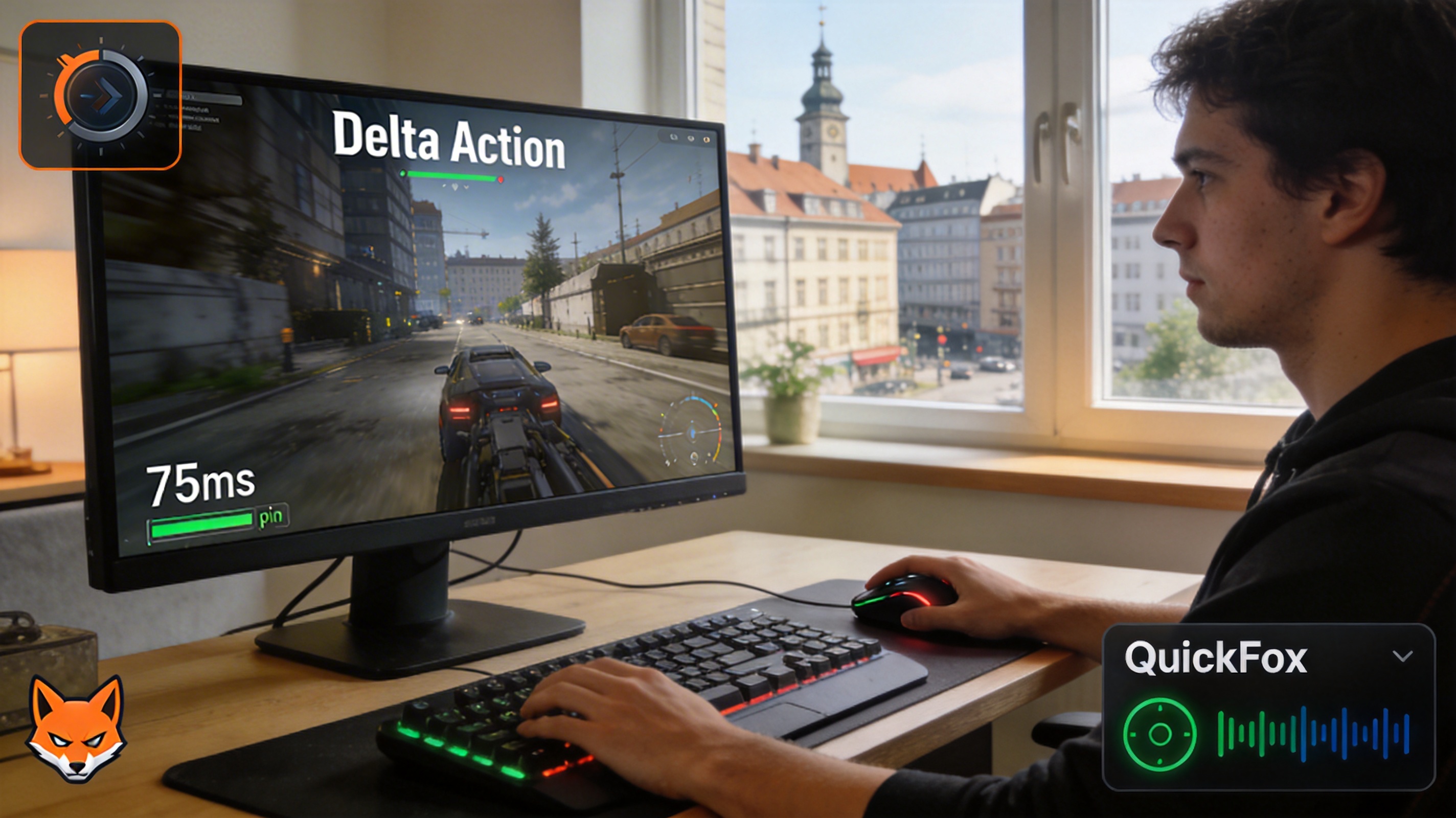
Last month, I was playing Delta Action ranked matches in my rental apartment in Berlin, on track to get MVP, when suddenly my character stopped responding during the final push. When the画面 recovered, I was already dead and spectating my teammates, with a ping of 427ms. I spent over three hours that day testing every possible solution, and now my daily ping on Asian servers stays around 75ms, peaking at no more than 110ms during peak hours, with very few packet loss issues.
Let's start with the most often overlooked local network issues. Many people blame accelerators or ISPs as soon as they experience lag, but troubleshooting your own devices first can solve half the problem. I used to use the standard WiFi router provided by my landlord, placed in the living room two walls away from my room. The 5GHz signal attenuation was severe, and while speed tests showed download speeds of up to 500Mbps, the game's upload latency fluctuated by over 200ms. Later, I bought a Wi-Fi 6 router and placed it right next to my desk, connected exclusively to the 5GHz band, and enabled QoS priority for gaming devices. This step alone brought my base ping down from over 200ms to around 160ms. If possible, using an Ethernet cable is the most stable option. After switching to a Cat6 cable, the wireless fluctuation disappeared completely, and my ping dropped by another 40ms.
There's another point many people don't know: German ISPs often shape game traffic during evening peak hours. I use Vodafone, and previously my game would always lag between 8pm and 11pm. After some research, I found out the ISP was lowering the priority of P2P and gaming traffic. Changing DNS doesn't help in this case—I tried Google's 8.8.8.8 and Cloudflare's 1.1.1.1, which only reduced ping by about 10ms at most, without solving the fundamental issue.
This is when you need a dedicated game accelerator. I tested four commonly used accelerators on the market. Some connected to Asian servers with 120ms ping but had 15% packet loss, causing disconnections every two matches. Others had low ping initially but started fluctuating after half an hour of use. When I finally tried QuickFox, I selected the automatically matched domestic transit node, and my ping immediately dropped to 82ms. I played ranked matches all night, with packet loss consistently below 1% and no lag at all.
Here's a tip for selecting nodes: don't blindly choose the node with the lowest latency. Look at the packet loss rate and jitter value instead. I once tried a free accelerator that showed only 70ms latency, but the jitter was 50ms. In actual gameplay, it still stuttered, and the firing rate felt off. QuickFox's node details show real-time jitter and packet loss data. I usually choose nodes with jitter below 10ms and 0% packet loss. Even if the latency is 5ms higher than the lowest option, the actual gaming experience is much better.
There's also an exclusive optimization for Delta Action that I didn't know about earlier. After enabling it in the settings, my ping dropped by another 10ms or so. QuickFox has a dedicated game section for Delta Action, which automatically matches the optimal routing line without manual node selection, perfect for people who don't want to bother with settings. Last week, I was playing on public WiFi in a hotel in Hamburg. Normally, public networks have very high latency, but after enabling this exclusive optimization, my ping stayed stable at around 90ms, and I played three matches without any lag.
By the way, if you play Delta Action on European servers, you don't need to connect to domestic nodes. Just select QuickFox's European local acceleration node. I've tried connecting to European servers, and the ping stays stable below 30ms, with almost no latency. However, most players still prefer teaming up with friends in China on Asian servers, so choosing a domestic transit node is the right choice. Remember to select nodes that support UDP forwarding, as Delta Action's game data uses the UDP protocol. If the accelerator only supports TCP, the latency will definitely not come down.
I also made a mistake earlier where I had the accelerator running while other proxy software was open, causing routing conflicts. My ping spiked to over 500ms and I kept disconnecting. When using an accelerator, remember to close all other VPN or proxy software to avoid line conflicts. For Windows systems, remember to enable Game Mode and disable background automatic updates and cloud synchronization. These background processes secretly take up bandwidth, especially when Windows is updating, which can use up all upload bandwidth, causing inevitable game lag.
Focused on network acceleration technology, providing professional solutions and guides for overseas Chinese.



