Introduction
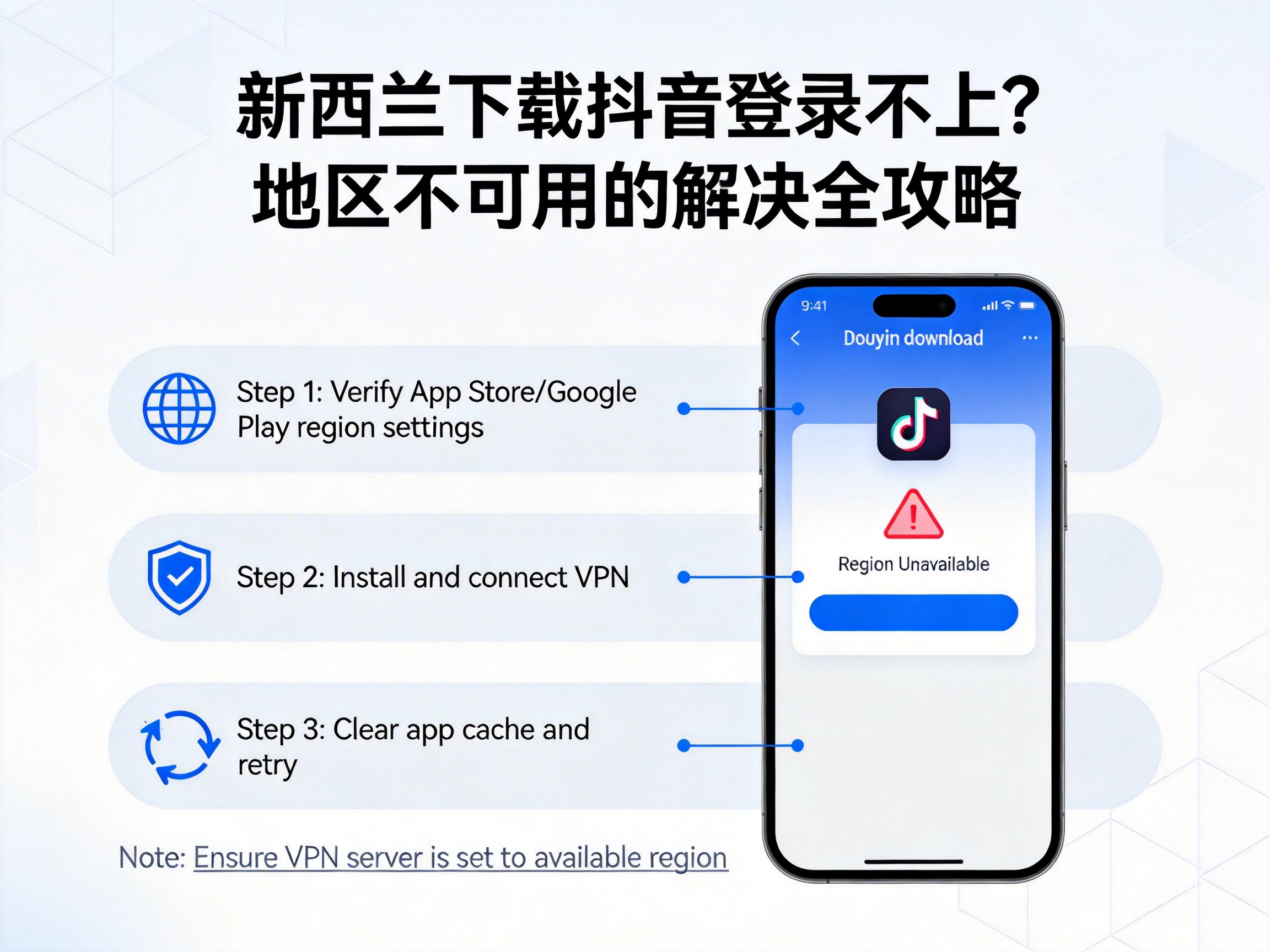
Many people living or studying in New Zealand often encounter login failures or the 'region unavailable' error after downloading Douyin, ruining plans to browse domestic content or interact with relatives and friends. In fact, these issues are not unsolvable. As long as you identify the root cause and use the right methods, you can resume normal use. This article will guide you through fixing Douyin login and region restriction issues based on New Zealand's network environment.
Understand Why Douyin Has Region Restrictions in New Zealand
Douyin's content and service permissions are divided based on IP addresses, and the Chinese domestic version only provides services to IP addresses in mainland China. If you download Douyin directly in New Zealand, your device will automatically recognize the local overseas IP, and the system will determine that the current region is outside the service scope, thus popping up the 'region unavailable' prompt or even restricting login directly.
In addition, some users may have downloaded non-official versions of Douyin through third-party platforms. These installation packages may have invalid signatures or adaptation issues, and even if installed successfully, they will still fail to log in. Another possibility is that the device's location permission is not turned off. Douyin uses both IP and location for dual verification, further restricting access for overseas users.
Important Note: Douyin's region restrictions are official platform rules. All solutions must be implemented within compliance limits to avoid account suspension due to violations of platform terms.
Step 1: Check Basic Settings to Eliminate Simple Errors
When encountering login issues, don't rush to try complex methods. First, troubleshoot several basic settings, as the root cause often lies here. First, confirm that you have downloaded the official Chinese domestic version of Douyin, not the local TikTok international version in New Zealand. The two have completely independent account systems and service scopes, and login is not interoperable.
Second, check your device's location permission. Open your phone's settings page, find the Douyin app, and set the location permission to 'Never Allow'. Douyin uses location information to assist in determining regions, and turning off location can reduce the system's restriction triggers. Finally, check your phone's network connection and switch to a stable Wi-Fi or 4G network to avoid login verification failures caused by network fluctuations.
You can also try clearing Douyin's cache data. Go to the app settings page, find the 'Storage' option, and click 'Clear Cache'. Excessive cache data may cause abnormal app recognition, and clearing it can restore the initial recognition state, which sometimes resolves login issues.
Step 2: Use Compliant Network Tools to Match a Chinese IP Environment
If the problem persists after troubleshooting basic settings, the core cause is that your IP address is not in mainland China. At this point, you need to use compliant network tools to obtain a Chinese IP address. These tools work by using virtual private network technology to route your device's network to a domestic server, allowing Douyin's system to recognize that you are in mainland China.
When choosing a network tool, select products from formal service providers, and prioritize packages with domestic nodes, stable and low-latency connections. Avoid using unqualified free tools, which not only have unstable networks but also may pose risks of information leakage. When using it, close the Douyin app first, then start the network tool and connect to a domestic server node. Wait for the connection to succeed before reopening Douyin to attempt login.
Note: When using network tools, ensure that you comply with New Zealand's local network usage regulations and Douyin's platform user agreement to avoid restrictions on your account or device due to non-compliant operations.
Step 3: Special Handling for Accounts and Login Verification
If you have switched to a Chinese IP but still cannot log in, the problem may lie with the account itself. If you are using a Douyin account registered with a Chinese domestic phone number, ensure that the number is in normal use and can receive SMS verification codes from China. Some overseas carriers cannot receive Chinese SMS, so you can try using Douyin's 'Voice Verification Code' function to receive verification information via phone call.
In addition, if you are logging into a Chinese Douyin account on an overseas device for the first time, the system may trigger a security verification for异地 login. In addition to SMS verification codes, you may also need friend assistance verification or face recognition. At this point, you can contact relatives or friends in China in advance to help complete the auxiliary verification, or complete the face recognition process in a stable network environment.
If you do not have an account registered with a Chinese phone number, you can also try logging in via authorization from Chinese social accounts such as WeChat or QQ, provided that these social accounts are already bound with Chinese identity information and can normally access domestic social platform services.
Summary
The core cause of being unable to log into Douyin or encountering the region unavailable error in New Zealand is the platform's IP and region verification mechanism. Start with troubleshooting basic settings, confirm the version, turn off location, and clear the cache; then use compliant network tools to match a Chinese IP; finally, handle account verification issues to gradually resolve login obstacles.
It should be noted that all operations must be carried out within compliance limits, adhering to platform rules and local regulations. This way, you can use Douyin smoothly while avoiding account security risks. If you still cannot resolve the issue after trying all methods, you can contact Douyin's official customer service, provide detailed device and network information, and seek professional technical support.


