Introduction
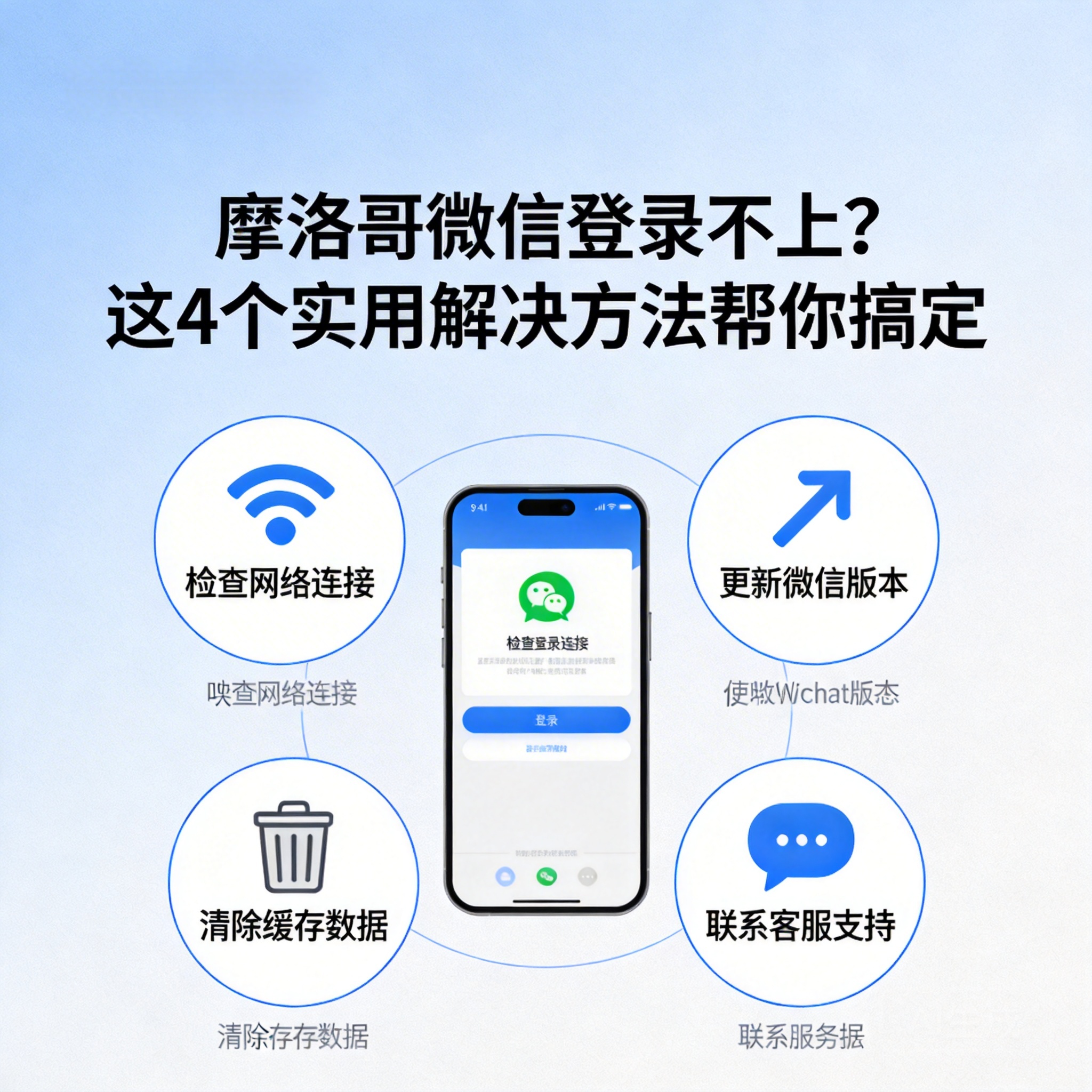
Many Chinese living or traveling in Morocco often encounter WeChat login failures: either the loading times out, or it prompts "the current environment is at risk". In fact, this is mostly caused by regional network restrictions or device settings. As long as you find the right method, you can quickly restore access. Below are 4 actionable solutions for you.
First Troubleshoot Basic Network and Device Settings
When facing login failures, first rule out the most basic network and device issues. Check the network connection of your phone or computer, such as switching between Wi-Fi and mobile data, to confirm whether the local network in Morocco can normally access other external platforms. If other platforms work normally, check if WeChat is updated to the latest version, as old versions may have compatibility issues.
- Go to the mobile app store or WeChat official website to check and update to the latest version
- Close any VPN or proxy tools on your phone before trying to log in again, as some proxies may interfere with WeChat's verification mechanism
Note: If the local network itself restricts external access, basic setting troubleshooting may not solve the problem, and you need to proceed to the next step.
Use Compliant Network Acceleration Tools to Solve Regional Restrictions
Some of WeChat's services have regional restrictions in overseas regions such as Morocco. In this case, you need to use compliant network acceleration tools. When choosing a tool, prioritize products with formal qualifications and support for Chinese nodes to avoid account security risks caused by unqualified tools.
Before using, close WeChat's background processes, then start the acceleration tool and connect to a mainland China node. After the network stabilizes, reopen WeChat to log in. Once logged in, keep the acceleration tool running in the background to avoid login failures or function restrictions in subsequent use.
Verify Account Security and Lift Abnormal Restrictions
If the network and tools are working properly, but you still get the prompt "account is at risk", it is most likely that WeChat's security detection mechanism has triggered restrictions. At this point, you need to verify your account identity through official channels to lift the abnormal restrictions.
- Try to receive a verification code via your bound phone number, then try to log in again after completing identity verification
- Contact WeChat friends for assistance in verification, asking friends who have logged in to WeChat to submit your account verification application in "WeChat Team"
- If the above methods are invalid, you can submit an appeal application and explain the situation through the "Account and Security" section on the WeChat official website
Contact WeChat Official Customer Service for Exclusive Assistance
If the above methods fail to solve the problem, it is recommended to contact WeChat official customer service directly. Through the customer service entrance on the WeChat official website, or enter "WeChat Team" after logging in to WeChat on another device to submit the problem, and explain in detail your login scenario in Morocco, the error message you encountered, and the solutions you have tried.
Official customer service will provide targeted solutions based on your account situation and regional information, such as lifting temporary restrictions related to regions, or guiding you through more complex identity verification processes. Generally, you will receive a response within 1-2 working days after submitting the application.
Summary
When encountering WeChat login failures in Morocco, there is no need to be overly anxious. Just try in the order of "basic troubleshooting - tool acceleration - security verification - official help". In daily use, it is recommended to keep WeChat updated, use compliant network tools, and avoid frequently switching login devices in unfamiliar network environments to reduce the risk of account abnormalities.