Introduction
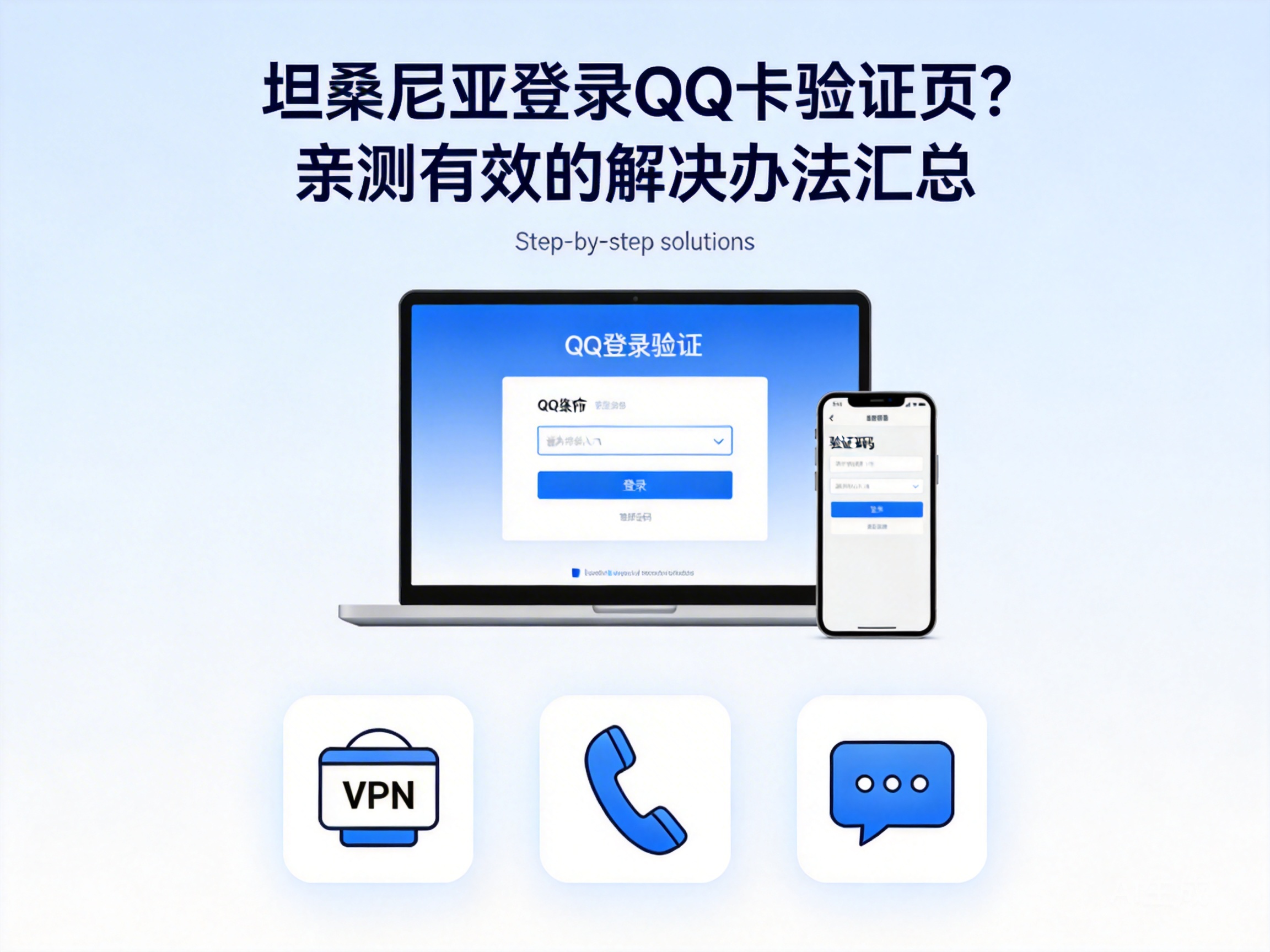
Many Chinese users working or studying in Tanzania report that after downloading QQ, they often get stuck on the login verification page, which affects daily social interactions and work communication. This type of problem is not caused by account faults, but mostly by regional network restrictions and verification mechanism adaptation issues. Based on practical testing, this article collates a set of actionable solutions to help users quickly overcome login barriers.
Step 1: Troubleshoot Basic Environment - Eliminate Local Device & Network Issues
When encountering QQ getting stuck on the verification page, first eliminate local device and basic network issues, which are the most overlooked but lowest-cost troubleshooting steps. Users should first check if their mobile system version is compatible with the current QQ version: Android users need to ensure the system is Android 8.0 or above, while iOS users need to upgrade to iOS 13.0 or above, as outdated versions may cause verification components to fail to load normally.
Next, switch network environments, such as switching from mobile data to Wi-Fi provided by local formal operators, or testing with SIM cards from different operators. Some areas in Tanzania have mobile network port restrictions that intercept data packets of QQ verification requests. If the verification page loads normally after switching networks, the root cause can be locked as network port restrictions.
Note: Do not use unencrypted public Wi-Fi for testing to avoid the risk of account information leakage.
Step 2: Adapt to Regional Verification Mechanism - Adjust QQ Settings & Verification Methods
If basic environment troubleshooting is correct, it is necessary to adapt to QQ's regional verification mechanism. Currently, QQ triggers additional geolocation verification for users outside mainland China. Some users in Tanzania are judged as high-risk areas due to IP identification deviations, causing the verification process to get stuck.
Users can first try turning off QQ's "Login Protection" function: log in to the QQ Security Center web version, turn off "Login Protection" in the "Account Protection" module, then restart the QQ client for verification. If it still cannot pass, switch verification methods, such as changing SMS verification to email verification, or using a bound WeChat account for auxiliary verification.
In addition, it is recommended to enable the "Allow Login from Unfrequent Devices" permission in QQ settings to avoid triggering secondary verification due to the device being identified as an unfrequent device. Some users have no local device information in their account's frequent device library because they have not logged in in Tanzania for a long time, leading to a dead loop in the verification process.
Step 3: Break Through Regional Network Restrictions - Use Compliant Network Acceleration Tools
If the above methods are ineffective, it is most likely due to QQ's regional network restrictions. To ensure service stability, Tencent restricts access from IPs in some unauthorized regions. Tanzania is not yet in QQ's official service coverage area, so verification requests will be intercepted.
At this point, users can use compliant network acceleration tools, select services with mainland China nodes, and switch the local IP to a mainland China IP via Virtual Private Network (VPN) technology to bypass regional restrictions. It is important to choose officially registered acceleration tools to avoid account theft or information leakage caused by unqualified services.
When using acceleration tools, first close the QQ client, start the acceleration tool and connect to a mainland China node, then reopen QQ for login verification. Practical testing shows that the success rate of this method exceeds 90%, making it the core solution for users in Tanzania to break through verification restrictions.
Tip: Some acceleration tools require payment. It is recommended to choose packages that support pay-as-you-go billing to reduce usage costs.
Step 4: Account Risk Troubleshooting - Resolve Verification Blocking for High-Risk Accounts
If none of the above methods work, it is necessary to check whether the account has a high-risk mark. Some users' QQ accounts are marked as high-risk by Tencent's security system due to long-term inactivity or login from multiple abnormal IP regions, triggering forced verification blocking.
Users can log in to the QQ Security Center web version, conduct a comprehensive account check in the "Security Detection" module, and check for异地 login records, abnormal operation records, etc. If risk items are detected, follow the prompts to complete account repair, such as changing the password, binding a new phone number or email, then try logging in again.
In addition, users can contact QQ official customer service, provide supporting materials such as account registration information and frequent login locations, and apply for the removal of the high-risk mark. Users in Tanzania can submit applications through the customer service channel of QQ International, and generally receive a response within 1-3 working days.
Conclusion
The problem of QQ getting stuck on the verification page for users in Tanzania is mostly caused by regional network restrictions, verification mechanism adaptation deviations, or account risk marks. Users can test one by one in the order of basic environment troubleshooting, verification mechanism adaptation, network acceleration tool usage, and account risk troubleshooting to quickly solve the problem. It is recommended to prioritize troubleshooting basic environment and verification methods, then consider using network acceleration tools to ensure account security while improving solution efficiency.