Introduction
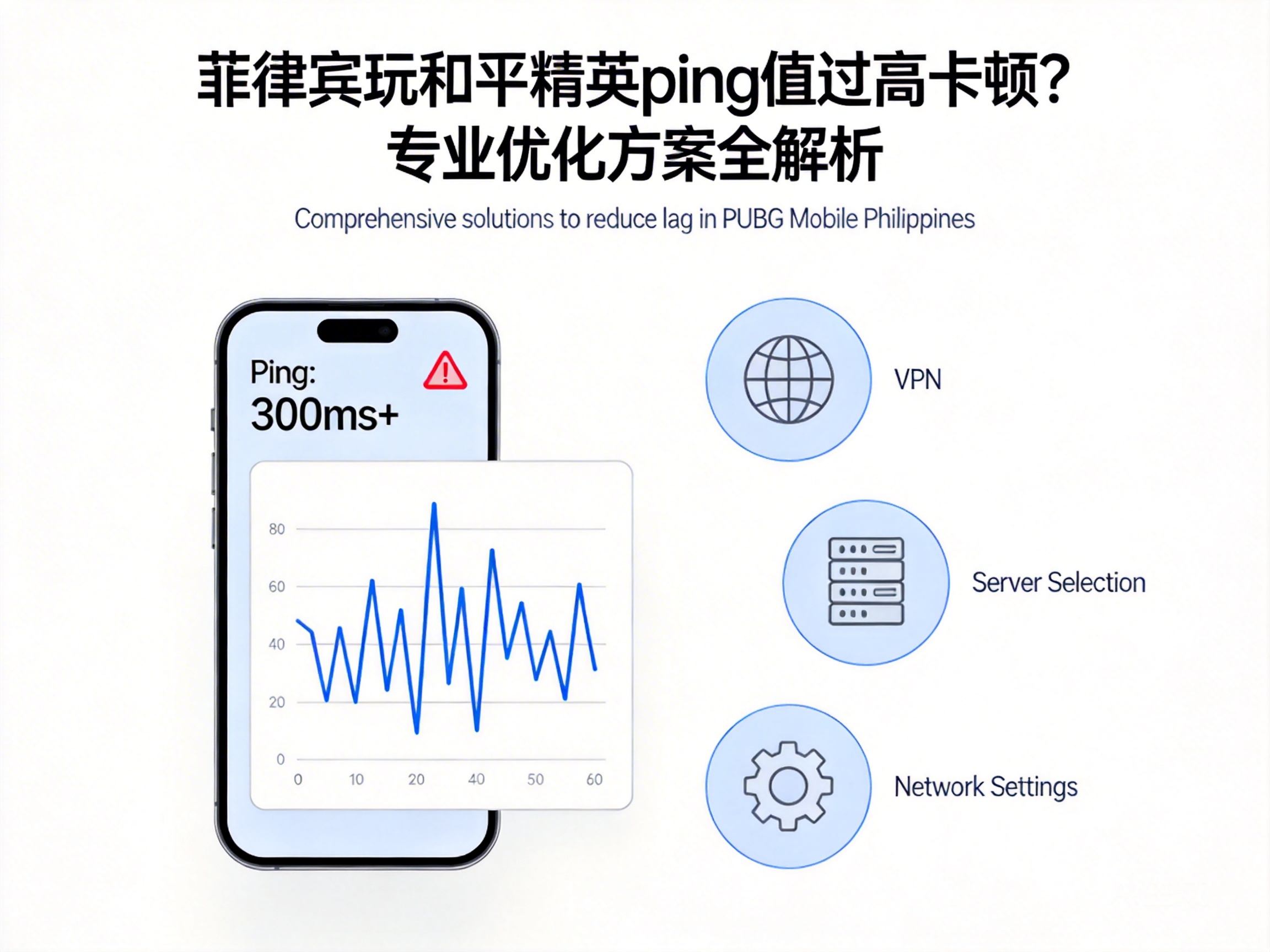
Many PUBG Mobile players in the Philippines have encountered issues like high ping and lag, which can cause missed opportunities in battles, ruin gaming experiences, and even hurt account records. These problems are not unsolvable; by identifying core causes and implementing targeted network optimizations and device adjustments, you can effectively reduce latency and restore smooth gameplay. This article provides professional, actionable solutions tailored to the local network environment in the Philippines.
1. Troubleshoot Local Network Environment: Start with Basic Link Issues
One of the core causes of high ping is unstable local network links or insufficient bandwidth. First, confirm your current network type: mobile networks from local Philippine operators like Globe and Smart often experience bandwidth congestion during peak hours in densely populated areas.
- Prioritize wired connections: If using a desktop or a tablet with wired support, connect directly to the router via an Ethernet cable. This avoids wireless signal interference and improves stability by over 30%.
- Test real-time bandwidth: Use tools like Speedtest to measure current download/upload speeds. PUBG Mobile only requires over 5Mbps download bandwidth, but upload bandwidth needs to be at least 1Mbps; otherwise, upload latency will cause artificially high ping.
Note: In remote areas of the Philippines, operator base station coverage may be insufficient. When mobile signal strength is below -85dBm, frequent packet loss occurs, directly pushing ping values higher.
2. Choose a Suitable Game Accelerator: Core of Cross-Region Network Optimization
PUBG Mobile servers are mainly deployed in mainland China, Southeast Asia, and other regions. When players in the Philippines directly connect to mainland servers, the traffic passes through multiple international backbone networks, and route detours are the main cause of high ping. At this point, the intelligent routing technology of professional game accelerators can effectively solve this problem.
First, choose an accelerator with Philippine nodes. These accelerators deploy local transit nodes, transmitting game traffic to the target server via optimized dedicated links, reducing the number of route hops.
- Prioritize brands with local Philippine nodes: Such as Xunyou, UU Accelerator, etc. Some brands also set up exclusive acceleration channels for PUBG Mobile, reducing ping from over 200ms to under 80ms.
- Avoid free accelerators: Free accelerators usually have limited node bandwidth and may become congested during peak hours, worsening latency. It is recommended to choose paid stable versions.
3. Device and Game Settings Optimization: Reduce Terminal-Side Performance Consumption
In addition to network issues, insufficient device hardware performance or unreasonable game settings can also cause lag similar to high ping, and many players mistake frame rate stuttering for network latency.
First, close redundant background apps: Popular social apps in the Philippines like Facebook and Messenger continuously occupy network bandwidth in the background. Closing them can free up at least 10% of network resources.
Then adjust in-game settings:
- Reduce screen resolution to 70%-80% of the device's native resolution, turn off non-essential effects like anti-aliasing and dynamic shadows to reduce GPU load.
- Enable the built-in "Network Optimization" feature: PUBG Mobile's built-in network optimization module can automatically adjust data packet transmission strategies to reduce packet loss.
Note: If your device's processor is Snapdragon 660 or lower, it is recommended to set the frame rate to "Medium" to avoid mistaking frame stuttering caused by performance bottlenecks for network latency.
4. Upgrade Operator Network Packages: Long-Term Solution for Local Bandwidth Issues
If the above solutions still fail to resolve high ping, it may be due to insufficient bandwidth or incompatible network types of your current operator package. Local Philippine operators have launched exclusive packages for gamers, such as Globe's Gamers Pack and Smart's Game Boost package.
These packages allocate dedicated bandwidth channels for game traffic, avoiding resource competition with regular internet traffic, and significantly improving network stability during peak hours. Some packages also include free game accelerator services to further reduce cross-region latency.
- Compare game traffic quotas of packages: Prioritize packages with exclusive free traffic for PUBG Mobile to avoid speed limits caused by exhausted traffic.
- Test operator signals: Test signal strength of different operators in your usual gaming location, and switch to the operator with stable signals and lower game latency.
Summary
For players in the Philippines facing high ping and lag in PUBG Mobile, troubleshooting and optimization should be carried out from four dimensions: local network, acceleration tools, device settings, and operator packages. Start with basic network links, optimize with intelligent routing of professional game accelerators, and adjust device performance. In most cases, ping can be controlled within an acceptable range, restoring smooth gaming experiences.