Introduction
As an international esports IP, the 2026 Global Pioneer Series has attracted a large number of local players in Ghana to participate in online qualifiers and watch events. However, the limitations of Ghana's basic network infrastructure have led to frequent network fluctuations and disconnections for players, directly affecting their competition experience and performance. This article provides professional, actionable troubleshooting and solutions based on the characteristics of Ghana's network environment.
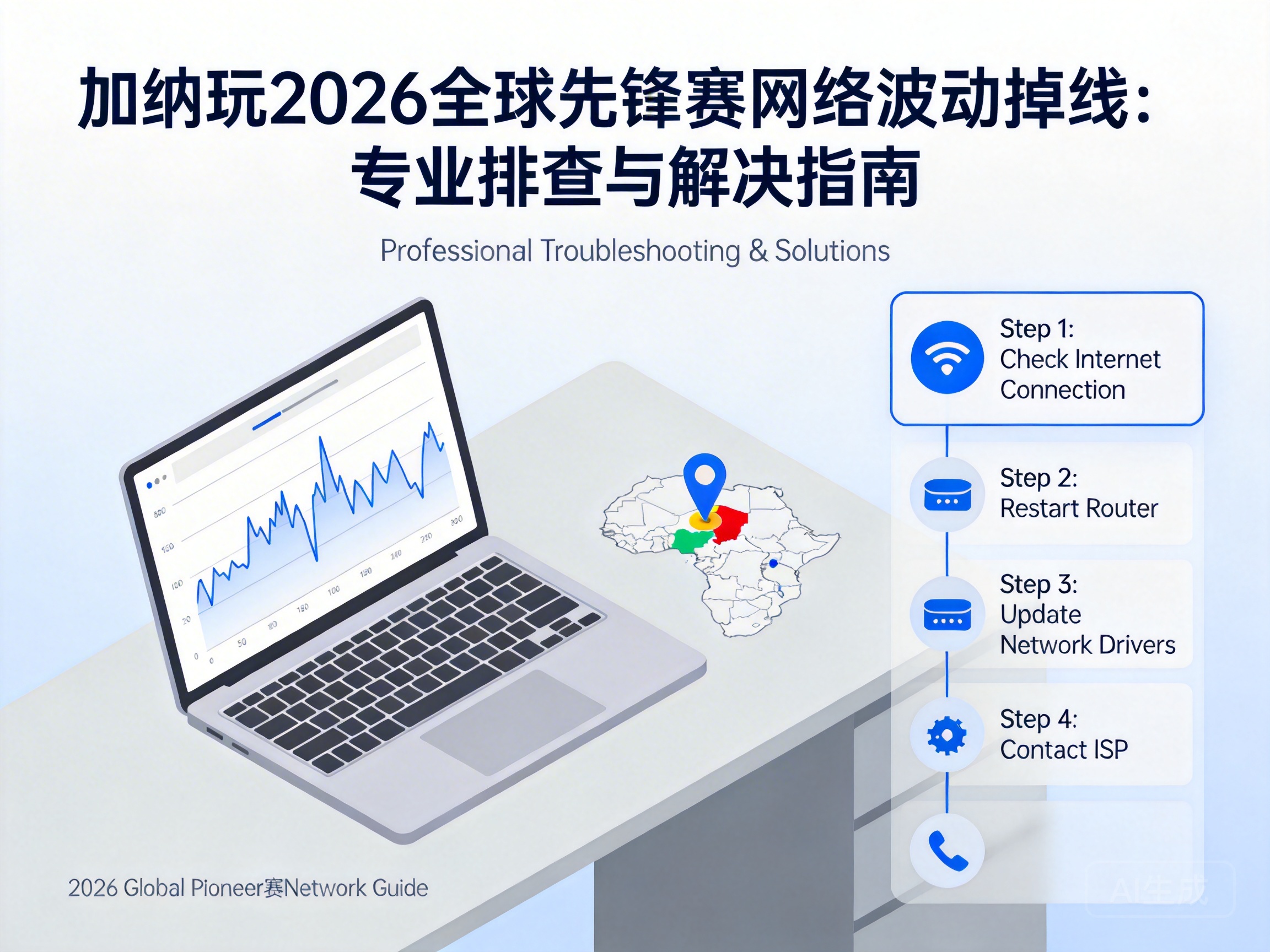
1. Troubleshoot Local Network Hardware and Basic Connection Issues
Players first need to rule out local hardware failures, which are common causes of network problems. Start by checking the operating status of the router and optical modem, and verify if the device indicator lights are normal. If a red warning light appears, restart the device and wait 10-15 minutes for the network module to complete reset.
Next, prioritize a wired Ethernet connection over WiFi. WiFi signals in Ghana's urban areas are susceptible to interference from dense buildings and electromagnetic devices, and wired connections are 3-5 times more stable than WiFi, effectively reducing the probability of disconnections caused by signal attenuation.
Finally, test the quality of the local basic network using official speed test tools from major Ghanaian operators (such as MTN Speedtest) to check bandwidth and packet loss rate. If the packet loss rate exceeds 2%, contact the operator for on-site line fault troubleshooting.
Tip: If using a laptop to participate, turn off functions that occupy wireless channels such as Bluetooth and hotspots to avoid signal conflicts.
2. Network Optimization Settings Adapted to Tournament Servers
The 2026 Global Pioneer Series tournament servers are mostly deployed in European or North American nodes, and congestion on the transoceanic links from Ghana's local network to these nodes is one of the core causes of fluctuations. Players can optimize transoceanic transmission efficiency by modifying device network parameters.
First, manually set the DNS server to replace the default operator DNS. Google Public DNS (8.8.8.8) or Cloudflare DNS (1.1.1.1) are recommended. These global DNS servers have wider node coverage, reducing domain name resolution delays and failure rates, and avoiding disconnections caused by resolution timeouts.
Second, enable the QoS traffic management function (supported by some routers), set the network priority of the tournament client to the highest, and limit the bandwidth proportion of large-traffic applications such as video and downloading, ensuring that tournament data transmission gets an exclusive channel.
Finally, turn off the "smart routing" function in network acceleration software. Some acceleration software automatically switches nodes, leading to frequent reconnections. It is recommended to manually select a fixed European transit node to maintain connection stability.
3. Choosing Professional Network Acceleration Solutions Adapted to Ghana's Network
If local optimization fails to solve the problem, professional network acceleration tools are needed to specifically optimize congestion on transoceanic links. Currently, acceleration tools on the market must meet the core requirement of adapting to Ghana's operator networks.
First, prioritize acceleration services with transit nodes in Africa. These nodes can directly access the backbone network of Ghana's local operators, reducing the number of hops in transoceanic transmission. For example, nodes deployed in Johannesburg, South Africa by some international acceleration services can reduce transoceanic latency by 20%-30%.
Second, choose tools that support UDP protocol acceleration. The tournament data of the 2026 Global Pioneer Series is mainly transmitted using the UDP protocol. UDP acceleration can prioritize forwarding data packets for this protocol, reducing packet loss and retransmission times.
Finally, test the stability of the acceleration service. You can detect packet loss rate and latency fluctuations during the free trial period. If the latency fluctuation exceeds 50ms for 10 consecutive minutes, it is recommended to switch to another acceleration service.
Note: Choose compliant acceleration services to avoid account security risks caused by unregistered tools.
4. Supplementary Optimization Measures for Tournament Client and Device System
In addition to network-level optimization, settings of the tournament client and device system also affect connection stability. Players need to adjust settings according to the characteristics of the 2026 Global Pioneer Series client.
First, turn off the "HD live broadcast synchronization" function in the tournament client. This function transmits both tournament footage and competition data simultaneously, occupying additional bandwidth. If local network bandwidth is insufficient, it may cause data transmission interruption.
Second, update the device's operating system and tournament client to the latest version. The latest version usually fixes bugs related to network connections and optimizes the efficiency of data packet transmission. For example, the latest network protocol patch for Windows systems can improve the transmission stability of UDP data packets.
Finally, turn off background functions such as automatic updates and cloud synchronization on the device. These functions occupy network resources in the background, causing the transmission bandwidth of tournament data to be preempted, leading to disconnections or excessive latency.
Conclusion
For network problems encountered by Ghanaian players participating in the 2026 Global Pioneer Series, troubleshooting and solutions should be carried out step by step from four dimensions: local hardware, network settings, professional acceleration, and tournament client optimization. Prioritize troubleshooting local faults, then adapt to transoceanic links through parameter settings, use professional acceleration services when necessary, and finally combine with tournament client optimization. This can effectively reduce the probability of network fluctuations and disconnections, ensuring a smooth competition experience.


