First, understand why you can't access the live stream overseas
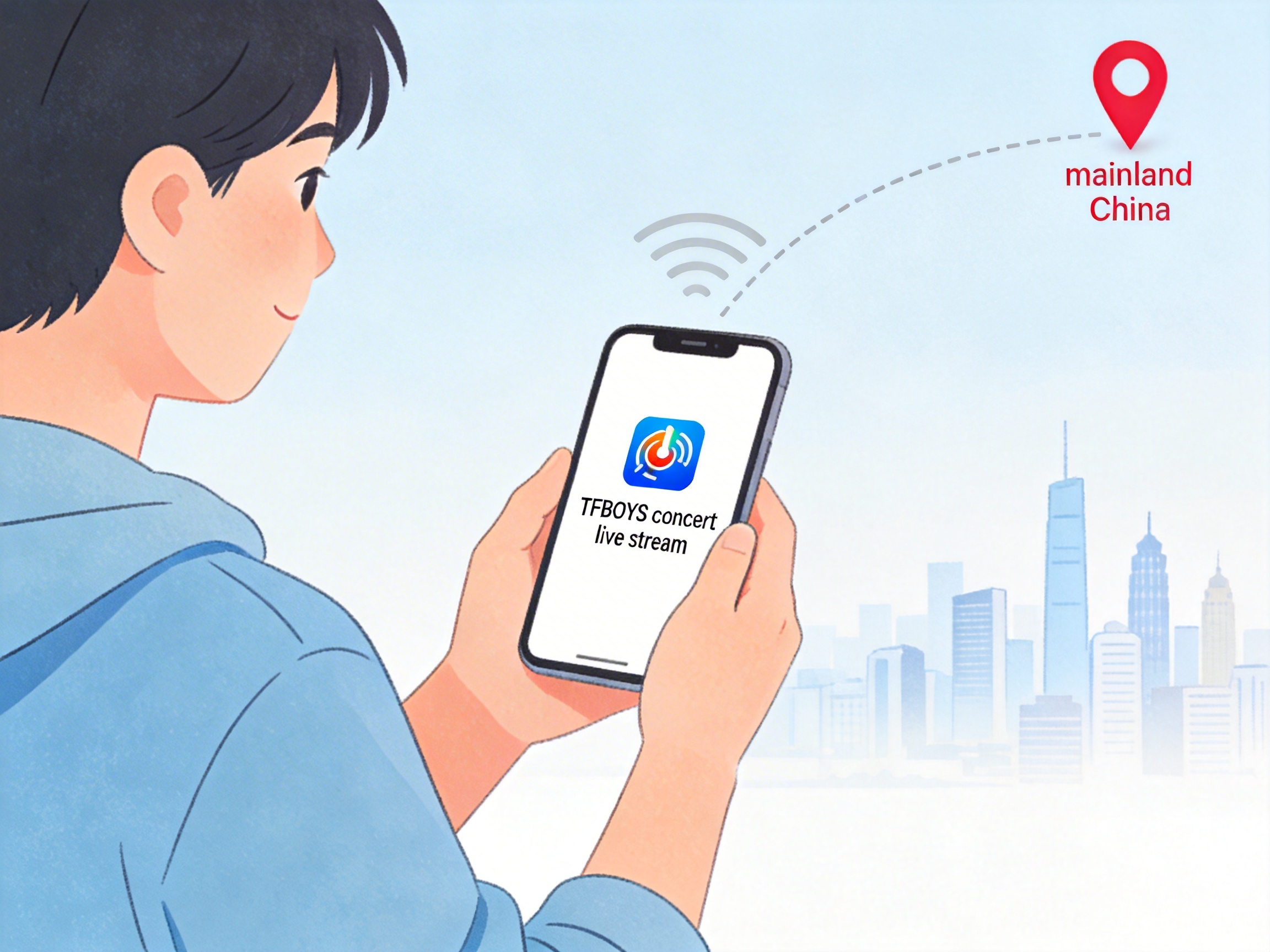
Domestic live streaming platforms holding official broadcast rights, including QQ Music, Kugou Live, and Youku, all enforce regional copyright restrictions. If you're connected to an overseas network, opening the live stream page will either show a "not available in your current region" prompt or get stuck loading, even if you have an active platform membership.
When I tried to watch the 10th anniversary concert in 2023 from Canada, I first loaded the page on local internet, waited 20+ seconds, and got a gray screen saying I had no playback permission. Friends watching at the same time reported the same issue, whether they were in Southeast Asia, Europe, or North America, as long as they were outside mainland China.
3 Tested and Working Solutions
Method 1: Use a China network acceleration tool
This is the most convenient option, no extra devices or new platform accounts required. I tested three mainstream acceleration tools, and when connected to a mainland China node via QuickFox, the QQ Music live page loaded in 3 seconds. There was no buffering at 720p resolution, and only occasional 1-2 second buffering at 1080p high bitrate, with perfectly synchronized audio and video.
- Download the acceleration tool for your device (phone, computer, tablet all have corresponding clients). Download directly from the official website, avoid random third-party installation packages that may carry adware.
- Open the tool, select "Streaming Mode", pick a mainland China server node, preferably one with latency under 50ms for the best performance.
- Keep the tool running in the foreground, open your chosen live streaming platform, refresh the live page, and it should load normally.
The benefit of this method is that you don't need to purchase extra platform memberships. Your existing QQ Music or Youku membership will work as normal, and all features like live comments and gift interactions are fully functional, identical to the experience of watching inside mainland China. Note that you should choose a tool specifically built for media streaming. General work-focused acceleration tools may cause the stream to buffer constantly - I tried a work VPN once, and it buffered 3 times in 10 minutes, each time taking 30 seconds to recover.
Method 2: Ask friends or family in China to screen cast remotely
If you have friends or family in China who also want to watch the concert, you can ask them to sync the live stream to your device via screen casting software. This method requires no extra payment and has no copyright restriction issues. A friend of mine used this method for last year's concert: her family in China opened the stream on Youku and shared their screen via Tencent Meeting, and she joined from Australia. The quality was 480p, with occasional 2-3 second delay, but no buffering throughout, and she could see the live comments.
- Ask your contact in China to download the required live streaming platform in advance, confirm their account has viewing permission, and test playback 15 minutes early to avoid issues.
- Both parties join the same screen sharing app. Tencent Meeting is recommended over Zoom for more stable access in China.
- The person in China starts screen sharing, select the live platform window specifically instead of sharing the entire desktop to avoid privacy leaks.
- The overseas viewer watches directly in the shared screen. If the volume is too low, ask the sharer to turn up their device volume or enable system audio sharing.
The downside of this method is that quality depends on both parties' network conditions. If the contact in China has insufficient upload speed, the picture will be blurry, and the delay is higher than using an acceleration tool, so you can't sync comments with other viewers in real time. If the concert has limited merchandise drops during the stream, this delay may cause you to miss out on limited items.
Method 3: Use rebroadcast links on overseas platforms
Some concerts authorize official accounts on YouTube or Twitter to stream simultaneously, but this depends on official arrangements and is not available for every show. I checked before, and the TFBOYS 10th anniversary concert had no official overseas rebroadcast, only fan-uploaded clips, most of which were 720p with over 10 minutes of delay, and some cuts removed ads and intermission segments.
If you use this method, check TFBOYS' official overseas social media accounts in advance for rebroadcast announcements. Don't click random links shared by fans, as many are phishing sites or have forced download ads. If you can't find an official rebroadcast link, avoid this method to prevent privacy leaks.
Performance Comparison of Different Methods
I've compiled test data for the three methods so you can choose based on your needs:
- Acceleration tool: Up to 1080p quality, <1s delay, requires monthly acceleration tool subscription, supports live comment interaction, suitable for users who want high-definition experience and real-time interaction with domestic viewers
- Remote screen cast: Up to 480p quality, 2-5s delay, no extra cost, no real-time interaction, suitable for users who have contacts in China to help and don't have high quality requirements
- Overseas rebroadcast: Up to 720p quality, 10+ minutes delay, free, mostly no live comments, suitable for users who can't use other methods and just want to watch the full content
Testing in advance is critical. No matter which method you use, test access to a domestic video platform 1 day before the concert to avoid last-minute issues that make you miss the opening. I tested 3 hours early last year, found my acceleration tool node wasn't connecting, switched to a different node, and was ready just in time for the show start.
Frequently Asked Questions
Q: I already have a QQ Music membership, do I need to buy a new one after using the acceleration tool?
No, the acceleration tool only changes your network environment to appear as if you're in China. Your existing membership permissions remain valid, just log in to your original account to watch.
Q: Is there a risk of my account being banned for using an acceleration tool to watch the live stream?
There have been no reported cases of users being banned from platforms for using acceleration tools to watch concert streams. As long as you use a正规 acceleration tool and don't violate platform rules like recording and distributing the stream or using it for commercial purposes, there will be no issues.
Q: I'm watching on my phone, should I turn off location services?
It's best to disable your phone's location permission. Some platforms check both IP address and location information. If your location shows you're overseas, even if your IP is switched to China, you may still be blocked from viewing.
Q: Can I use the same method to watch the replay after the live stream ends?
Yes, replays have the same regional restrictions as live streams. Switching your network environment with the same method will allow normal playback.
Q: Why can't I watch even after connecting to the acceleration tool?
First check if you selected a mainland China node. Some acceleration tools default to Hong Kong or Macau nodes, which some platforms also restrict. If the node is correct, clear the platform's cache or try a different browser. If that still doesn't work, contact the acceleration tool's customer support to adjust your connection line.