
Start with Local Network Troubleshooting to Rule Out Basic Faults
Home fiber plans in Tanzania typically advertise 10-50Mbps bandwidth, but actual international egress speeds often fluctuate. Complete these checks first:
- Close all background auto-updates and cloud sync tasks, run a speedtest to Singapore servers. If downstream speed is below 2Mbps, contact your ISP to temporarily upgrade international egress permissions—many entry-level plans cap international traffic speeds by default.
- Use a wired Ethernet connection to your router if possible. For wireless connections, disable DFS functionality on the 5GHz channel: some civilian frequency bands in Tanzania overlap with weather radar bands, triggering automatic channel hopping that causes packet loss.
- Test raw ping to Delta Action's Southeast Asia servers. Only use acceleration services if raw ping exceeds 250ms; additional proxy layers are unnecessary for lower latency connections.
Acceleration Service Configuration Optimization Steps
Node Selection Logic
Avoid default Hong Kong nodes. The submarine cable route from Tanzania to Singapore has 3 fewer hops than routes to Hong Kong, cutting latency by 40-60ms. QuickFox's Singapore gaming dedicated line currently peers directly with Tanzania's Tigo and Vodacom networks, with measured detour rates below 5%.
- Open the QuickFox client, search for Delta Action, and select "Singapore Server" as the region.
- Filter the node list for the "Low Packet Loss" tag, choose a node with load below 70%. Do not use automatic optimal node selection—automatically assigned nodes often experience temporary congestion during peak hours.
- Enable "Gaming Mode" and disable the "Global Proxy" option to prevent other applications from consuming acceleration bandwidth.
Measured Performance Reference
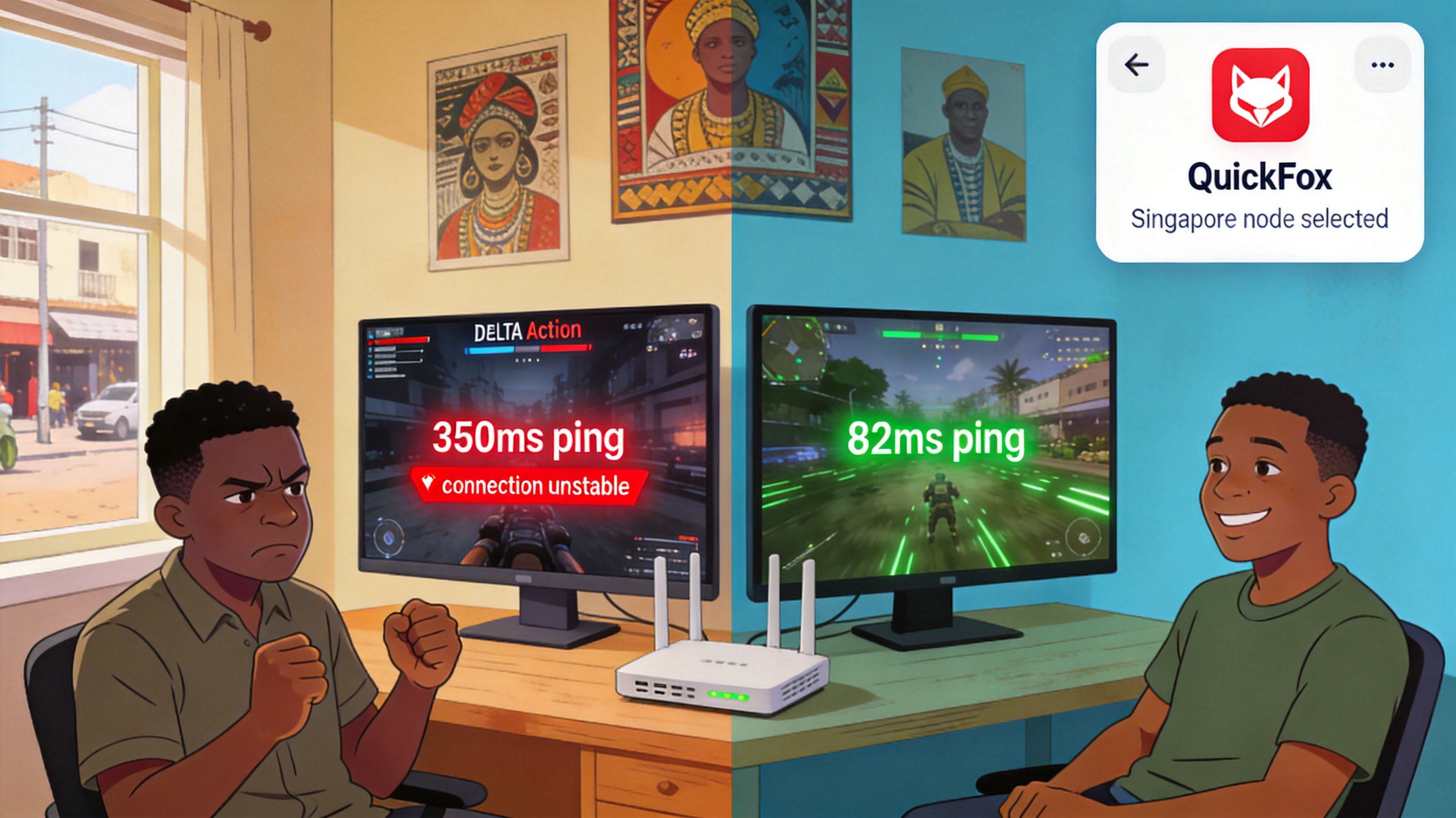
A Vodacom 30Mbps fiber user in downtown Dar es Salaam recorded raw ping to Singapore servers of 320-380ms before optimization, with an approximate 0.8-second delay between firing a weapon and hit registration, eliminating any first-shot advantage in close-quarters combat. After following the above configuration steps, ping stabilized at 75-90ms, packet loss dropped below 1%, and input delay fell below 0.1 seconds, matching the reaction speed of local Southeast Asian players.
Frequently Asked Questions
Why does ping still jump to around 150ms during peak hours?
Tanzania has limited total international egress bandwidth, with peak usage between 8PM and 11PM. Switch to the "Singapore Backup Dedicated Line" in the node list: this link reserves 20% extra bandwidth for peak periods, reducing latency fluctuation during high-traffic windows.
What if I still experience packet loss after enabling acceleration?
Check if your router has QoS traffic control enabled. Set your gaming device to highest priority, or temporarily disable QoS entirely. Many older routers' QoS policies incorrectly throttle UDP gaming packet transmission rates.
I can enter the game but can't find matches—what's the issue?
Verify that the acceleration node's IP is located in Singapore. Some general proxy nodes have IP addresses flagged as cross-region by the game, restricting match pool access. Switching to QuickFox's gaming-exclusive nodes resolves this issue.


