
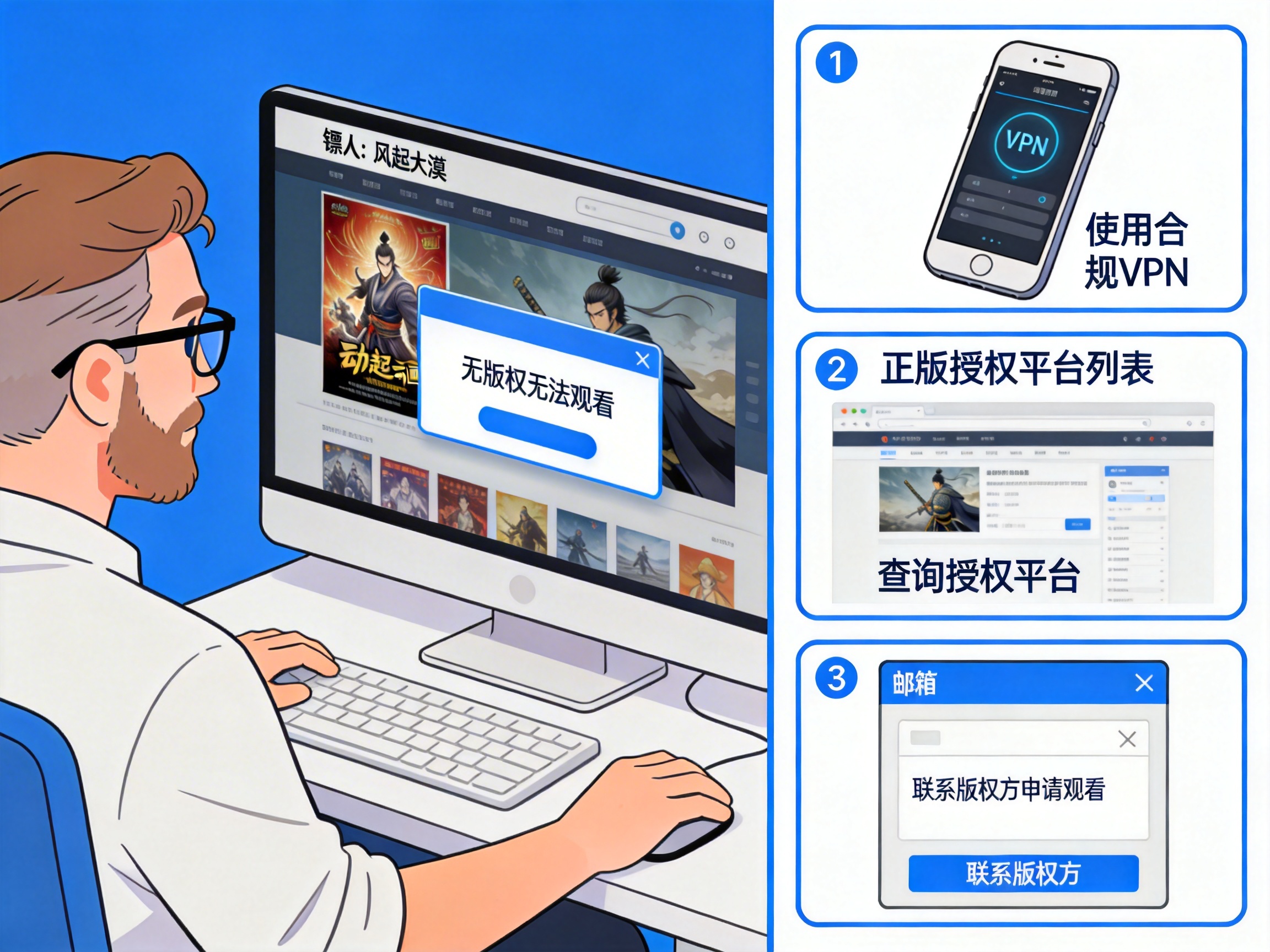
Last week, I had a dinner with several donghua fans from the University of Warsaw, and everyone was talking about *Blades of the Guardians: Desert Storm*, saying the fight scenes are even better than the first season. When we pulled out our phones to watch an episode together, all three of us got geoblocking errors on Tencent Video and Bilibili, even after switching between multiple accounts.
I went through a lot of pitfalls when I was watching the first season: free browser plugins, fan-subbed resources from private groups, either they buffered nonstop, or had missing episodes and spam ads. Before this new season launched, I tested a bunch of solutions, and only two actually work. I’ve also sorted out the most commonly asked questions to save you time.
First, why can’t you watch it in Poland?
It’s not a problem with your account, and your membership isn’t useless. It’s just regional copyright restrictions. The streaming rights for *Blades of the Guardians* that Chinese platforms purchased only cover mainland China. When the platform detects your IP address is in Poland, it will block the content directly, even if you have an annual premium membership.
Some people ask if changing DNS works? I tested it, and it doesn’t. Most platforms now use multi-layer IP detection. Even if you change your DNS, your actual IP is still in Poland, so you’ll still get blocked. What about free browser plugins? Most of those steal your bandwidth. I tried one last time, and after watching one episode, it used 20GB of background data and popped up endless gambling ads that were impossible to delete.
Two tested working solutions
Method 1: Use a China VPN (back-to-China accelerator) to get a mainland IP
This is the method I use now, the most hassle-free one. Essentially, it adds a relay to your network, replacing your Polish IP with a domestic Chinese IP, so the platform will judge that you are in mainland China, and you can unlock the copyrighted content normally.
I use QuickFox, which I’ve been using for playing Genshin Impact on Chinese servers for years. When testing it for *Blades of the Guardians*, 1080P high bitrate streams on Tencent Video didn’t buffer at all, and seeking through the progress bar loaded instantly. I never got kicked back to the geoblocking error mid-episode. It’s easy to use too, available on both mobile and desktop. Just open it, select "Video Mode" and connect, no need to adjust any parameters yourself. After connecting, just open your streaming app and it works normally.
Don’t use those free accelerators. I tried two cheap ones before, either they have longer ads than the actual content, or they can’t unlock the copyright at all, some even throttle speed so bad that 480P buffers constantly. Watching a fight scene is like watching a slideshow, which completely ruins the experience.
Method 2: Ask friends/family in China to screen record or cast to you
If you have friends or family in China who are also watching the show, you can ask them to use Tencent Video’s cloud casting feature, or just send you screen recordings. The advantage of this is that you don’t need to install extra software, zero cost, but the downsides are obvious:
First, the image quality is heavily compressed. The screen recordings they send are at most 720P, and you can’t see the details of big fight scenes in *Blades of the Guardians* — the texture of sandstorms and the light effects of blades are all blurry. Second, synchronization is a nightmare. You have to wait for them to have time to record, so you can’t follow the latest updates. Everyone else is discussing the newest episode while you’re still waiting for episode 3, no sense of participation at all. Third, if they accidentally exit or buffer mid-recording, you have to wait for a re-recording, which is too much trouble.
I tried this once, and the second episode my friend recorded was missing 3 minutes of fight scenes, so I ended up watching it with an accelerator anyway. This is only suitable for people who just want to follow the plot and don’t care about image quality.
Important warnings you need to know
Don’t search for Baidu Cloud resources or pirated streaming sites. I almost fell for this before, clicking into sites that either make you download random players, or are full of pop-up ads. Some resources even have embedded malware. A classmate of mine downloaded a pirated resource pack once, and all his assignment files on his computer were locked, costing him hundreds of zloty to recover. Also, pirated resources often have bad translations, and are missing ending songs and post-credit clips, which is really annoying.
When using an accelerator, remember to select a dedicated video line, don’t use a gaming line to watch videos. I switched lines by mistake before, connected to a Chinese server gaming line to watch *Blades of the Guardians*, and it buffered every 10 minutes. I asked customer service later and found out that gaming lines and video lines are optimized for different uses. For streaming, just select video mode, it has lower latency and no buffering.
If you use Cloud Aurora (Tencent Video’s TV app) on your smart TV, you need to install the accelerator on your router level. Mobile accelerators won’t work for the TV end. Don’t waste time trying to get around that — either cast from your phone to the TV, or flash your router to install an acceleration plugin. For regular users, casting from your phone is the easiest option.
Frequently asked questions
Q: I already paid for a Tencent Video membership in China, can I still use it with an accelerator?
Absolutely. Membership benefits are tied to your account, not your location. As long as your IP is in China, your membership works normally: ad-skipping, 1080P high bitrate, exclusive clips, all work as usual. I have an annual membership myself, and after connecting with the accelerator, it’s exactly the same as watching in China.
Q: Will using an accelerator steal my account password?
Not if you pick a正规 (legitimate) one. I’ve used QuickFox for almost 3 years, and never had any account abnormality issues. I can’t say the same for small, unknown free accelerators, since they need to make profit somehow — either by selling ads or selling user data. It’s safer to pick a well-established brand with a large user base.
Q: Does this work for other Chinese donghua, dramas and variety shows too?
Yes. Any copyrighted content on Chinese platforms, whether it’s Bilibili’s original donghua, iQiyi dramas, Mango TV variety shows, can be unlocked this way. I also use it to watch *Xinwen Lianbo* (CCTV News) and CBA live streams, all work fine.
Q: Does it use a lot of data?
It’s the same as watching videos normally. 1080P uses about 1-2GB per hour. If you’re on WiFi, you don’t have to worry about it at all. If you’re using mobile data, it’s about the same as watching YouTube.
There’s really no need to go through so much trouble just to watch a show. I used to waste hours hunting for resources and testing plugins, and finally found that using an accelerator is the most convenient. It costs about the same as a cup of milk tea per month, and you can watch whatever you want immediately, no waiting for updates, no risk of malware. A show with production quality as good as *Blades of the Guardians* deserves to be watched in official high definition — the smoothness of the fight scenes is nothing compared to pirated versions.
If you have any other questions, leave them in the comments. I’ve lived in Poland for 4 years, and I’ve stepped on almost all the pitfalls in this area, so I can help you avoid them.