Introduction
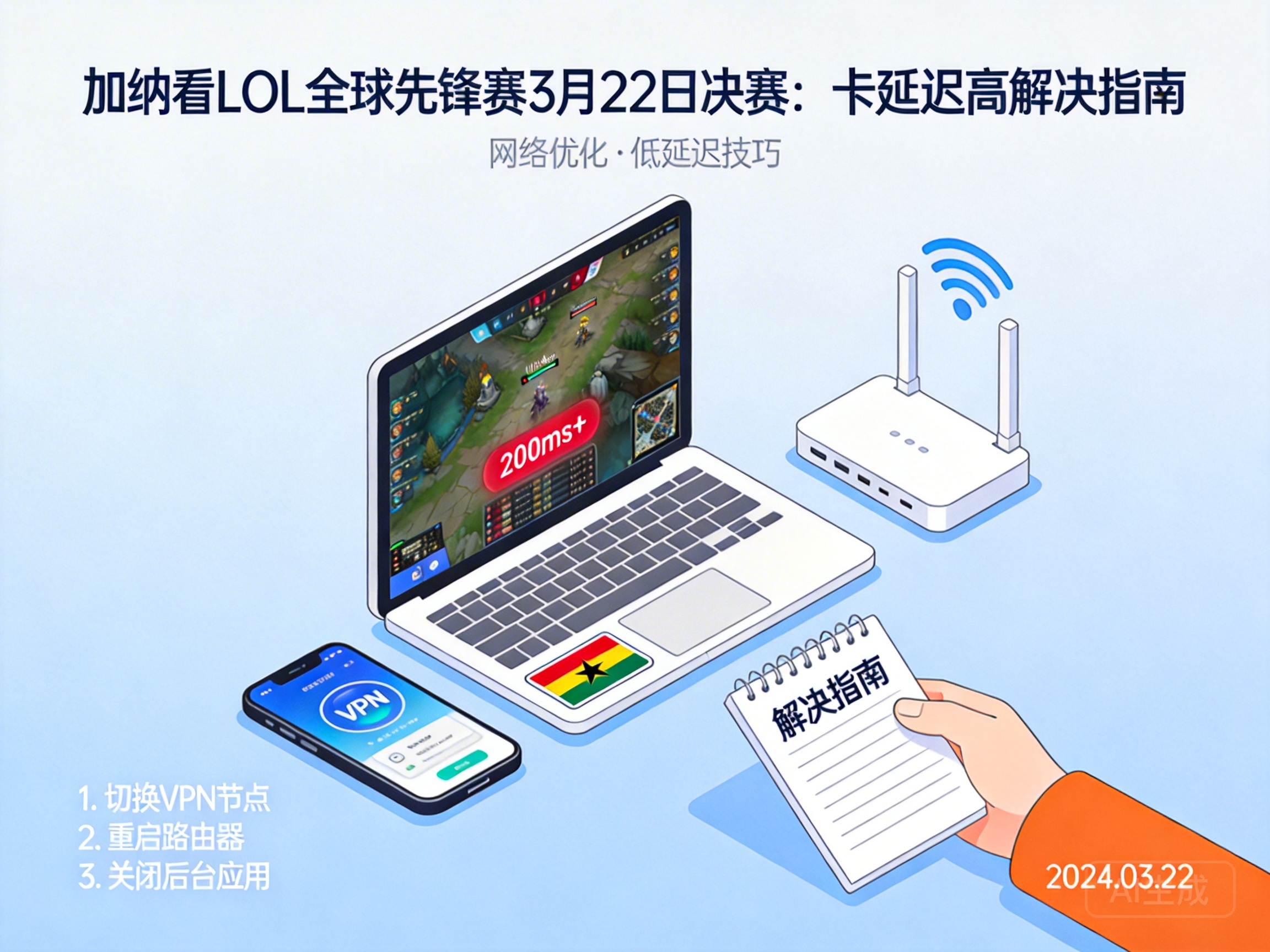
The League of Legends Global Vanguard Finals on March 22 is just around the corner, but many summoners in Ghana are facing a frustrating problem: constant buffering and high ping that makes it hard to follow the players' moves. This is mostly caused by cross-regional network transmission issues. With the right solutions, you can enjoy the entire peak match smoothly. Here are some practical fixes to try.
Choose Locally Optimized Streaming Platforms
Many Ghanaian players prefer to use the official tournament platform directly, but most official servers are located in Europe, America, or East Asia. Cross-ocean signal transmission often leads to packet loss. We recommend prioritizing streaming platforms with local partnerships in Ghana. These platforms sync tournament signals to local nodes in advance, shortening data transmission distance and significantly reducing lag and buffering.
If local platforms are not available, opt for global streaming services like YouTube or Twitch. They have dedicated content delivery nodes in Africa, offering more stable connections than direct official links. Remember to choose standard or high-definition quality instead of 4K, as 4K requires extremely high bandwidth that most ordinary networks in Ghana cannot support.
Optimize Local Network to Reduce Unnecessary Consumption
Besides platform issues, unnecessary bandwidth consumption in your local network can also cause buffering. First, close background download software and cloud sync tools, as these programs take up a lot of bandwidth, leaving little for the live stream. If you're using WiFi, switch to a wired Ethernet connection—WiFi signals are easily interfered by walls and electronic devices, and are far less stable than wired connections.
You can also try restarting your router. Routers running for long periods cache a lot of useless data; restarting clears the cache and restores optimal transmission performance. If you share the network with others, coordinate with them to avoid bandwidth-heavy activities like movie downloads or online gaming during the live stream.
Pro Tip: Use a professional speed test website to check your bandwidth. Make sure your available bandwidth is at least 2Mbps for smooth HD live streaming.
Use Network Acceleration Tools for Cross-Regional Transmission
If the above methods don't work, the problem is likely with cross-regional network routing. In this case, you can use network acceleration tools. Reputable acceleration tools optimize data transmission routes, bypass congested international nodes, and connect directly to the tournament platform's optimal servers, effectively reducing lag and packet loss.
When choosing an acceleration tool, prioritize products with African acceleration nodes, as they are better adapted to Ghana's network. Remember to turn off other network tools like VPNs before use to avoid conflicts that could affect acceleration. Free tools usually have limited nodes and may get congested during peak hours, so professional paid services are a better option if possible.
Conclusion
In summary, when Ghanaian players encounter lag and buffering while watching the League of Legends Global Vanguard Finals, start by adjusting the streaming platform and local network, then consider using acceleration tools for cross-regional transmission. Following these steps will greatly improve stream smoothness, so you won't miss any exciting plays.




