
Introduction
Many players in Tanzania who want to play the popular domestic mobile game Eggy Party often face issues like high ping and frequent disconnections. These problems not only disrupt the rhythm of level challenges but also ruin the experience of playing with friends in China. In fact, most of these issues are related to network connection links, and they can be effectively resolved with the right methods.
Optimize Local Network Basic Settings
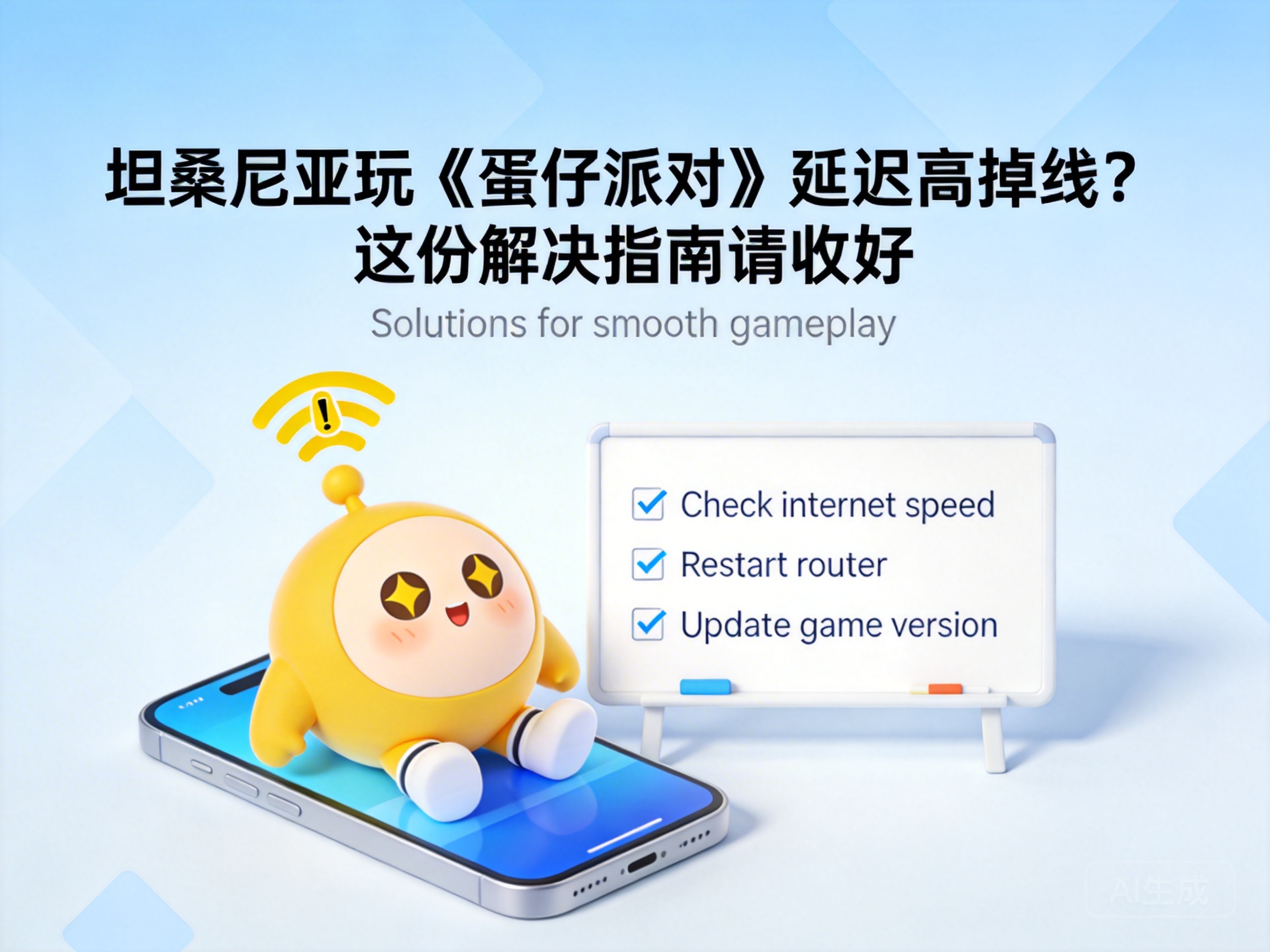
Start with basic local network troubleshooting, which is the first step to solving high ping issues. First, prioritize a wired network connection for your device. Compared to WiFi, wired networks offer stronger signal stability, avoiding problems like weak WiFi signals and heavy interference in some areas of Tanzania. If you have to use WiFi, stay close to the router and turn off other bandwidth-consuming devices, such as computers downloading files or tablets streaming shows.
Next, check your device's network settings to ensure no unnecessary proxies or VPNs are enabled. Unstable nodes from such tools can slow down your network instead of helping. You can also try resetting your router: wait 10 seconds after turning it off before restarting, which can resolve temporary network congestion issues.
Tip: Mobile networks from some Tanzanian operators have limited international link bandwidth, so prioritize fixed broadband networks.
Choose a Suitable International Network Accelerator
If local network optimization doesn't work, you'll need to use a professional international network accelerator. The core function of such tools is to optimize international data transmission links and reduce the number of data transfer nodes, thereby lowering ping and preventing disconnections.
When choosing an accelerator, prioritize services that support Eggy Party and have African nodes. This way, data doesn't need to be routed to other continents, significantly shortening transmission distance. When using the tool, find the exclusive acceleration channel for Eggy Party, select the node with the lowest ping, and launch the game only after starting acceleration.
Notes for Using Accelerators
- Close other background apps that use the internet to allocate more bandwidth to the game
- Switch nodes regularly; if the current node is congested, replace it with a backup node promptly
- Choose paid, formal accelerators, as free tools usually have fewer nodes and poor stability
Adjust In-Game Network Settings
In addition to external network optimization, in-game settings can also help improve connection stability. Go to the settings page in Eggy Party, find the network-related options, and manually switch the server region to a Southeast or East Asian node close to Tanzania. Avoid automatic matching to prevent being assigned to a congested long-distance server.
At the same time, turn off non-essential in-game features like real-time voice chat and dynamic background loading. These features consume extra network bandwidth and worsen high ping issues. After adjusting the settings, restart the game to make them take effect, then test the connection stability.
Summary
High ping and disconnections when playing Eggy Party in Tanzania are mostly caused by unstable international network links. By following the steps of local network optimization, accelerator selection, and in-game setting adjustment, you can effectively improve your gaming experience. If none of the methods work, contact the game's official customer service to report regional network adaptation issues.


