Introduction
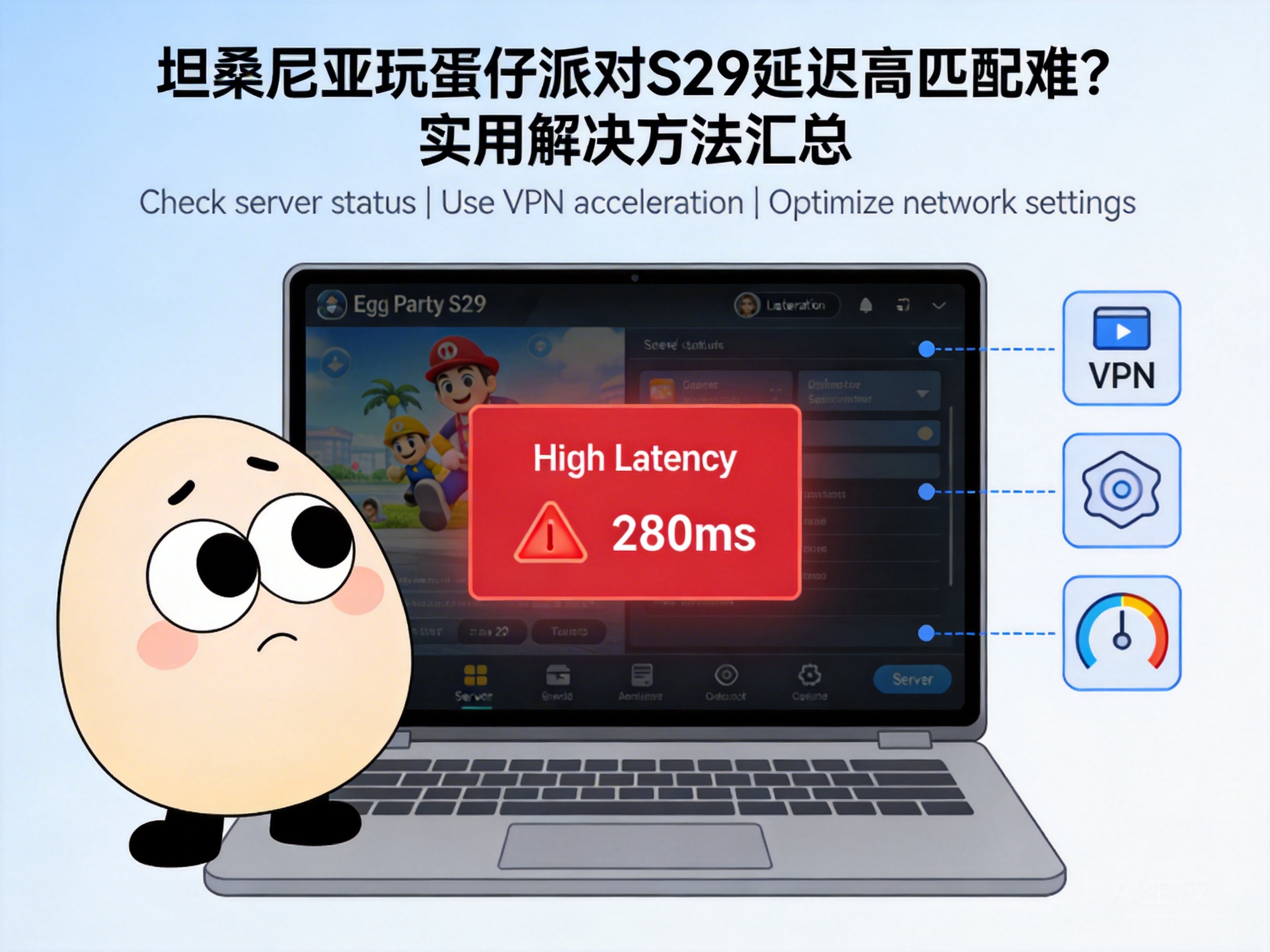
Many Egg Party players in Tanzania have recently complained about extremely high latency since the launch of Season 29: Enchanted Heart. Not only does it ruin precise in-game operations, but matchmaking can take over ten minutes or even fail entirely. In fact, this situation is mostly related to regional network differences, so there’s no need to rush to uninstall the game. Try the targeted solutions below to improve your experience.
First, Troubleshoot Basic Local Network Issues
Often, the root cause of high latency isn’t the game server, but small problems with your local network. First, check your Wi-Fi connection: move closer to the router or switch to the 5G band (if supported) to avoid wall interference and signal disruption. If using mobile data, confirm that the 4G/5G signal in your current area is stable, and try moving to an open space before attempting matchmaking.
Additionally, close other background apps that use network bandwidth, such as video streaming or download software, as these programs secretly occupy bandwidth and leave insufficient resources for the game. You can also restart your router or phone to clear the device’s network cache—sometimes a temporary network congestion can be resolved with a simple restart.
Tip: Use your phone’s built-in speed test tool to check your current upload and download speeds first, ensuring your basic network speed meets the game’s requirements.
Choose a Suitable Game Acceleration Tool
Since Tanzania is far from Egg Party’s domestic servers, latency from cross-regional network transmission is the core issue. At this point, a dedicated game accelerator is needed to optimize the connection. Prioritize international version accelerators that support Chinese mobile games, as these tools build exclusive transit lines for game servers, reducing data packet loss and latency.
When using an accelerator, be sure to select the node with the lowest latency. Don’t fixate on a single region; test multiple nodes to find the line that works best with Tanzania’s network. Additionally, choose accelerators with "smart acceleration" functionality, which automatically adjusts the line based on real-time network conditions, eliminating the hassle of manual switching.
Adjust In-Game Network Settings
Egg Party itself has some network-related settings that can be adjusted to alleviate latency issues to a certain extent. Enter the game settings interface, find the "Network Settings" option, and lower the "Graphics Quality" and "Frame Rate" to reduce the game’s data transmission volume and ease network pressure.
In addition, turn off non-essential features like "Real-Time Voice Chat" and "Real-Time Friend Status Sync." These features continuously upload and download data, occupying extra network bandwidth. You can also try switching the game’s server entry—some accelerators offer multiple server options, and choosing an entry with lower load will improve matchmaking success rates.
Switch ISPs or Upgrade Your Data Plan
If the above methods don’t work, the issue may lie with your local internet service provider (ISP). Network quality varies greatly among ISPs in different regions of Tanzania, so ask local game players which ISP has the most stable international network lines.
If you’re on a basic plan, consider upgrading to a higher-bandwidth plan, especially an international data plan, which can improve cross-regional data transmission speeds. However, this method has a higher cost and is more suitable for players who regularly play Chinese mobile games; short-term players should prioritize the free methods mentioned earlier.
Summary
High latency and matchmaking difficulties when playing Egg Party S29 in Tanzania are mainly due to the combined effects of cross-regional network transmission and local network limitations. Start with simple local network troubleshooting, then try using an accelerator and adjusting in-game settings, and finally consider upgrading your network plan. Test these steps one by one, and you’ll find the best solution for yourself to smoothly enjoy the new content of the Enchanted Heart season.




