Introduction
Many players in Tanzania face issues of high ping and constant disconnections when playing PUBG Mobile. Sudden disconnections right before the final circle can ruin the gaming experience and even cause rank drops. In fact, most of these problems are related to network links and device settings, and can be effectively resolved with the right methods. Below are several practical solutions to help you stabilize your gaming network.
Choose the Right Network Operator
Tanzania has multiple mobile network operators, and signal coverage quality varies significantly across regions. It is recommended to prioritize Vodacom or Airtel, as these two operators have the widest base station coverage in Tanzania and more stable 4G/5G signals, providing a solid network foundation for gaming.
If your current operator has poor signal, you can test with a SIM card from another operator. Additionally, try to play in areas with full signal strength, avoiding blind spots like basements or remote suburbs. These areas have significantly higher packet loss rates, which directly cause a spike in ping.
Tip: You can check your current network signal strength in "About Phone - Status Information" in your phone settings. The smaller the value (e.g., -50dBm), the better the signal; the larger the value (e.g., -100dBm), the weaker the signal.
Optimize Network Settings and Device Status
Your phone's network settings and operating status directly affect the network stability of the game. First, close background idle apps, as many background apps secretly occupy network bandwidth, leading to insufficient resources for the game. You can use your phone's "App Management" function to close unnecessary background processes.
Second, enable your phone's "Game Mode". Most brand phones come with this feature, which automatically optimizes network priority, allocates more bandwidth to the game, and restricts network usage by background apps. Additionally, set your phone's network mode to 4G/5G only to avoid frequent switching between 2G/3G and 4G, which causes network fluctuations.
Finally, regularly clear your phone's cache and junk files to avoid system lag caused by insufficient storage, which indirectly affects the transmission efficiency of network data.
Use Professional Game Acceleration Tools
If basic network and device optimization do not resolve the issue, you can try using professional game acceleration tools. These tools optimize network links, bypass congested nodes, and connect directly to the game's overseas servers, effectively reducing ping and packet loss rates.
When choosing an acceleration tool, prioritize products that support PUBG Mobile and have nodes in Tanzania. When using it, open the acceleration tool first, select the corresponding game's acceleration node, and wait for the acceleration to succeed before launching the game. Note that some free acceleration tools have unstable nodes, so it is recommended to choose reputable paid tools for more stable acceleration effects.
Tip: Before accelerating, test the latency of different nodes and connect to the one with the lowest latency and 0 packet loss rate.
Conclusion
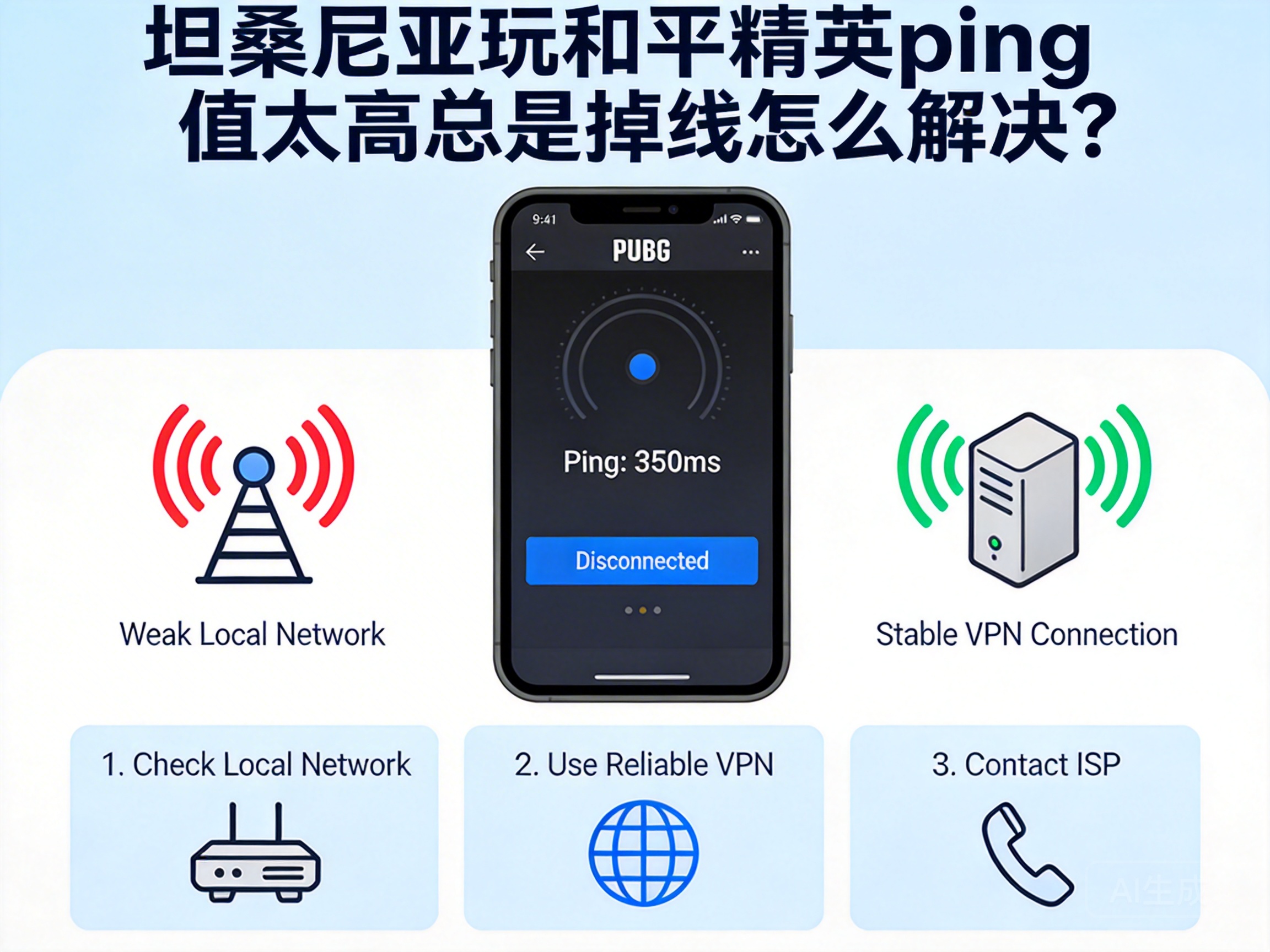
High ping and disconnection issues when playing PUBG Mobile in Tanzania can be solved mainly from three aspects: network operators, device settings, and acceleration tools. First, check the basic network signal, then optimize your phone's operating status, and finally use professional tools to make up for link shortcomings. This will effectively improve the network stability of the game and let you enjoy the competitive fun of PUBG Mobile smoothly.




