Introduction
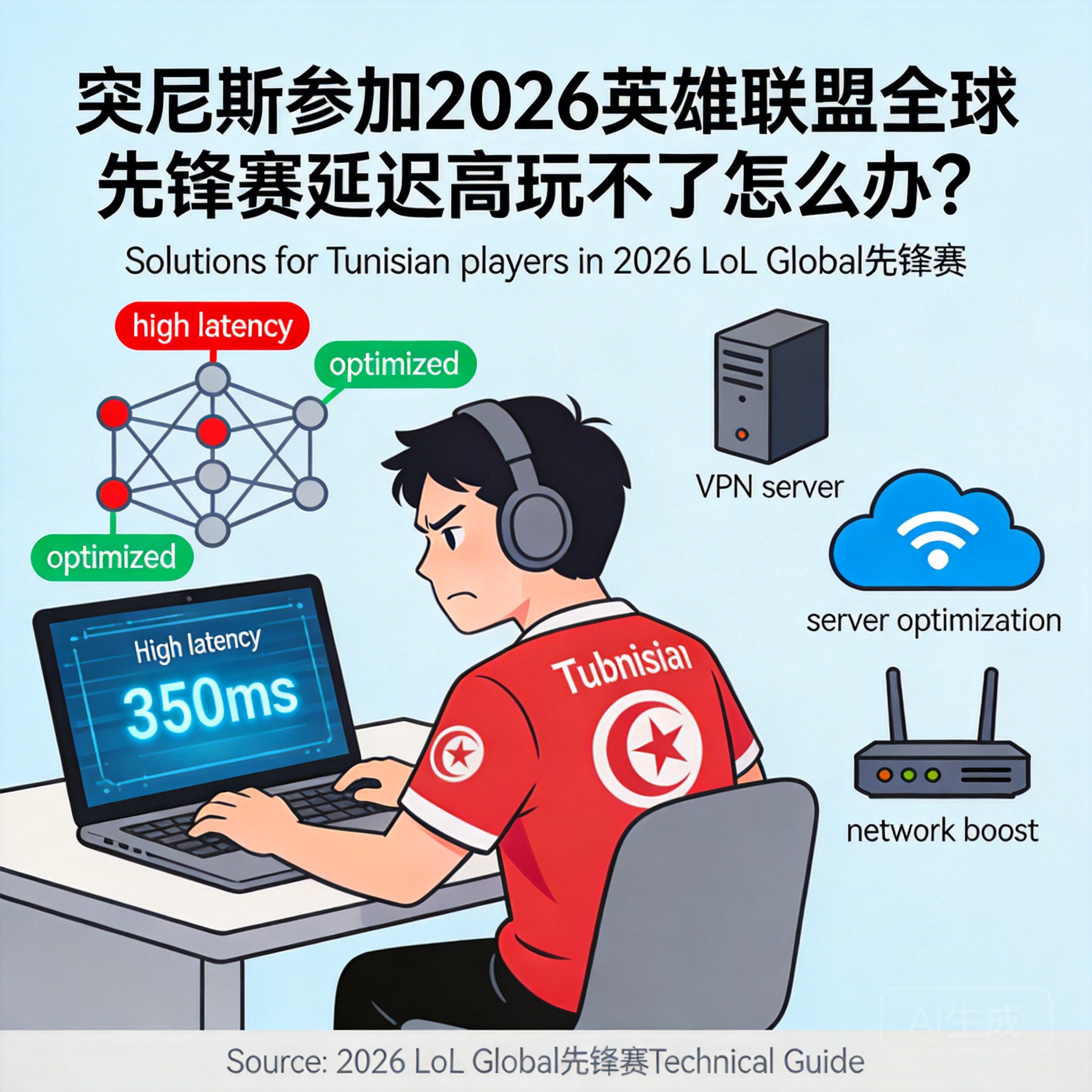
The 2026 League of Legends Global Pioneer Series, a top-tier tournament open to players worldwide, has drawn the attention of many League of Legends enthusiasts in Tunisia. However, numerous Tunisian players have encountered issues like high ping and even connection failures when participating in tournament-related matches, severely impacting their gaming experience. This article provides practical solutions to help Tunisian players resolve these problems and join the tournament smoothly.
Optimize Local Network Environment First
The local network is the fundamental factor affecting game ping, so Tunisian players should start troubleshooting and optimizing here. First, use a wired network connection as much as possible. WiFi signals are easily interfered by walls and electronic devices, while a wired connection can directly reduce ping caused by signal loss. Second, close background programs that occupy bandwidth, such as video downloaders and cloud sync tools, which will divert network resources and block the transmission of game data packets.
Tip: If WiFi is a must, place the router close to your device and avoid putting it near interference sources like microwaves and Bluetooth speakers to improve WiFi signal stability.
In addition, contact your local internet service provider to confirm if your current package bandwidth meets gaming requirements. If not, consider upgrading to a higher-speed package to fundamentally enhance network transmission capacity.
Choose a Game Accelerator Adapted to the Tournament
Since the servers for the 2026 League of Legends Global Pioneer Series are most likely located in Europe or North America, the physical distance between Tunisia and these servers is quite long. Optimizing the local network alone cannot solve the root problem, so a game accelerator is needed. When choosing an accelerator, prioritize providers with special tournament dedicated lines, which are built specifically for the tournament to effectively reduce packet loss and ping during cross-regional data transmission.
When using the accelerator, select a transit node close to Tunisia, such as nodes in southern Europe. The shorter the physical distance, the shorter the data transmission path, and the lower the ping. Meanwhile, avoid running multiple acceleration tasks simultaneously during peak tournament hours to ensure the accelerator's resources are focused on League of Legends tournament matches.
Adjust In-Game Network Settings
Besides external network optimization, adjusting in-game settings can also effectively reduce ping. First, enter the settings interface of the League of Legends client, find the Network Settings option, and enable "Ping Display" to monitor ping changes in real time, which facilitates subsequent adjustments. Second, turn off the "Auto Update" function in the game to avoid background download of update packages during matches, which would occupy network resources.
In addition, disable non-essential visual effects like "Vertical Sync" and "Anti-Aliasing" in the game's graphics settings. These effects increase the device's computing load, indirectly causing delays in data transmission. If your device has limited configuration, you can also appropriately lower the resolution to reduce performance consumption, allowing the system to focus more on processing network data.
Summary
For Tunisian players, resolving high ping issues in the 2026 League of Legends Global Pioneer Series requires coordinated optimization from three aspects: local network, accelerator, and in-game settings. First, check the stability and bandwidth of the local network, then use an adapted accelerator to shorten cross-regional transmission paths, and finally adjust in-game settings to reduce device load. Through these operations, you can effectively lower ping, participate in tournament matches smoothly, and enjoy the fun of competition.




