Introduction
For Teamfight Tactics Mobile players in the US, high ping and network lag have long been core pain points affecting gaming experience—delayed skill activation, lagging unit deployment, or even disconnection at critical moments can ruin a carefully planned match. This article combines network technology principles and real-world player scenarios to provide a practical optimization plan, helping players reduce ping and improve network stability.
Local Network Troubleshooting: Eliminate Hidden Issues from the Local Link
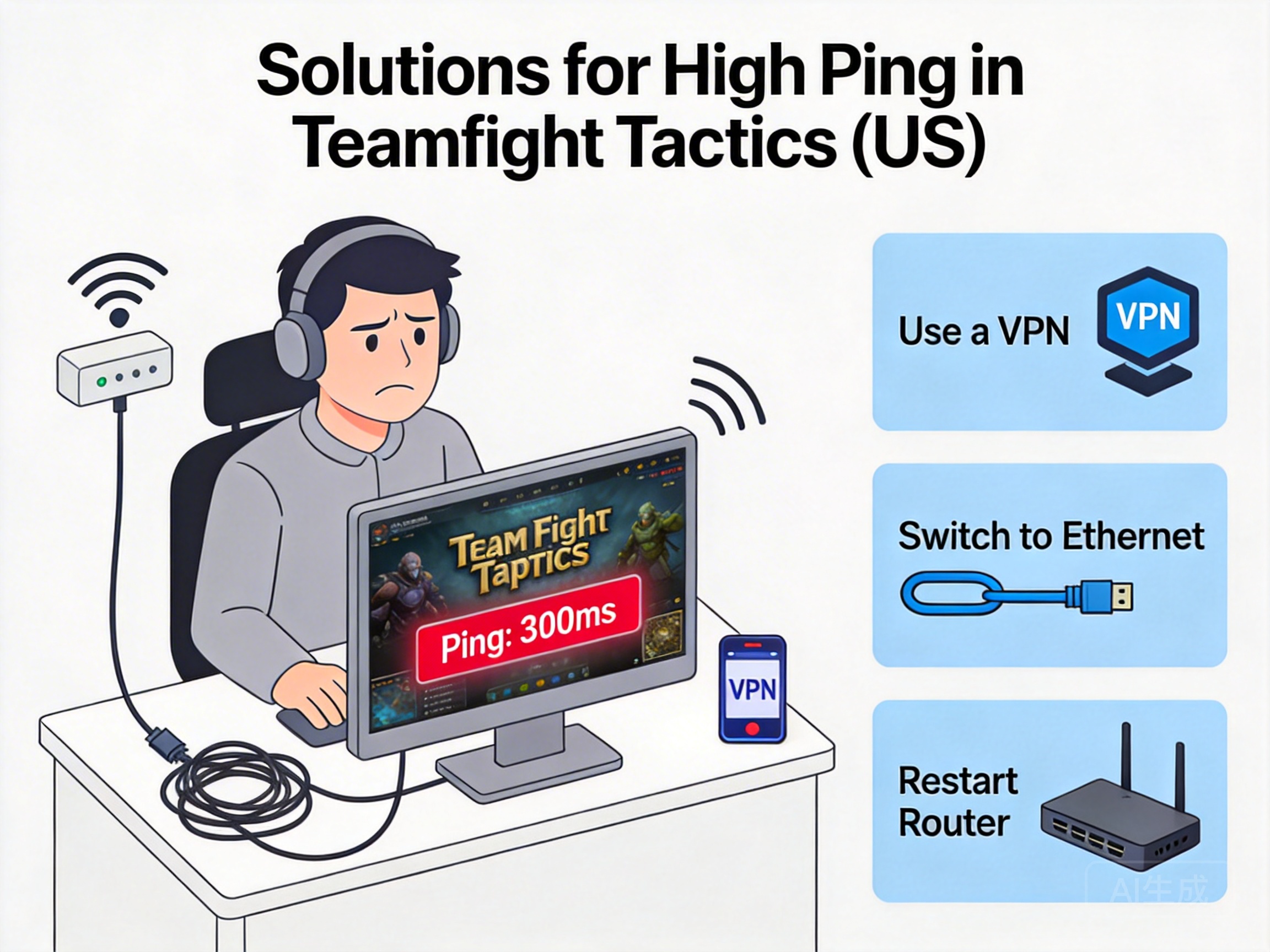
Most lag problems do not stem from cross-regional network transmission, but from hidden faults in the local network link. First, check for Wi-Fi signal interference: The 2.4GHz band commonly used in US homes is vulnerable to interference from microwaves and Bluetooth devices. It is recommended to switch to the 5GHz band, or use a Wi-Fi analyzer app to detect channel congestion and select a channel with high signal strength and low interference.
Second, prioritize wired network connections: The wireless transmission nature of Wi-Fi inherently causes latency fluctuations of about 20-50ms, while gigabit Ethernet can stabilize latency within 10ms. If the device does not support wired connections, try placing the router close to the device to avoid walls or obstructions.
Note: Some US ISPs use a "bandwidth sharing" mechanism, which limits bandwidth during peak hours (7-10 PM). In this case, contact your ISP to confirm if there is bandwidth throttling, or upgrade to a higher bandwidth package.
Cross-Regional Network Optimization: Reduce Transmission Latency via Dedicated Nodes
The domestic servers of Teamfight Tactics Mobile and US networks belong to different international communication links. Ordinary public networks require multiple transit nodes for transoceanic transmission, resulting in latency usually exceeding 200ms. At this point, international game accelerators are the most direct solution.
When choosing an accelerator, focus on three core indicators: first, coverage of dedicated nodes, prioritize providers with direct China-US dedicated lines to avoid third-party transit nodes; second, latency stability, use the accelerator's real-time ping detection function to select nodes with fluctuations less than 10ms; third, server compatibility, some accelerators offer exclusive optimization for Tencent's Teamfight Tactics Mobile servers, which can further reduce protocol-level latency.
In addition, if players use IPv6 networks from local US ISPs, confirm whether the accelerator supports IPv6-to-IPv4 protocol conversion to avoid high latency caused by protocol incompatibility.
Device and Game Settings Optimization: Reduce Extra Performance Overhead
In addition to network links, insufficient device performance or improper game settings can also manifest as "network lag," requiring simultaneous optimization from hardware and software levels. First, close redundant background app processes: Commonly used streaming and cloud synchronization apps in the US continuously occupy network bandwidth. Terminate unnecessary processes through the system task manager to free up network resources.
Second, adjust network-related settings in the game: Enter the settings interface of Teamfight Tactics Mobile, enable the "Network Optimization" function, and disable background traffic-consuming items such as "Auto Download Updates" and "HD Resource Preloading"; at the same time, adjust the graphics quality to "Medium" or "Smooth" to reduce CPU and GPU load on the device, avoiding operation delays caused by performance bottlenecks.
Tip: iOS users can select "Low Data Mode" via "Settings-Cellular-Cellular Data Options-Data Mode", while Android users can enable "Data Saver Mode" to prioritize bandwidth allocation for the game.
ISP and Account Adaptation: Avoid Regional Network Restrictions
High ping issues for some US players may stem from ISP international export restrictions or account regional adaptation problems. First, try switching ISP networks: Major US ISPs like AT&T and Verizon have sufficient international export bandwidth, but some small ISPs restrict international traffic. In this case, switch to mobile hotspots or third-party virtual ISP networks for testing.
Second, confirm the regional attribute of the game account: If players use WeChat or QQ accounts registered in China, ensure the account has not been restricted from accessing domestic servers; if using a local US account, try switching to the international version of Teamfight Tactics Mobile. The US servers of the international version can control latency within 50ms, fully meeting the needs of smooth gaming.
Summary
To solve high ping and lag issues in Teamfight Tactics Mobile in the US, troubleshooting and optimization need to be carried out from four dimensions: local network, cross-regional transmission, device settings, and ISP adaptation. Prioritize troubleshooting local link faults, then optimize transoceanic transmission through professional accelerators, and coordinate with adjustments to device and game settings. Most players can reduce ping to within 100ms and achieve a smooth gaming experience.