
Introduction
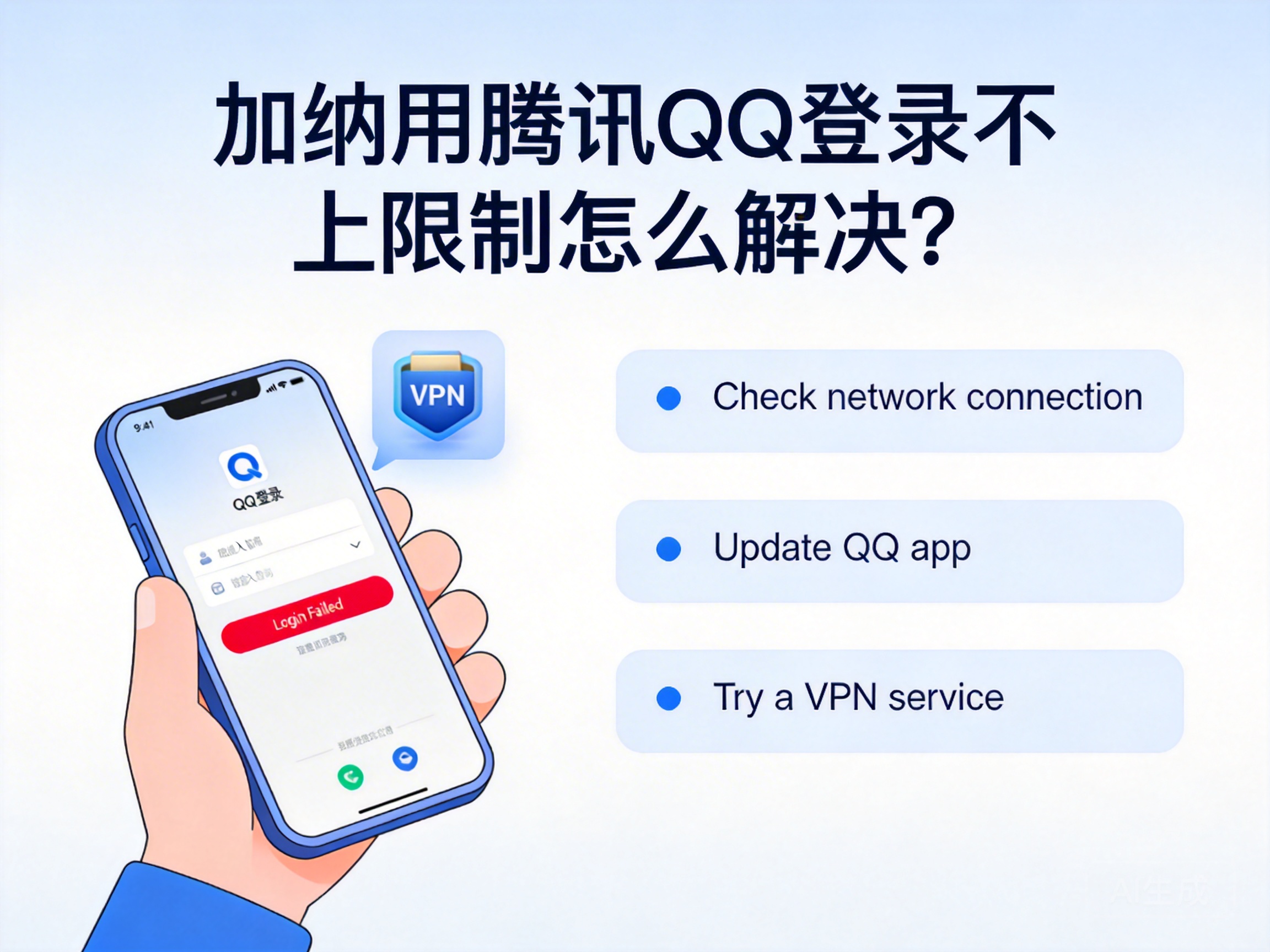
Many Chinese living or working in Ghana often encounter QQ login failures or access restrictions. This not only affects daily communication with relatives and friends in China, but may also delay important matters such as work file transfers. In fact, most of these restrictions are related to network environment and account security settings, and can be quickly resolved with the right methods.
Check Basic Network and Account Security Issues
First, rule out the most basic faults to avoid blindly adjusting complex settings. Check the device's network connection and try to open other Chinese websites or apps to confirm whether the local network in Ghana cannot access Chinese servers. At the same time, check the QQ account status to see if there are abnormal login records on other devices, or if the account has been frozen by the system due to long-term inactivity.
If the account is frozen, you can quickly unfreeze it through the SMS verification or face recognition function of the QQ Security Center. When operating, use your commonly used mobile phone number to receive the verification code. If it is bound to a Chinese mobile phone number, ensure that it can normally receive international SMS in Ghana. In addition, check whether the device's date and time settings are correct, as excessive time deviation may also trigger QQ's security verification mechanism.
Switch to Compliant Network Acceleration Tools
Some QQ services are only available to domestic IP addresses, and the local network IP in Ghana is in the overseas range, which is one of the core reasons for login restrictions. At this time, you need to use a compliant network acceleration tool to switch the device's IP to a domestic node, simulating a domestic network environment to access QQ.
When choosing a tool, prioritize products with formal qualifications and clear indications of supporting domestic lines, and avoid using unrecorded illegal tools that may bring security risks. When using it, choose a domestic node with low latency. Generally, nodes in southern China have better compatibility with African networks. After successful connection, close the QQ background process and restart it, and in most cases, you can log in normally.
Note: Please strictly abide by the relevant laws and regulations on network use in your country and China, and choose compliant and legal network service tools.
Adjust QQ App Settings and Version
If you still cannot log in with a normal network environment, try adjusting the QQ app settings. First, in "Settings-General" of QQ, turn off the "Data Saver Mode", which restricts some network requests and may cause login verification failure. At the same time, clear QQ's cache data. Too much cache may store old network verification information, affecting new login requests.
In addition, check if your QQ version is up to date. Old versions may have compatibility issues, especially insufficient adaptation and optimization for overseas network environments. You can download the latest version through the app store or obtain the installation package from Tencent's official website. If you are using the PC version of QQ, you can try switching to the UWP version or international version, some of which have better support for overseas networks.
Contact Tencent Official Customer Service for Assistance
If none of the above methods work, the account may be subject to special restrictions or there may be undetected technical faults. In this case, you need to contact Tencent's official customer service for help. Submit the problem through the "Customer Service Entry" in the QQ Security Center, specifying that you are in Ghana, the specific prompt information when logging in, and the solutions you have tried.
Prepare verification materials such as account registration information and bound mobile phone number when submitting the application to improve the efficiency of problem handling. Tencent customer service will provide targeted solutions according to the specific situation of the account, such as lifting regional restrictions and resetting account security settings. Generally, customer service will reply with the processing result within 1-3 working days.
Summary
When encountering QQ login restrictions in Ghana, there is no need to be overly anxious. You can solve the problem step by step in the order of basic troubleshooting, network adjustment, app settings, and customer service help. Prioritize checking basic network and account security issues, then adapt to the domestic network environment through compliant tools. Most problems can be solved quickly. In case of special circumstances, contacting official customer service is the most reliable choice.




