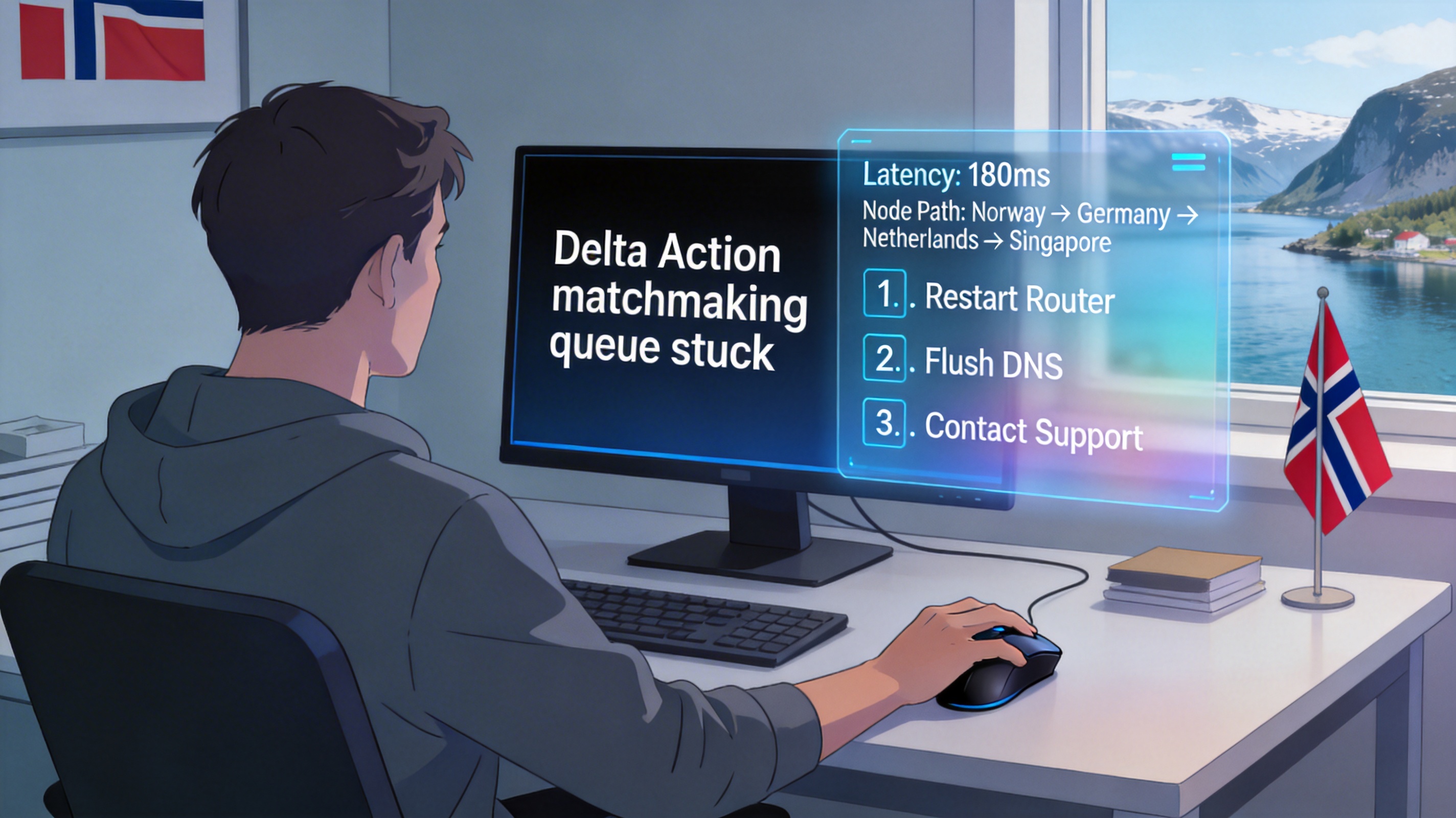
Last week, I made plans with a few friends in the Chinese offline viewing group in Budapest to watch this KPL playoff match between Xi'an WE and Tongxiang Qingjiu. We booked a box at a board game bar in Chinatown a week in advance, and even bought iced cola and spiced duck neck specially. But 10 minutes before the match started, everyone's devices connected to the store's WiFi, and Huya Live got stuck at 30% loading. When we finally got it loaded, there was a 40-second delay—we only saw the players flash after the team fight was already over. Friends in other cities in the group said they were watching at home, buffering every 2 minutes, and could only stream at 720P at most.
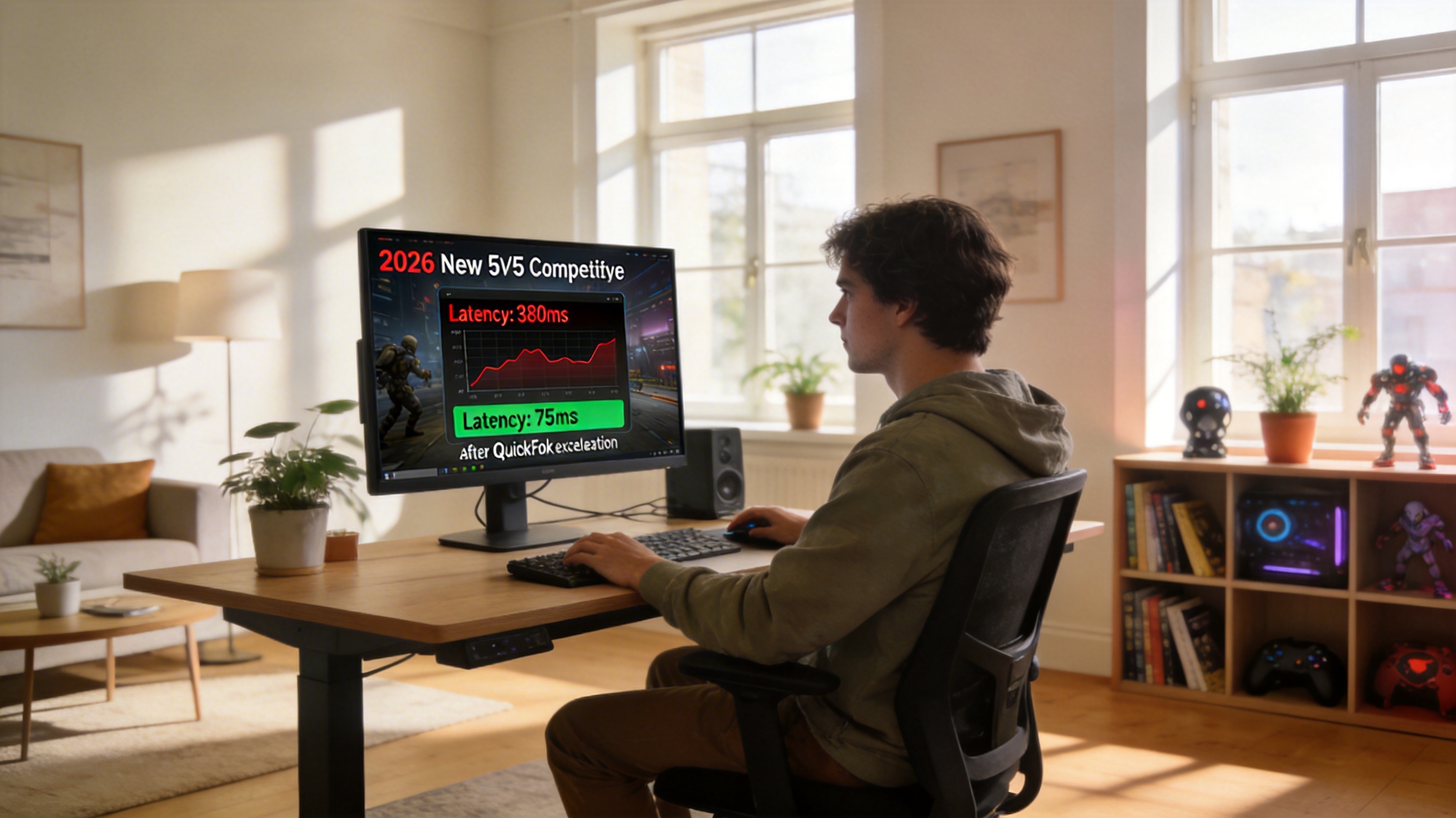
This situation isn't actually because your home network or the store's network is bad. Most of the domestic esports platform's transmission nodes are in Asia. When accessing from Europe, the transoceanic route takes a detour, and plus too many people watch KPL matches at the same time on event days, the overseas export bandwidth gets congested, which causes lag, slow loading, or even being unable to open the stream at all. I messed around for 20 minutes and finally fixed the problem. Except for one disconnection mid-match, I could stably stream 1080P 60fps for the rest of the game, with only 2 seconds more delay than my friends in China. When Xi'an WE made the reverse sweep from 2-0 down to 3-2 win, our entire box exploded. I'll explain the specific operation steps clearly below, so you can just follow them next time you encounter the same problem.
Step 1: First troubleshoot basic issues with the local network
Don't rush to turn on acceleration first. First confirm if there's a problem with your own network. At that time, I first tested the store's internet speed with Speedtest, and the download speed was 80Mbps, upload was also 20Mbps. This bandwidth is enough for 4K streaming, so it definitely wasn't a local bandwidth issue. If your tested download speed is below 10Mbps, try restarting the router first, or turn off your phone's WiFi and switch to 5G data. Hungarian 5G plans from Telekom and Yettel can reach over 50Mbps in most areas, which is basically enough as long as you're not in a remote small town.
There's also a very easily overlooked point: when there are many people at an offline viewing event, there might be 20 or 30 devices connected to the same WiFi, and the router can't handle it, leading to bandwidth contention. You can try moving closer to the router, or ask the owner for the 5GHz band WiFi password. The 2.4GHz band has better wall penetration but lower bandwidth, and it tends to lag when there are many people. I switched to the 5GHz WiFi at that time, and the basic network became stable immediately.
Step 2: Optimize the transmission link with a dedicated acceleration tool
After confirming that the local network is fine, the core problem is the optimization of the transoceanic transmission link. Although regular VPNs can connect back to China, most use general-purpose lines, which have high jitter when watching videos and often freeze. I tried three commonly used back-to-China acceleration tools at that time, and finally got it sorted with QuickFox's KPL dedicated acceleration line.
The operation is very simple. After opening QuickFox, first select the \