Introduction
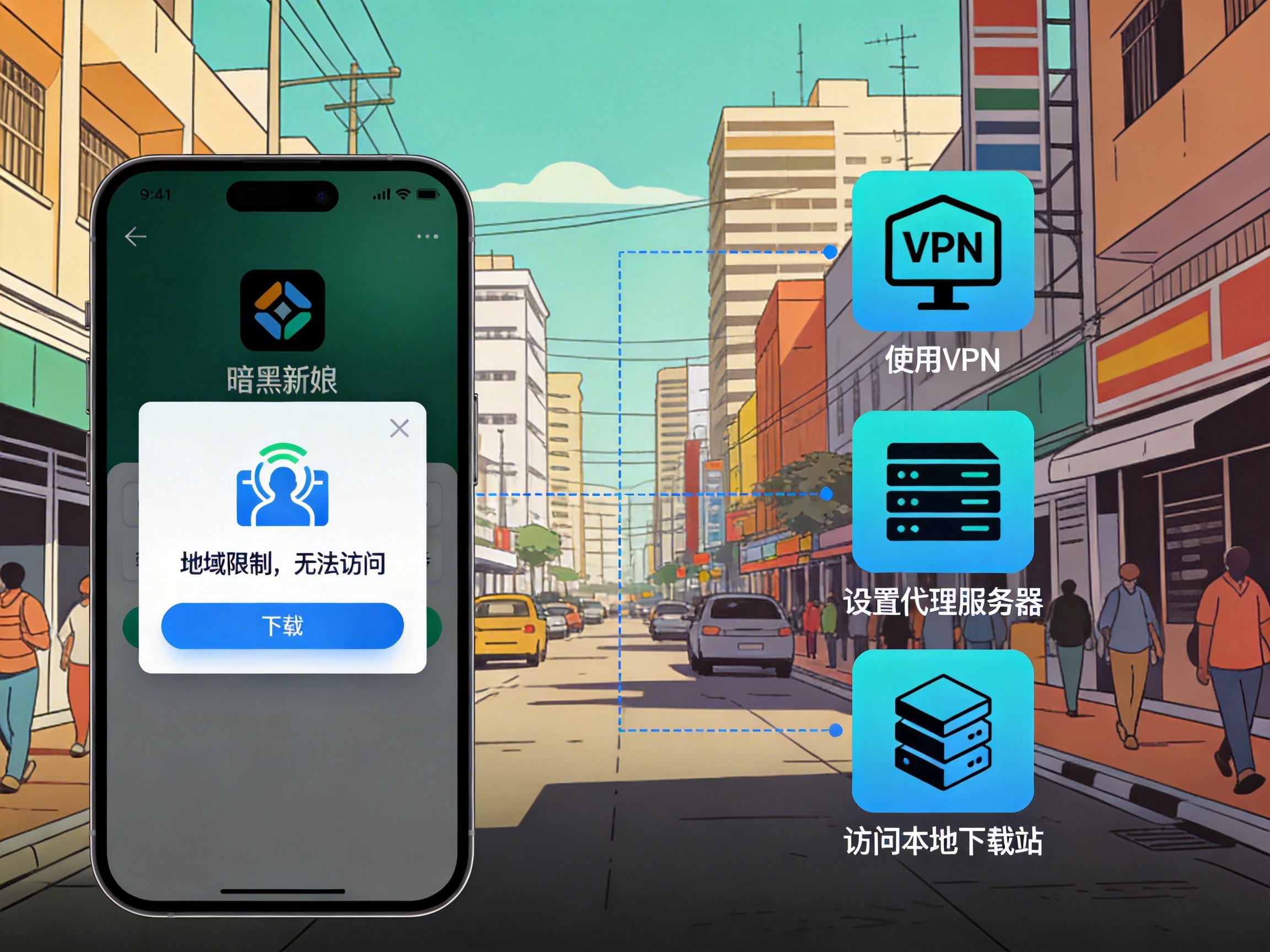
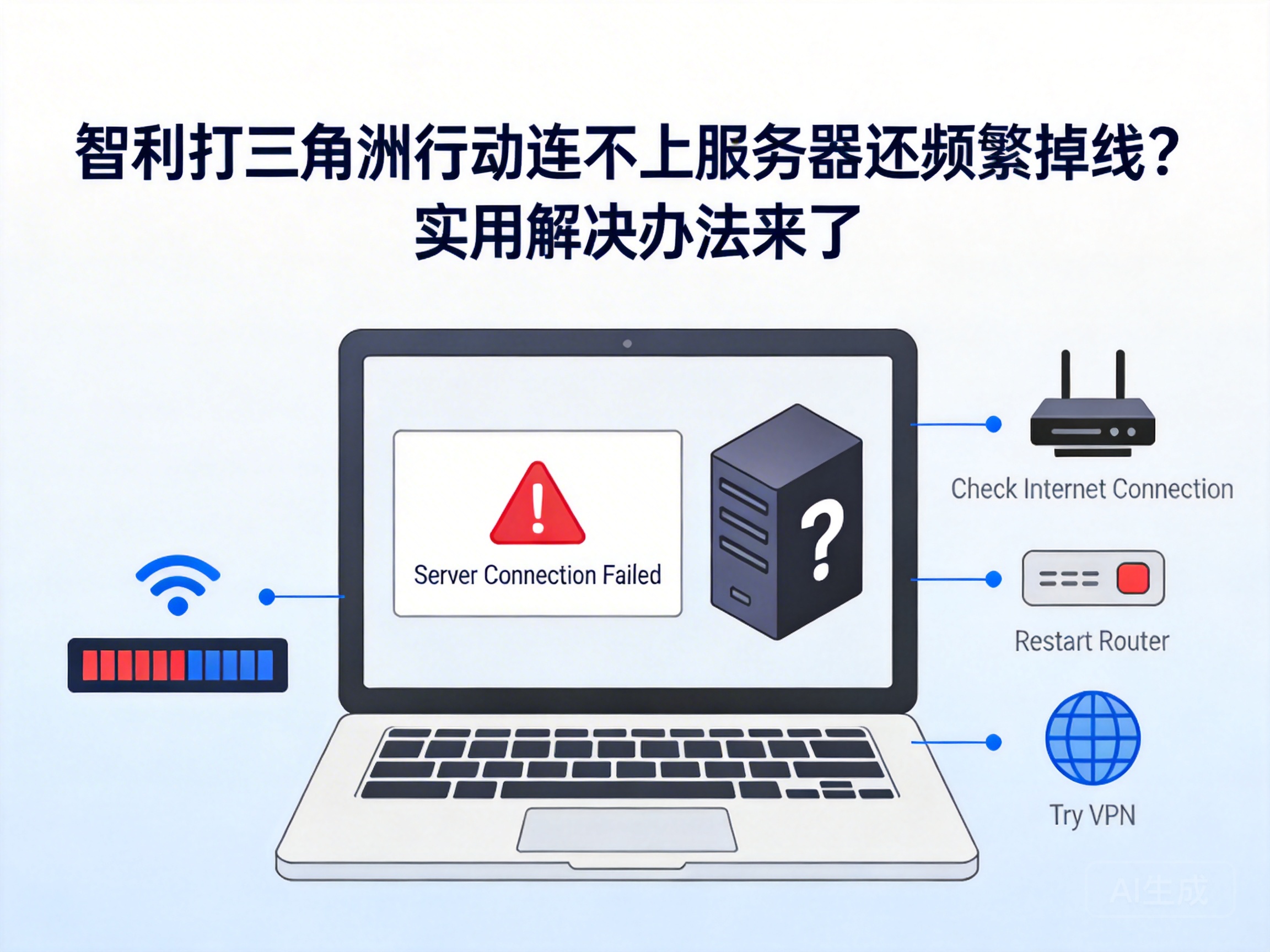
Players of Delta Action located in Chile have recently frequently encountered issues such as being unable to connect to servers and frequent disconnections mid-game, which seriously affects the operational experience and competitive rhythm of this tactical shooter. These network failures are not isolated cases, and are mostly related to physical limitations of cross-regional network transmission and node congestion. This article provides a set of targeted, actionable solutions based on the characteristics of Chile's local network environment to help players restore stable game connections.
Troubleshoot Basic Local Network Failures
The root cause of most game connection issues often lies in basic local network failures, rather than the game servers themselves. Players can start with the easiest operations to eliminate potential problems one by one.
Restart Network Hardware
Long-term operation of home routers can lead to cache accumulation, reducing data transmission efficiency and even causing port blockages. Players can first turn off the power of the router and modem, wait 30 seconds, then power them back on to allow the devices to clear the cache and reset ports. After the restart, test basic network functions such as web browsing and video playback to confirm that the local network is back to normal, then try logging into Delta Action again.
Switch Network Connection Methods
WiFi signals are easily interfered with by obstacles such as walls and household appliances. In multi-story residences or areas with weak signal coverage, packet loss and latency fluctuations are likely to occur. Players can try connecting their device directly to the router via an Ethernet cable to use a wired network for gaming, avoiding instability caused by wireless signal interference. If WiFi must be used, move closer to the router or switch to the 5GHz band to reduce signal attenuation and co-channel interference.
Tip: The packet loss rate of wired networks is usually below 0.1%, while that of WiFi in complex environments may exceed 5%. The latter is one of the core causes of game disconnections.
Optimize Cross-Regional Network Transmission Paths
Official servers of Delta Action are mostly deployed in regions such as North America and East Asia. The physical distance between Chilean players and these servers exceeds 10,000 kilometers, leading to lengthy transoceanic transmission paths that are prone to node congestion and routing detours. For such cases, players can optimize the transmission path through the following methods.
Select Nearest Game Servers
Some players may have defaulted to selecting distant server regions, resulting in excessively high transmission latency. Before logging into the game, players can check the real-time latency values of each region on the server selection interface, and prioritize servers labeled "South America" or "Western North America". These servers are physically closer to Chile, with shorter transmission paths, which can effectively reduce basic latency and packet loss probability. If the game does not provide a region selection function, players can apply to adjust the default server region through official customer service.
Use Professional Game Acceleration Tools
The transmission path of ordinary cross-border networks is automatically allocated by operators, often resulting in detours and node congestion, which prevents game data from reaching the server stably. Professional game acceleration tools use globally deployed dedicated nodes to build exclusive transmission channels directly to game servers for players, avoiding congested nodes in public networks. They also prioritize game data packets to reduce latency and packet loss rates. When choosing an acceleration tool, prioritize products with node deployments in the South American region to ensure stable acceleration effects.
Adjust Game and System Network Settings
In addition to network hardware and transmission paths, game settings and system network parameters may also affect connection stability. Players can further optimize the game's network performance by adjusting the following settings.
Close Background Programs Occupying Network Bandwidth
Background programs such as download software, cloud synchronization tools, and streaming services running on the computer will continuously occupy network bandwidth, resulting in insufficient available bandwidth for the game and data transmission interruptions. Players can open the Task Manager, check the "Network" usage rate, and close all unnecessary background programs to ensure the game gets priority bandwidth resources. At the same time, temporarily disable the system's automatic update function to avoid bandwidth occupation during gameplay caused by update programs leading to disconnections.
Reset Network Protocols and DNS
Abnormalities in the Windows system's TCP/IP protocol or DNS cache can cause domain name resolution failures and data transmission verification errors, which in turn trigger game connection issues. Players can execute network reset commands through the Command Prompt: enter "netsh winsock reset" and "netsh int ip reset" in sequence to reset the network protocol and socket directory; then clear the DNS cache by entering the "ipconfig /flushdns" command. Restart the computer after the operation to allow the system to reload the network configuration.
Contact Official Customer Service to Troubleshoot Account and Server Issues
If players still cannot log into the server or frequently disconnect after all the above operations, it may be caused by abnormal account status or regional server failures. In this case, players need to contact Delta Action's official customer service in a timely manner to obtain professional troubleshooting support.
Submit Account and Network Information
When contacting customer service, prepare the game account ID, IP address of the login device, network operator information, and screenshots of error prompts during disconnections. This information can help customer service quickly locate the problem: if it is an account status issue such as异地 login restrictions or bans, it can be directly resolved through customer service; if it is a temporary server regional failure, customer service will promptly inform the fault repair progress.
Confirm Server Regional Maintenance Notices
Game operators regularly maintain servers or perform temporary upgrades for regional network issues. During maintenance, issues such as inability to log in and unstable connections may occur. Players can check the server maintenance schedule for the Chilean or South American region through official social media, in-game announcements, or customer service channels, avoid attempting to log in during maintenance, and pay attention to the connection status after maintenance is completed.
Summary
Connection issues with Delta Action for Chilean players are mostly caused by local network interference, unreasonable cross-regional transmission paths, or abnormal system settings. Most problems can be resolved independently by troubleshooting local network failures, optimizing cross-regional transmission paths, and adjusting system and game settings. If the connection still cannot be restored, contact official customer service promptly to confirm account and server status, and quickly return to stable game battles.