Introduction
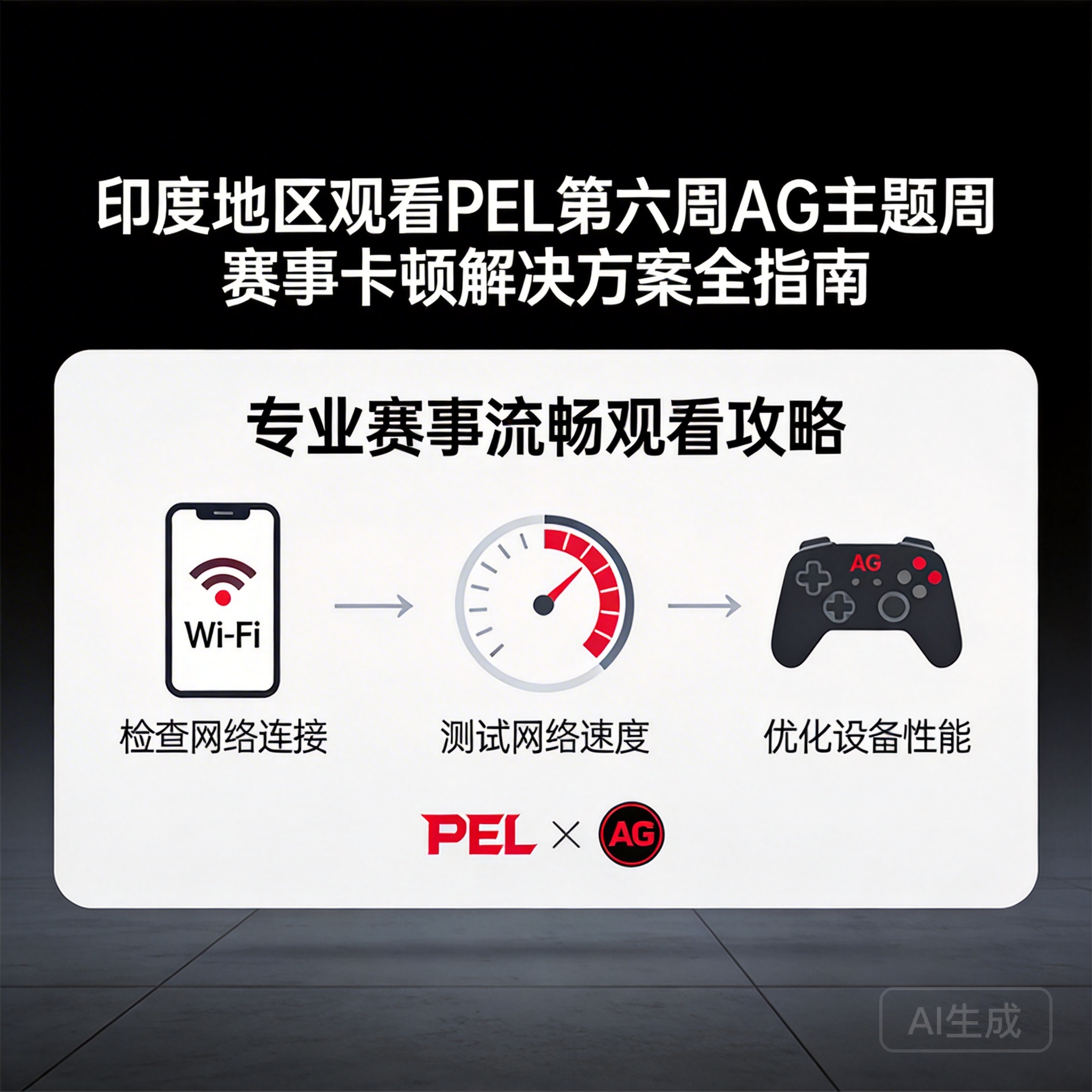
As the popularity of the PEL (Peacekeeper Elite League) Week 6 AG Theme Matches surges, many players in India have encountered severe lag issues while watching, which undermines the viewing experience. As a top domestic tactical esports league, PEL's overseas viewing infrastructure has regional network adaptation shortcomings. Indian users need to optimize their network and device settings specifically to enjoy smooth live streams.
1. First Troubleshoot Basic Network and Device Compatibility Issues
Most viewing lag stems from basic network or device compatibility flaws, which should be prioritized for troubleshooting. First, test your current network's downstream bandwidth—PEL live streams require a stable bandwidth of at least 5Mbps, which can be tested via tools like Speedtest. If bandwidth is insufficient, contact your operator to upgrade your package.
Next, check your device's hardware load. Running multiple background apps while watching will occupy CPU and memory resources, leading to decoding lag. It is recommended to close unnecessary background apps. If using an older device, reduce the live stream resolution to 720P or lower to ease the device's decoding pressure.
Note: PEL's 4K ultra-clear live streams require at least 20Mbps bandwidth, which most civilian networks in India cannot meet during peak hours. It is not recommended to enable this unless necessary.
2. Optimize Network Links to Resolve Cross-Border Transmission Delay
PEL's event servers are deployed in China, and cross-border network transmission for Indian users requires multiple node jumps, which easily causes packet loss and delay. At this point, smart routing tools can be used to optimize the transmission link by selecting dedicated line nodes that directly connect to domestic live stream servers, bypassing congested international transit nodes.
If smart routing tools are unavailable, test switching to different operator networks. India's Jio and Airtel operators have better cross-border link stability than other brands. Additionally, prioritize wired network connections—WiFi signals are susceptible to environmental interference, which will exacerbate packet loss during cross-border transmission.
In addition, try modifying your device's DNS server to domestic public DNS such as 114.114.114.114 or Alibaba Cloud DNS, which reduces domain name resolution delay and improves the connection speed of the live stream link.
3. Adjust Live Stream Platform Settings for Regional Network Adaptation
Different live stream platforms vary in their overseas viewing optimization, so targeted platform settings adjustments are needed. Currently, PEL's official live stream platforms are the Peacekeeper Elite Event Center and Huya Live. Indian users can prioritize Huya Live's overseas mirror nodes, which are optimized specifically for overseas users' transmission links.
In the live stream platform settings, enable the adaptive bitrate function. The platform will automatically adjust the resolution based on real-time network conditions, avoiding lag caused by bandwidth fluctuations. At the same time, disable non-essential features like bullet comments and gift effects to reduce additional network data load.
If official platforms experience severe lag, authorized third-party overseas live stream channels can be an alternative. These channels usually synchronize event content to local servers, further reducing transmission delay. However, it is important to verify the official authorization of the channel to avoid pirated content.
4. Emergency Optimization Solutions for Special Scenarios
If you are in a scenario where the network environment cannot be adjusted, such as an outdoor mobile network environment, emergency optimization solutions can be used. First, enable your device's data saver mode to restrict background apps' network usage, prioritizing bandwidth allocation for the live stream.
Second, watch the recorded broadcast of the event. PEL officials upload high-definition recorded broadcasts within 1 hour after the event ends. Recorded content is cached locally, eliminating the need for real-time cross-border transmission and completely avoiding lag issues.
In addition, join PEL overseas viewer communities to obtain real-time stable viewing links shared by other Indian users. These communities usually synchronize the latest node optimization information to help users quickly resolve temporary lag issues.
Summary
The lag issue for Indian users watching PEL Week 6 AG Theme Matches is primarily due to cross-border network transmission adaptation shortcomings. By troubleshooting basic network and device issues, optimizing cross-border transmission links, and adjusting live stream platform settings, most lag issues can be effectively resolved. For special scenarios, emergency optimization solutions can also ensure basic viewing needs, allowing users to smoothly experience the exciting matches of the AG Theme Week.


