Introduction
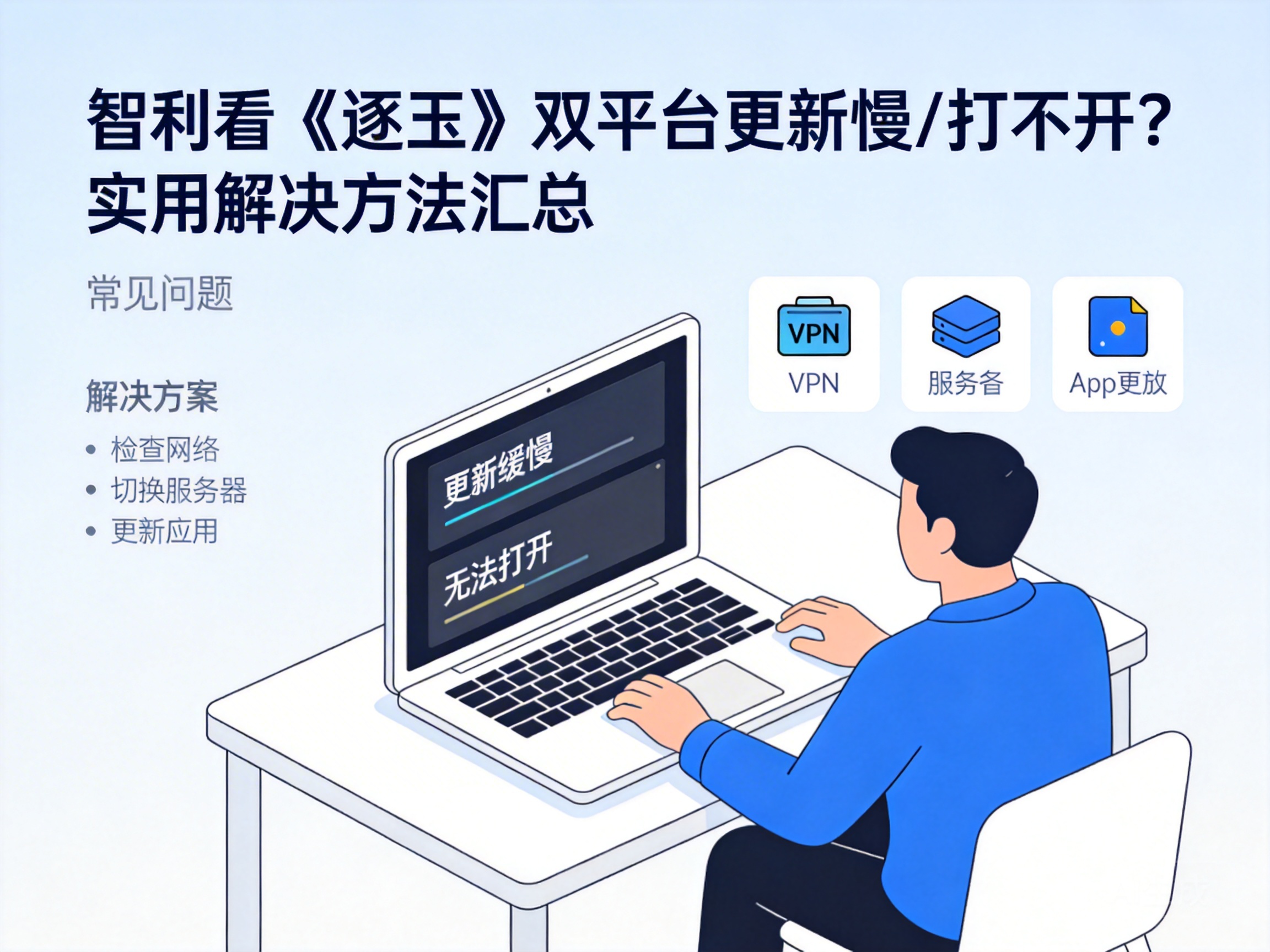
Players of 'Zhu Yu' in Chile often face issues like slow updates or launch failures on both iOS and Android platforms. These problems not only disrupt the gaming experience but also risk missing limited-time in-game events. In most cases, they are caused by regional network restrictions or poor server connections, and can be resolved with targeted solutions. This article compiles practical fixes specifically for Chile-based players to ensure smooth gameplay.
Troubleshoot Basic Local Network Issues
When encountering slow updates or launch failures, start by checking your local network. In some areas of Chile, home broadband tends to get congested during peak hours. You can first close bandwidth-heavy devices and software, such as ongoing downloads or streaming platforms, then try restarting the game.
If the problem persists, restart your router and modem, wait 30 seconds, then reconnect. You can also switch network environments, like switching from WiFi to mobile hotspot, to test if the issue lies with your fixed network.
Note: If the problem is resolved after switching networks, your original network may have insufficient bandwidth or node congestion. Contact your local ISP to optimize the line.
Resolve Regional Restrictions and Server Connection Issues
The domestic servers of 'Zhu Yu' are far from network nodes in Chile. Cross-regional data transmission leads to high latency and may even trigger regional access restrictions, which is one of the core causes of slow updates and launch failures.
You can use an overseas back-to-China accelerator in this case. These tools optimize data transmission by routing your traffic through dedicated relay nodes, shortening the path to domestic servers. Choose an accelerator that supports both platforms of 'Zhu Yu' and has exclusive South American routes, then try updating or launching the game after connecting.
Tip: For first-time use, select the 'game-specific acceleration mode' to avoid bandwidth occupation by other network traffic.
Platform-Specific Optimization Tips
There are exclusive optimization methods for iOS and Android platforms to further improve problem-solving efficiency.
iOS Platform Optimization
If your iOS device in Chile is bound to an overseas Apple ID, you may not be able to access the domestic update package of 'Zhu Yu'. Switch to a Chinese region Apple ID, log in, then search for 'Zhu Yu' in the App Store to download the latest official version. Remember to turn off the 'Find My iPhone' feature before switching to avoid account association issues.
Android Platform Optimization
Android users can first clear the game's cache data via the path 'Settings-App Management-Zhu Yu-Storage-Clear Cache'. Redundant cache may cause launch or update failures. If you downloaded the game from a third-party app store, it is recommended to download the latest installation package directly from the official 'Zhu Yu' website to avoid version lag issues from channel packages.
Check Game Client and System Compatibility
If the above methods don't work, the issue may be related to game client or device system compatibility. First, check the integrity of the 'Zhu Yu' client. iOS users can uninstall and re-download the game, while Android users can use the 'integrity check' feature in the game to detect and repair issues.
Meanwhile, confirm that your device's system version meets the game's requirements. 'Zhu Yu' is more compatible with iOS 12 and Android 8.0 or above. If your system version is too low, upgrade to the latest stable version in device settings before trying to launch the game.
Note: Back up important data before upgrading the system to avoid data loss.
Summary
For Chile-based players facing slow updates or launch failures of 'Zhu Yu', follow the order of 'local network troubleshooting - accelerator optimization - platform-specific adjustments - system compatibility check' to test solutions one by one. Most issues can be resolved through network optimization. If the problem still exists, contact the official 'Zhu Yu' customer service with your device and network information for targeted support.


