
Introduction
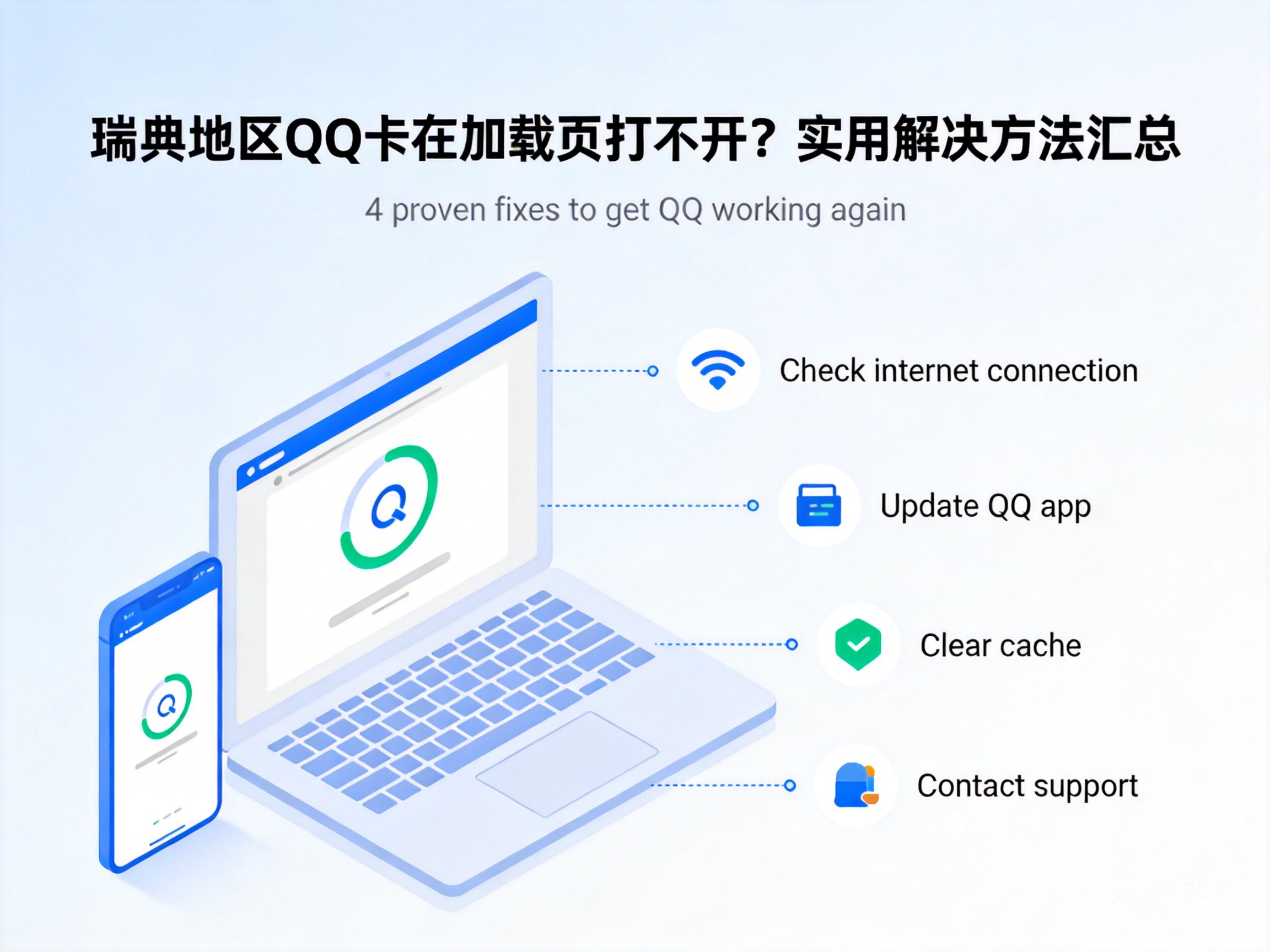
Many users living, working or studying in Sweden report that they often get stuck on the loading screen after downloading Tencent QQ, which not only affects communication with relatives and friends in China but also delays work collaboration. This kind of problem is not an isolated case, and is mostly related to factors such as network environment and software adaptation. Below are verified practical solutions.
Troubleshoot Network Environment and Regional Restrictions
Some QQ functions have requirements for the regional attributes of network nodes. When connecting directly to QQ servers via local networks in Sweden, users may encounter poor routing. Users can first switch their network environment, such as switching from public WiFi to mobile hotspot, to test if normal loading is possible.
If the problem persists after switching networks, it is likely that network access is blocked due to regional restrictions. In this case, users can try using compliant network acceleration tools to optimize network routing and enable stable connection to QQ's domestic servers.
Note: When choosing network tools, ensure they comply with local network regulations in Sweden to avoid illegal operations.
Check Software Version and Installation Integrity
Some users may have downloaded QQ versions adapted for domestic networks, which are prone to compatibility issues in the Swedish network environment. It is recommended to visit the official QQ International website and download the QQ International version adapted for overseas users, which has been optimized for overseas network environments.
In addition, if the download process is interrupted, the installation package may be damaged, leading to loading abnormalities. Users can uninstall the existing QQ, clean up residual cache files, and then re-download the complete installation package to ensure an uninterrupted installation process.
Adjust Device System and Application Permissions
Outdated device system versions may have compatibility conflicts with the latest QQ, causing loading freezes. Users can access the system settings of their mobile phones or computers, check for available system updates, and promptly upgrade to the latest stable version.
Meanwhile, QQ requires basic permissions such as network access and storage to run normally. If these permissions are not enabled, it may also get stuck on the loading screen. For Android devices, users can access the application management to find QQ, confirm and enable the required basic permissions one by one; for Apple devices, permissions can be adjusted in the privacy options of the settings.
Contact Official Customer Service to Troubleshoot Account and Server Issues
If the above methods do not work, it may be due to abnormal account status or temporary failure of regional servers. Users can submit information such as device model, network environment, and specific screenshots of loading abnormalities through QQ's official overseas customer service channels, and request technical personnel to troubleshoot.
In addition, users can check feedback from other Swedish users in QQ's overseas user community to confirm if it is a regional server failure. If it is a server issue, the official will usually fix it within a short time, and users only need to wait.
Conclusion
The problem of QQ getting stuck on the loading screen in Sweden is mostly caused by network restrictions, software adaptation or permission settings. Users can troubleshoot the network environment, software version, system permissions in order from easiest to most difficult, and contact official customer service if necessary. As long as the corresponding cause is found, normal use of QQ can be quickly restored.


