Introduction
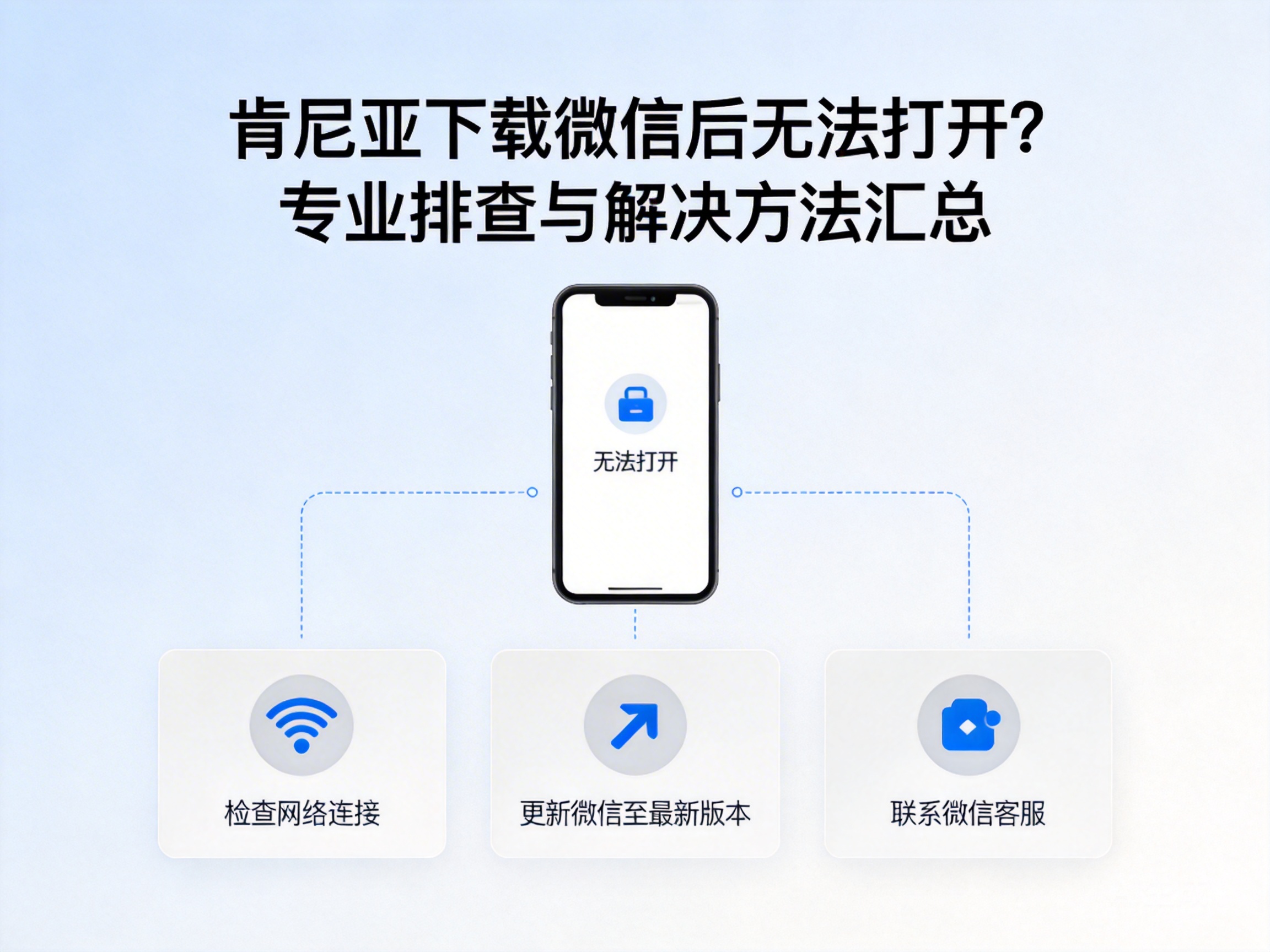
With the deepening of economic and cultural exchanges between China and Kenya, WeChat has become a core communication tool for Chinese expats, employees of Chinese-funded enterprises, and local Kenyans engaged in Sino-Kenyan exchanges. However, many users report that WeChat often fails to launch after being downloaded in Kenya, directly affecting daily communication and business collaboration. This article combines the characteristics of African telecommunications networks and WeChat's operating mechanism to sort out professional troubleshooting steps and feasible solutions.
Step 1: Basic Environment Compliance Check
WeChat has clear requirements for the operating system version and hardware configuration of the running device. Some second-hand or localized customized models circulating in Africa may have compatibility issues. First, confirm the device's system version: Android devices need to meet Android 7.0 or above, and iOS devices need iOS 12.0 or above. Systems below these versions will fail to start due to API incompatibility.
Second, check the integrity of the installation package. Some network nodes in Kenya have high packet loss rates, which may cause the downloaded installation package to be damaged. It is recommended to re-download through official channels such as the WeChat official website, Google Play, or App Store, and avoid using cracked or modified installation packages from third-party app markets.
Tip: If using an Android device, you can check the installation package verification information in "Settings - App Management - WeChat". If verification fails, you need to re-download immediately.
Step 2: Network Adaptability Analysis and Solutions
The mainstream telecom operators in Kenya are Safaricom, Airtel, and Telkom. Their network frequency bands and DNS configurations are different from those in China, which is one of the core causes of WeChat's startup failure. WeChat's server nodes are mainly deployed in China, and insufficient international export bandwidth or abnormal DNS resolution of some operators will prevent the client from completing the initial connection.
To solve this problem, you can first try to manually modify the device's DNS server, replacing the default DNS with globally available public DNS such as 1.1.1.1 (Cloudflare) or 8.8.8.8 (Google). These public DNS servers have stronger international resolution stability. If the connection still fails after modifying the DNS, you can contact the operator to activate international data roaming rights, or switch to Safaricom's 4G package, which has the best international export bandwidth performance in Kenya.
In addition, you need to confirm that the device has not enabled regional restriction proxies. Some proxy rules set by users to access local content may block WeChat's international connection requests, leading to startup failure.
Step 3: Local Compliance and Permission Configuration Correction
Some functions of WeChat rely on the core permissions of the device. Android devices in Kenya usually restrict permissions such as background startup and storage reading by default, which will prevent WeChat from completing the initial configuration. Users need to enter the device's "Settings - App Permissions - WeChat" and enable the three core permissions of storage reading, background startup, and network access. Otherwise, the client cannot read local configuration files or maintain background connections.
In addition, Kenya's telecom regulatory policies require applications to comply with local data compliance standards. Some WeChat versions downloaded from third-party channels do not meet these requirements and will be intercepted by the system security mechanism. It is recommended to confirm that the installation package is signed by Tencent before downloading. You can check the developer information through the app details page on Google Play to avoid downloading uncertified versions.
Tip: If a local security software is installed on the device, add WeChat to the whitelist to avoid being misjudged as a malicious application and blocked from starting.
Step 4: Advanced Technical Repair Solutions
If the above basic solutions are ineffective, you can try advanced technical repairs. First, clear the app cache. Go to "Settings - App Management - WeChat - Storage" and delete cache data and redundant files to avoid startup abnormalities caused by damaged cache files. After cleaning, restart the device and try to launch WeChat again.
Second, you can try APN configuration reset. The APN parameters of Kenyan operators may change due to network upgrades. Users can select "Reset to Default Settings" in "Settings - Mobile Network - Access Point Name" to restore the operator's official APN configuration and ensure network connection compatibility.
For some old models, you can try to download the historical compatible version of WeChat. Tencent's official website provides download links for the latest 3 versions of the installation package, which are adapted to the operating needs of low-configured devices. However, it should be noted that historical versions may have missing functions or security vulnerabilities, and are only used as temporary solutions.
Conclusion
When encountering the problem of WeChat failing to start after downloading in Kenya, you need to troubleshoot from three core dimensions: environment adaptation, network configuration, and permission compliance. Prioritize re-downloading the installation package through official channels, correct network DNS and APN configurations, and enable necessary app permissions. Most problems can be solved. If it still cannot start, you can try clearing the cache or using a compatible version to ensure the normal use of WeChat's communication functions in Kenya.


