Introduction
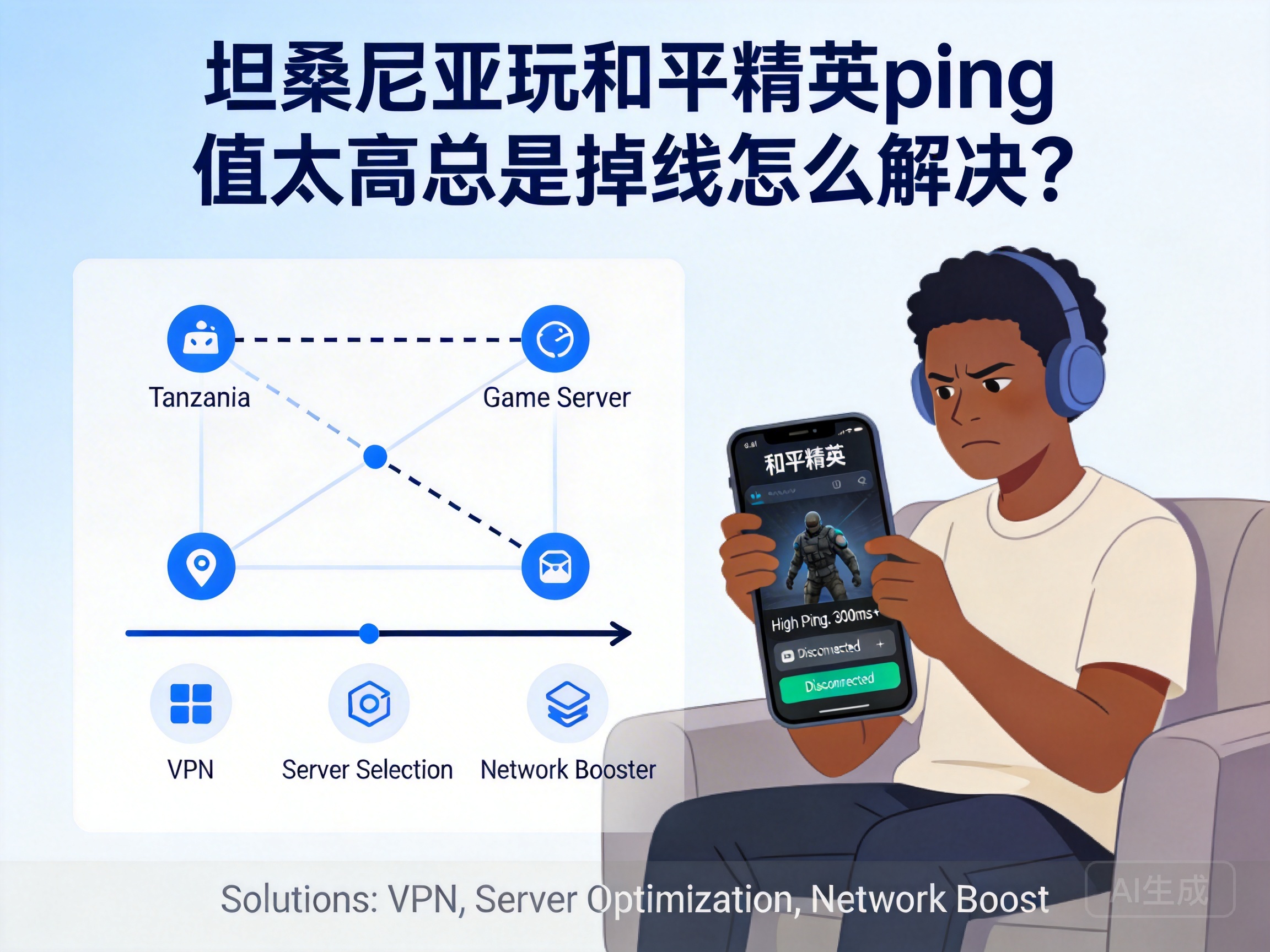
Many players in Tanzania face issues like high ping and constant disconnections when playing PUBG Mobile. Being stuck as a "statue" right after landing or getting disconnected at a critical moment ruins the gaming experience. In fact, most of these problems are related to the network environment and device settings, and can be effectively fixed with the right methods. Here are some practical solutions for you.
Optimize Local Network Connection
First, check the stability of your local network, which is the foundation of solving high ping issues. Prioritize a wired network connection for your device. Compared to WiFi, wired networks avoid signal interference and offer more stable transmission speeds. If you have to use WiFi, stay close to the router to reduce obstacles like walls, and turn off signal sources like Bluetooth devices and microwaves near the router.
Also, check for bandwidth-hogging programs running in the background, such as video downloads or cloud sync services. These programs take up network resources that the game needs, leading to a sharp increase in ping. Use your phone or computer's background management feature to close unnecessary processes, reserving enough bandwidth for the game.
Tip: Restart your router regularly to clear its cache and restore optimal transmission status, which significantly helps reduce network latency.
Choose a Suitable Game Acceleration Tool
Since PUBG Mobile's servers are mainly located in China and Southeast Asia, the physical distance between Tanzania's local network and these servers is large, leading to high latency when connecting directly. Professional game acceleration tools can optimize network routes, selecting shorter and more stable transmission paths to reduce game data transmission delay.
When choosing an acceleration tool, prioritize products that support PUBG Mobile and have servers in Tanzania, avoiding niche tools that may offer unstable acceleration. Before using it, close the game, open the acceleration tool, find PUBG Mobile, select the server node with the lowest latency to complete acceleration, then launch the game. This usually keeps ping within an acceptable range.
Adjust In-Game Settings to Reduce Load
If local network optimization and acceleration tools don't fully solve the problem, try adjusting in-game settings to reduce the load on your device and network. First, lower the graphics quality, such as setting resolution, frame rate, and effects to medium or low levels. This reduces the device's computing pressure, avoiding indirect network transmission delays caused by device lag.
Second, turn off non-essential in-game features like real-time voice chat, automatic friend status refresh, and battle result sharing. These features continuously occupy network bandwidth, worsening latency issues. Additionally, enable the "Network Optimization" feature in the game settings. Some versions of PUBG Mobile automatically adjust data transmission strategies based on the current network status to further optimize latency.
Contact Your ISP to Troubleshoot Line Issues
If the above methods don't fix high ping and disconnections, the problem may lie with your local network line. Contact your internet service provider (ISP), inform them of the specific issues you face when playing PUBG Mobile, and ask them to check for line aging, signal attenuation, or other problems. You can also inquire about optimized packages for cross-border networks.
Some ISPs offer international network acceleration services that optimize routes for users accessing foreign servers. These packages fundamentally improve cross-border network latency. If the basic network quality in your area is poor, consider switching to an ISP with a better reputation and more stable international lines.
Conclusion
When facing high ping and disconnections while playing PUBG Mobile in Tanzania, follow the order of "local network optimization - acceleration tool assistance - in-game setting adjustment - ISP troubleshooting" to gradually improve your gaming experience. In most cases, optimizing the local network and using a suitable acceleration tool can solve over 80% of latency issues, allowing you to participate in every battle smoothly.




