Introduction
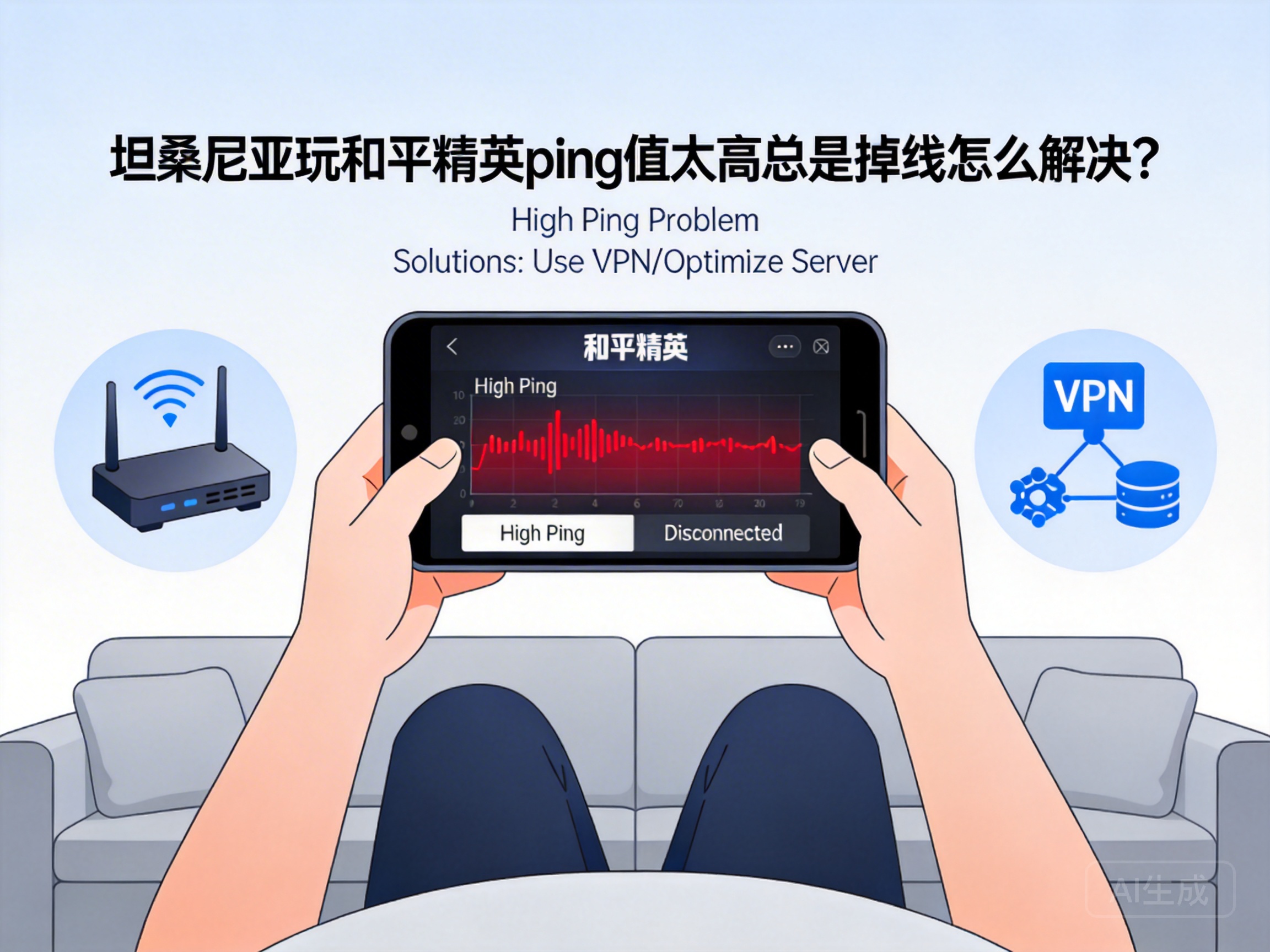
Many players in Tanzania face issues of high ping and constant disconnections when playing PUBG Mobile, which ruins the gaming experience—getting stuck as soon as landing, or disconnecting at critical moments. In fact, most of these problems are related to network links and device settings, and can be effectively resolved with the right methods. Below are several practical solutions for you.
Optimize Local Network Environment First
The local network is the foundation of game latency, so troubleshooting here can solve most problems quickly. First, use a wired connection for your device if possible. WiFi signals are easily interfered by walls and electromagnetic devices, while a wired connection can stabilize network transmission speed directly. If you have to use WiFi, stay close to the router to avoid signal obstruction, and close bandwidth-consuming programs like downloads or screen mirroring running in the router background.
Second, check your device’s network settings and enable network acceleration features. Most Android and iOS devices come with built-in network optimization options that automatically allocate more bandwidth to gaming apps. Additionally, close other background apps, especially video or live streaming platforms, as they continuously occupy network resources and lead to insufficient bandwidth for the game.
Note: If using mobile data, switch to 5G if coverage is available in your area. The low-latency feature of 5G can significantly reduce ping, while 4G networks in some parts of Tanzania have poor stability and are prone to fluctuations.
Choose a Suitable Game Accelerator
Since PUBG Mobile servers are mainly located in China and Southeast Asia, direct connections from Tanzania go through multiple international links, which often cause packet loss and accumulated latency. In this case, game accelerators can help optimize the network path.
When choosing an accelerator, prioritize products with Tanzanian nodes or exclusive international links. These tools can directly optimize the network path from your location to the game server, bypassing congested international nodes. Before using, close other bandwidth-consuming programs, open the accelerator, find PUBG Mobile, and select the node with the lowest latency to start acceleration.
Some accelerators also support a "gaming mode", which automatically blocks background updates and message pushes to further prioritize the game’s network access. Remember to choose formal accelerators and avoid untrusted software to protect your account security.
Adjust In-Game Settings to Reduce Load
Besides network issues, insufficient device performance may also cause "fake latency" stutters, making players mistake it for high ping. Adjusting in-game settings to reduce device load can indirectly improve network response speed.
First, lower the frame rate and resolution. Set the frame rate to "Smooth" or "Balanced", and adjust the resolution to a medium level supported by your device to reduce the graphic processing pressure. Second, turn off unnecessary game effects such as shadows, anti-aliasing, and motion blur, which consume a lot of device resources, leading to processor and memory overload and affecting network data processing speed.
Additionally, enable the built-in network optimization feature in PUBG Mobile. This option automatically optimizes the game’s data transmission protocol, reduces invalid data transmission, and improves network utilization.
Contact Your ISP to Check International Link Issues
If the above methods don’t work, the problem may lie in congestion or faults in your ISP’s international links. Contact your local network operator, inform them of the high latency and disconnection issues when connecting to Chinese game servers, and request them to check the status of international exit links.
Some Tanzanian ISPs offer specialized optimization packages for international networks, such as dedicated game data plans. These packages allocate exclusive international links for game data, providing better stability and lower latency. You can also ask if they have network optimization services for Southeast Asia or China, which can directly improve cross-region connection quality.
Note: When contacting the ISP, provide the specific game name and the time period when the problem occurs to help them troubleshoot accurately.
Summary
When facing high ping and disconnections while playing PUBG Mobile in Tanzania, there’s no need to rush to replace your device or give up the game. Start with optimizing the local network, using a game accelerator, and adjusting in-game settings—most problems can be solved this way. If issues persist, contact your ISP to check international links. With the right methods, you can enjoy smooth PUBG Mobile battles in Tanzania.




