Introduction
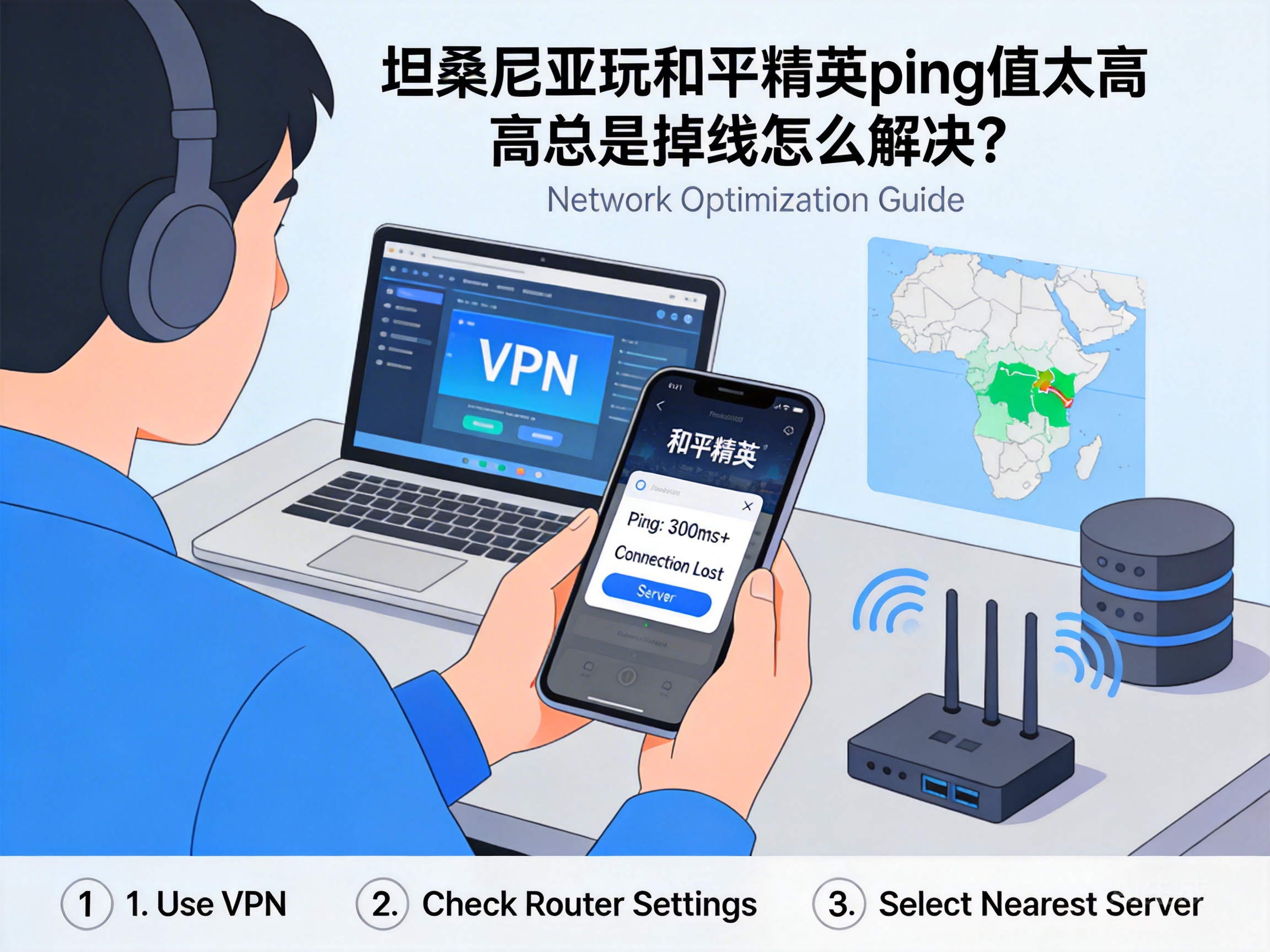
Many players in Tanzania face issues of high ping and constant disconnections when playing PUBG Mobile, which not only ruins the gaming experience but also causes them to miss critical in-game opportunities. In fact, most of these problems are caused by factors like network environment and server selection, and can be effectively resolved with the right methods. Here are several practical solutions to help you stabilize your game connection.
Prioritize Nearest Game Servers
PUBG Mobile has servers in multiple regions worldwide. If players in Tanzania are matched to distant servers by default, it will result in high latency. First, open the game settings, find the "Server Selection" option, and check the current server region you are connected to.
Prioritize African region servers; if there is no dedicated African server, try connecting to servers in the Middle East or southern Europe. These regions are physically closer to Tanzania, with shorter data transmission paths, which directly reduces basic latency.
Note: Some servers may require specific network permissions. After switching, test in the training ground for 5-10 minutes to confirm if the ping is stable within an acceptable range (usually below 100ms for smooth gameplay).
Optimize Local Network Connection
Mobile network coverage in Tanzania varies by region, and unstable 4G signals in some areas are a common cause of ping fluctuations. If using mobile data, try to stay in a location with full signal strength, and avoid playing in basements or dense buildings.
If possible, prioritize a wired network connection. WiFi signals are easily interfered with by walls and electronic devices, while wired connections can reduce signal loss and improve network stability. At the same time, close bandwidth-heavy programs like download software and live streams running in the background on your phone or computer to avoid network resource diversion.
You can also try restarting your router or device's network module to clear temporary network cache, as small glitches can sometimes cause a sudden spike in latency.
Use Professional Game Acceleration Tools
If the above basic methods have limited effects, you can use professional game acceleration tools to optimize the network path. These tools transmit game data through dedicated lines, bypassing congested public network nodes to reduce packet loss and latency.
When choosing an acceleration tool, prioritize products that support PUBG Mobile and have acceleration nodes in the African region. Avoid unregistered small platforms to prevent personal information leakage. When using, simply search for "PUBG Mobile", select the corresponding server, and launch the acceleration before entering the game.
Tip: Some acceleration tools offer free trial periods. You can test the latency effects of different nodes first before deciding whether to use them long-term.
Check Device and Game Version
Insufficient device performance or outdated game versions can also indirectly cause network issues. Older devices with weak processors and memory cannot run the game smoothly, resulting in operation delays that are often misjudged as high network ping.
Regularly check for PUBG Mobile version updates, as the official team fixes network adaptation issues through patches. At the same time, disable background auto-start programs on your device to free up system resources and give the game more running space. If your device is over 5 years old, consider upgrading the hardware to fundamentally improve game smoothness.
Conclusion
When players in Tanzania encounter high ping and disconnection issues in PUBG Mobile, they can troubleshoot from four aspects: server selection, local network, acceleration tools, and device version. Start with free basic optimization methods, then choose paid acceleration tools based on actual results. As long as you find the root cause, you can effectively improve the network stability of the game and enjoy a smooth combat experience.




