Introduction
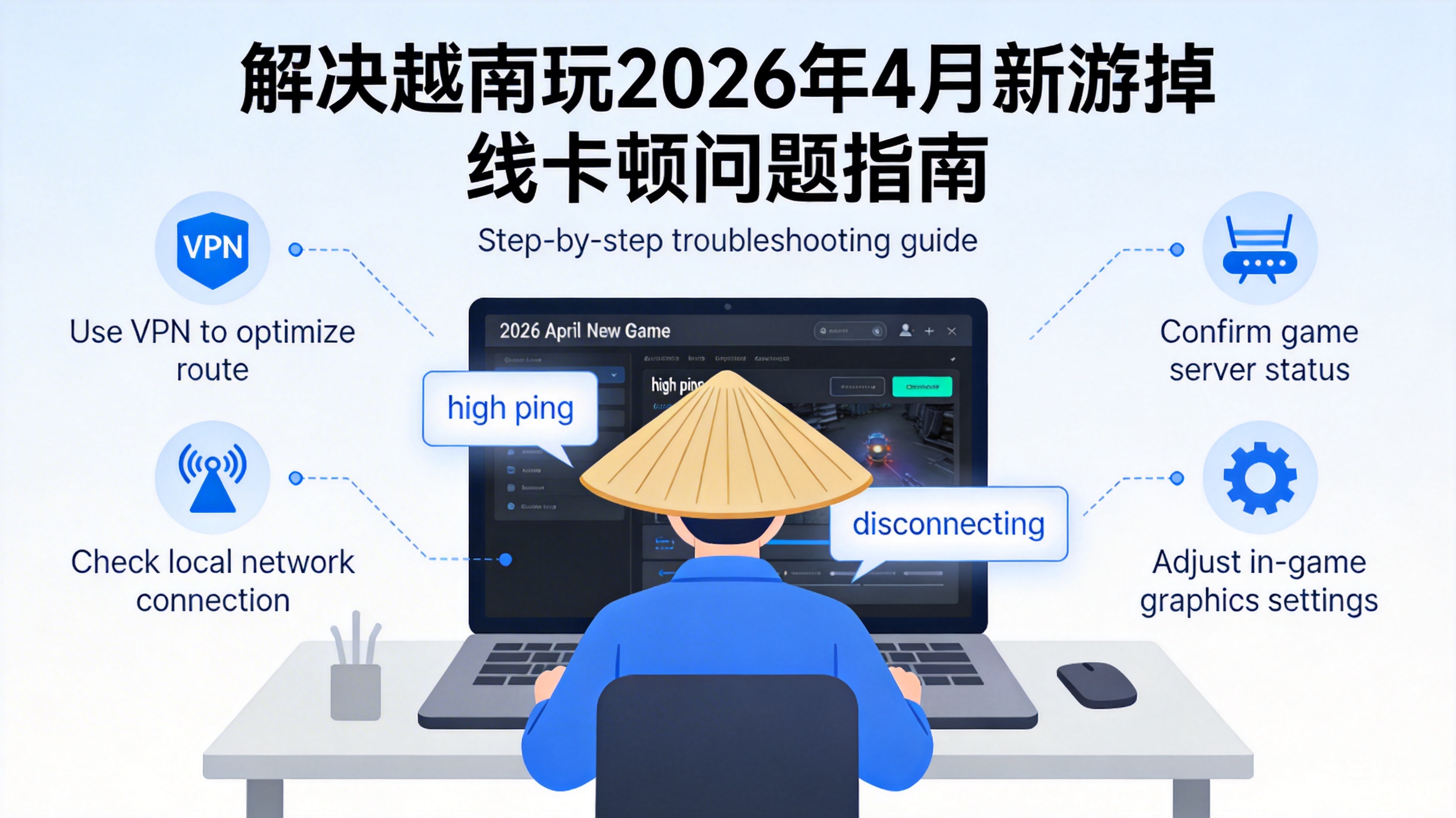
The new overseas PC/mobile game launched in April 2026 has quickly gained attention from Vietnamese players with its innovative gameplay and high-definition graphics. However, many players are facing frequent disconnections and high latency issues, which seriously affect the gaming experience. These problems are not isolated cases and are mainly related to core factors such as network environment and server adaptation. The following provides practical solutions from a professional perspective.
1. Troubleshoot Local Network Infrastructure Issues
The line quality and bandwidth allocation of local Vietnamese ISPs are one of the core causes of game lag and disconnections. First, confirm your current network type. If using shared WiFi, switch to a wired Ethernet connection to eliminate wireless signal interference and bandwidth preemption by multiple devices.
Next, use professional tools like speedtest.net to test your network's download bandwidth, latency, and packet loss rate. A packet loss rate exceeding 1% indicates unstable data transmission in the local network. At this point, try restarting the optical modem and router, or contact your ISP to troubleshoot line faults. Some Vietnamese regions may experience congestion in international export bandwidth, requiring an upgrade to an international dedicated line package.
Important Note: The basic bandwidth required for game operation is 5-10Mbps. However, for multiplayer online competitive games, ensure the upload bandwidth is no less than 2Mbps, otherwise, issues like operation delay and synchronization failure will occur.
2. Optimize Game Client and Device Adaptation Settings
Newly launched games may have imperfect client optimization, and combined with the limited hardware performance of mid-to-low-end mobile phones and laptops commonly used by Vietnamese players, it is easy to cause lag and disconnections. First, turn off non-essential in-game effects such as vertical sync and motion blur, adjust the resolution to the native ratio of the device screen, and reduce parameters like texture quality and shadow precision to reduce hardware computing pressure.
Second, check if the game client has the auto-update function enabled. Developers usually push patches within 1-2 weeks after launch to fix network adaptation and server connection issues. For PC players, close background programs that occupy bandwidth, such as download software and live streaming clients; for mobile players, turn off background auto-start apps and enable game mode to get priority resource allocation from the system.
Finally, if using an emulator to run mobile games, choose an emulator version adapted to the Vietnamese network and enable the VT virtualization function to improve computing efficiency, avoiding network disconnections caused by emulator compatibility issues.
3. Optimize Cross-Regional Connections via Network Acceleration Tools
If the game servers are deployed in overseas regions such as Europe, America, Japan, and South Korea, the excessive international routing nodes and high transit latency of the local Vietnamese network are the core causes of lag and disconnections. At this point, you need to choose a cross-border network acceleration tool optimized for games. Such tools build dedicated international transmission lines, bypass congested public network nodes, and reduce data transmission latency and packet loss rate.
When choosing an acceleration tool, prioritize products that support exclusive acceleration nodes for this new game, and confirm that the tool has deployed nodes in Vietnam to avoid secondary latency caused by the tool's own line issues. When using it, select the acceleration node closest to the game server. For example, if the game server is in South Korea, choose the Seoul node, and enable the smart routing function to let the tool automatically select the optimal transmission path.
Note: Some free acceleration tools may have node bandwidth limits and ad pop-ups. It is recommended to choose paid professional game acceleration services for better stability and security.
4. Troubleshoot Game Server and Regional Restriction Issues
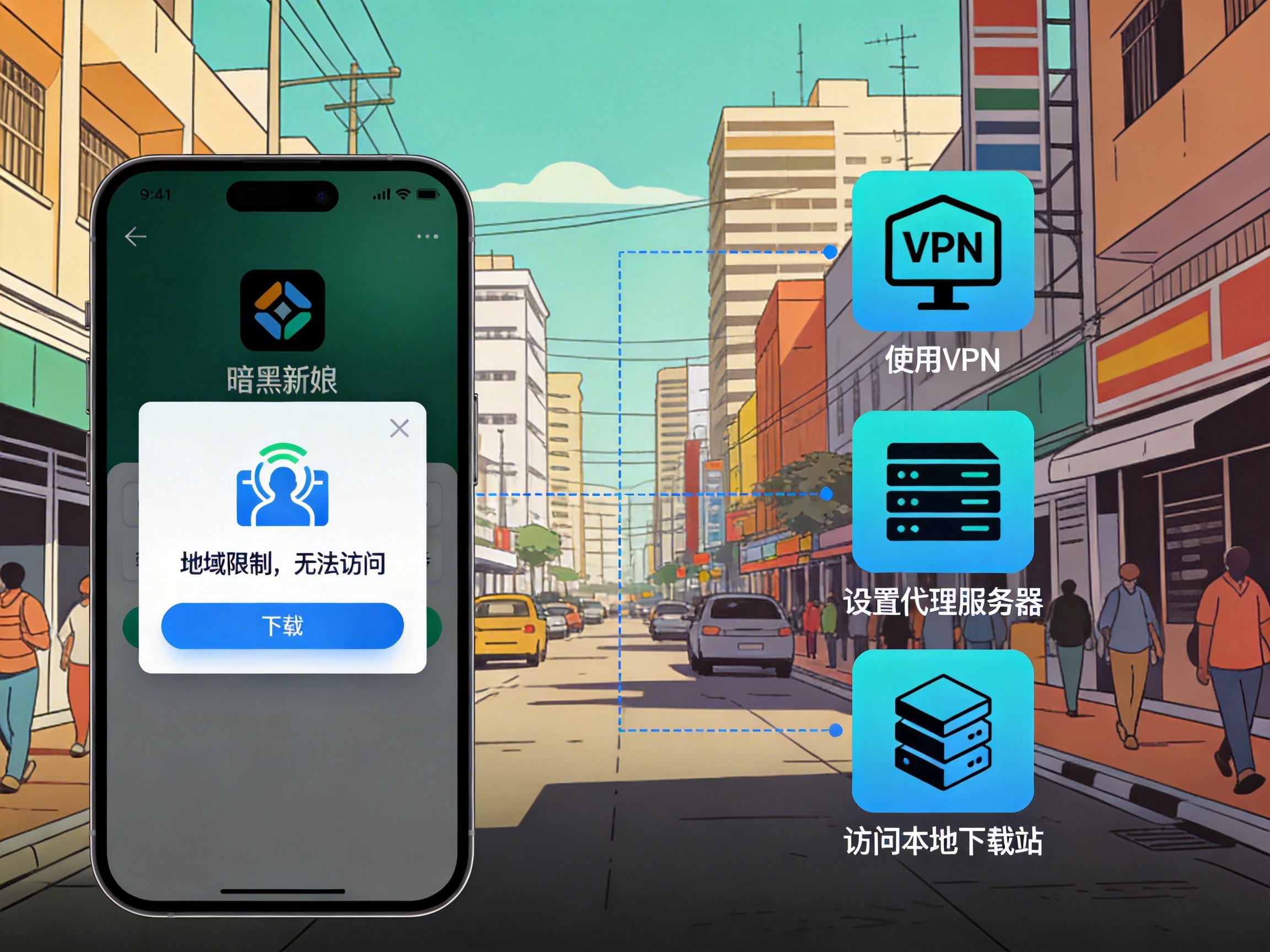
In the initial launch phase of a new game, developers may restrict access for players in certain regions, or server overload may cause unstable connections. First, check the official game forum and social media accounts to see if there is an announcement about opening servers for the Vietnamese region. If no official regional server is available, players can only connect cross-region, which greatly increases the probability of network fluctuations.
Second, if the game has an IP region lock mechanism, the local Vietnamese IP may be blocked by the server, leading to frequent disconnections. At this point, you can use the IP spoofing function of the acceleration tool to switch to an IP in the region where the game server is located, bypassing regional restrictions. Meanwhile, if multiple players log in to the game using the same IP address, it may be judged as an illegal operation by the server, so ensure each account uses an independent network connection.
Finally, if players in your area generally experience connection issues, you can jointly feedback to the game official to promote the developer to add exclusive servers for the Vietnamese region or optimize international connection lines.
Conclusion
The lag and disconnection issues when playing the new April 2026 game in Vietnam need to be troubleshooted from four dimensions: local network, device settings, acceleration tools, and server adaptation. Prioritize resolving basic local network faults, then reduce hardware pressure by optimizing client settings, and use professional cross-border acceleration tools if necessary. Finally, if it is a server regional restriction issue, feedback to the official to promote optimization. Following this process can effectively improve the stability and smoothness of the game.