Introduction
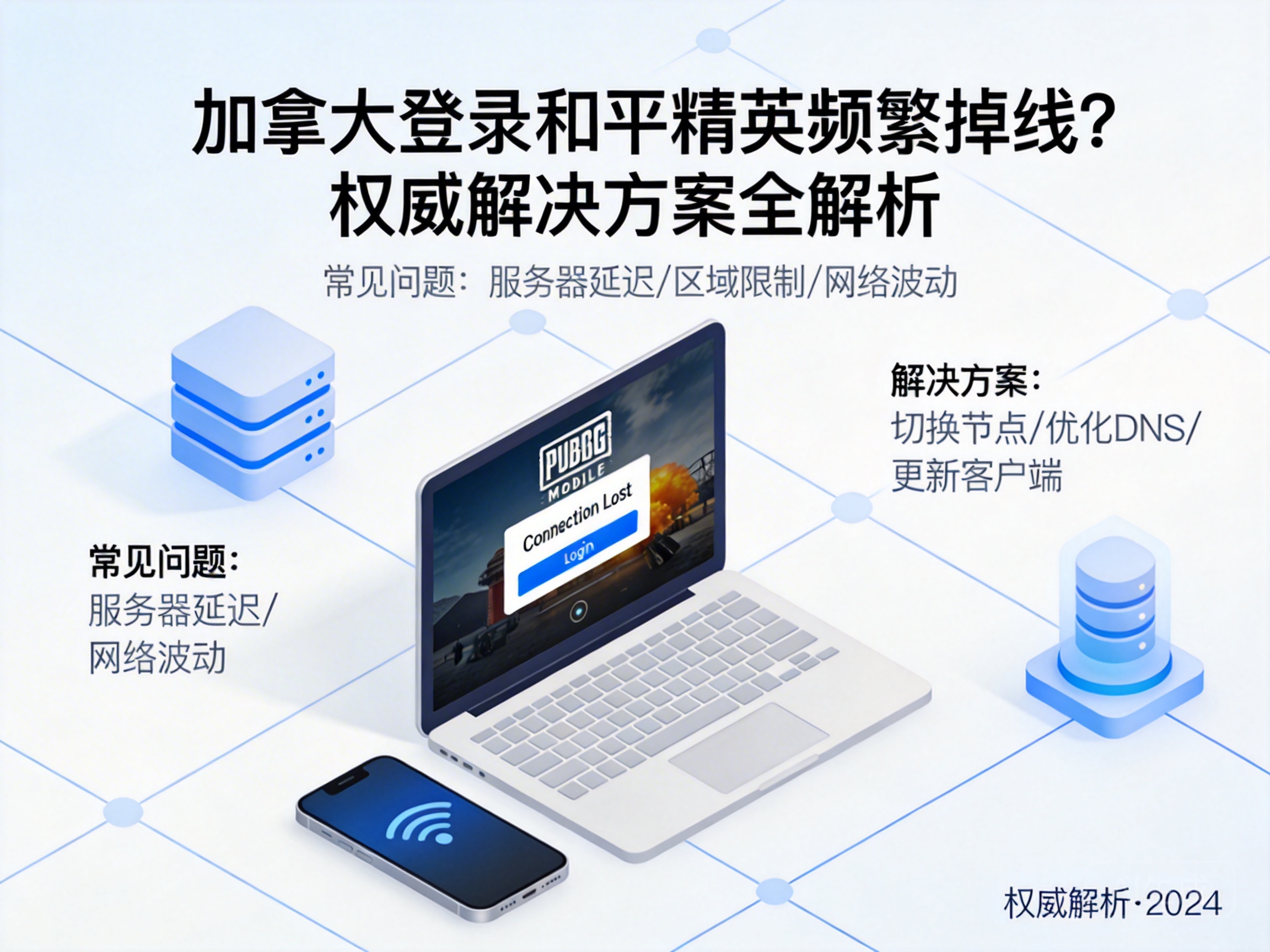
PUBG Mobile players in Canada often face issues like frequent disconnections and server connection failures, which disrupt gameplay and ruin the gaming experience. These problems are not isolated cases, mostly caused by cross-border network environments, server adaptation differences, and other factors. This article combines professional network principles and practical solutions to provide actionable paths for players.
1. First Troubleshoot Local Network Basic Failures
First, you need to rule out basic local network issues, which is a prerequisite for solving login failures. Players can switch network environments, such as switching from Wi-Fi to mobile cellular data, or using a different Wi-Fi hotspot, to test if disconnections still occur. If the problem is resolved after switching, it indicates the original network has issues like unstable signals or insufficient bandwidth.
Players can also use network speed testing tools (such as Speedtest) to detect local network latency and packet loss rate. Latency exceeding 100ms or packet loss rate higher than 1% may cause cross-border game connection interruptions. In addition, close background applications that occupy bandwidth, such as video streaming services and cloud synchronization tools, to avoid network resource diversion.
Tip: If there is a hardware failure in the local network, such as an aging router, try restarting the router or replacing the network cable to optimize network transmission stability.
2. Resolve Cross-Border Network Routing and Node Issues
The cross-border routing nodes between PUBG Mobile's domestic servers and Canada's local network are one of the core causes of connection failures. The routing paths of ordinary cross-border networks are mostly public nodes, which are prone to congestion and packet loss, leading to game data packet transmission interruptions.
Players can choose game-specific acceleration tools. These tools optimize cross-border routing, provide exclusive transmission channels for game data packets, bypass congested public nodes, and reduce network latency and packet loss rate. When choosing, select acceleration services that support PUBG Mobile and have dedicated lines from North America to mainland China, and avoid unregistered non-compliant tools to prevent account security risks.
In addition, you can manually modify the device's DNS server, replacing the default DNS with public DNS (such as 1.1.1.1 or 8.8.8.8) to optimize domain name resolution speed and reduce login failures caused by resolution timeouts.
3. Optimize Game Client and Account Settings
Local cache and version compatibility of the game client may also cause login anomalies for Canadian players. Players need to regularly clear PUBG Mobile's local cache to avoid login failures caused by corrupted cache files. The clearing path can be found in "Storage Management" in the game settings, and you need to exit the game background process before operation.
At the same time, ensure the game client is up to date. PUBG Mobile regularly pushes server adaptation patches, and older versions may be rejected by the server due to protocol incompatibility. In addition, players need to check the account's region settings to confirm they have not mistakenly selected a region with login restrictions. If there is a region lock, you can apply for adjustment through official customer service.
Tip: If logging in via an emulator, ensure the emulator's virtualization function is enabled and the graphics card driver is up to date to avoid disconnections caused by hardware adaptation issues.
4. Troubleshoot Server and Account Security Issues
If the above solutions do not work, you need to troubleshoot server and account-specific issues. Players can check the real-time operation status of domestic servers through PUBG Mobile's official social media or customer service channels to confirm if there is server maintenance or downtime.
In addition, check if the account is in an abnormal state, such as login restrictions triggered by remote login security protection mechanisms. If the account is restricted, you can unlock it through the security verification process in the official account center, such as bound mobile phone number verification or face recognition.
Some players use shared accounts or third-party recharge services, which may cause the account to be detected and restricted by the official. In such cases, contact official customer service to submit an appeal and provide account ownership proof to unlock the restriction.
Conclusion
The problem of PUBG Mobile login disconnections for Canadian players needs to be troubleshooted from four dimensions: local network, cross-border routing, client settings, and account status. Prioritize resolving basic local network failures, then optimize cross-border transmission with professional acceleration tools, while keeping the client updated and the account compliant. Following these steps can effectively improve login success rate and restore a stable gaming experience.




