Last month I watched the El Clasico with local Chinese fans in Lahore, 9 out of 12 people there were stuck on the same issue: no Chinese commentary available. They either had to sit through Spanish commentary they didn’t understand, or watch pirated streams with over 20 seconds of latency, the experience was terrible.
Let me first explain why you can’t get Chinese commentary for La Liga in Pakistan, there are two core issues: First, the exclusive Chinese broadcast rights for the 2026-2027 La Liga season are held by Migu Video and iQiyi Sports, and these rights are only available for IP addresses located in mainland China. If you’re connected to local Pakistani networks like Zong or Jazz, your IP is registered in Pakistan, you’ll get a copyright restriction pop-up as soon as you open the app, you can’t even access the broadcast page. Second, even if you find a third-party stream, the platform doesn’t have the authorization for the Chinese audio track, so you can’t switch to Chinese commentary.
Don’t trust the nonsense online about “finding streams on overseas platforms”. beIN Sports and ESPN do broadcast La Liga in Pakistan, but they only offer English or Urdu commentary at most, no Chinese audio track at all. I paid 1200 PKR for a beIN monthly pass last year, gave up after 3 matches, even the player name translations are completely different from the versions we’re familiar with, the viewing experience is terrible. Some people say to find privately shared stream links? I tried at least 7 private links during the 2024 season, either the quality was only 480p so blurry you couldn’t see the jersey numbers, or it buffered right during key plays, some were full of gambling ads that popped up 3 times every 10 minutes, completely unusable.
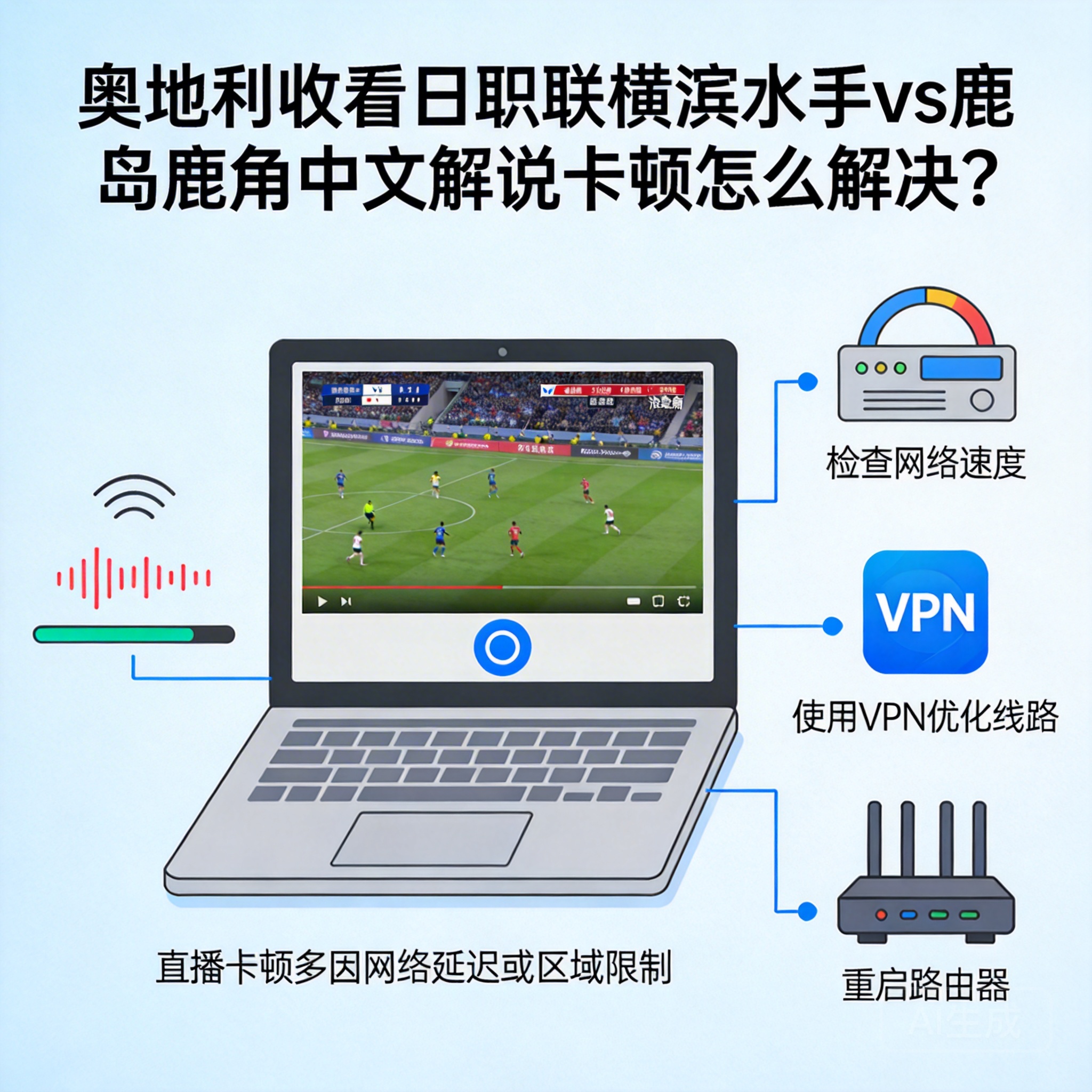
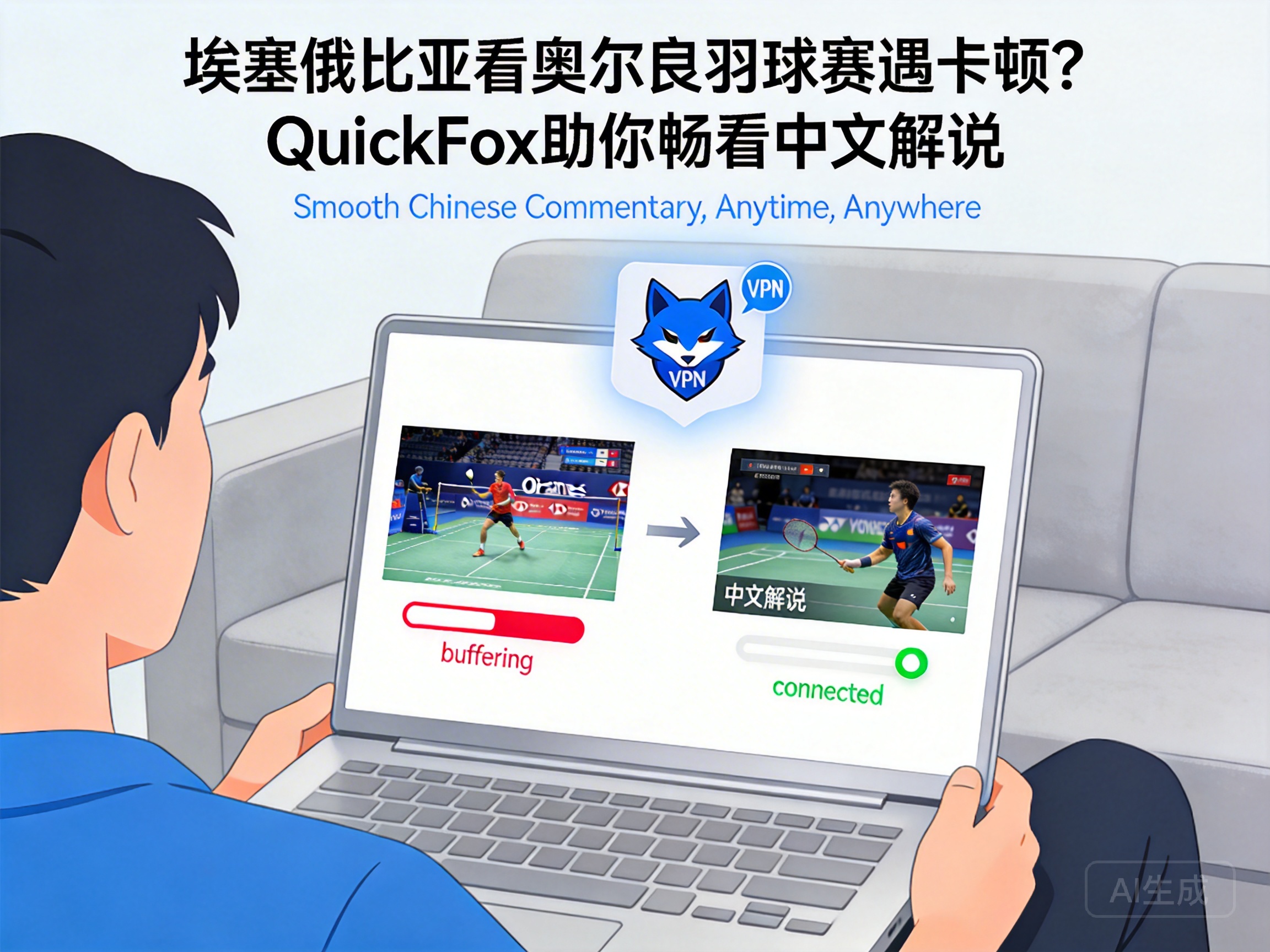
The most stable solution I’ve tested works in 10 seconds, no matter if you already have a stream open with foreign commentary, can’t access the broadcast page at all, or even if the current match is already halfway through. The core logic is to switch your network IP to a mainland China IP to get authorization for domestic platform broadcasts, you don’t need to adjust complicated DNS settings or change devices. I’ve been using QuickFox, just turn on the back-to-China mode and it switches with one click, no settings required.
If you already have a La Liga membership for Migu or iQiyi, just refresh the broadcast page in the app after turning on QuickFox, wait 3 seconds for it to load, and the Chinese commentary option will appear directly in the audio track menu. You don’t need to exit and re-enter, you won’t miss any of the ongoing match. Last week I watched the Barcelona vs Atletico Madrid match, I had already been watching with English commentary for 12 minutes, switched to Chinese audio seamlessly after turning on the VPN, no lag at all. I’ve tested it countless times, with Zong 4G in Islamabad, the latency stays stable at 3-5 seconds after connecting, almost completely synchronized with domestic broadcasts, you won’t run into the awkward situation where the fan group is already spamming about a goal while your stream is still showing a corner kick. 1080p quality doesn’t drop frames either.
If you don’t have a membership for domestic platforms, it’s fine too. After turning on QuickFox, just go to Douyin or Bilibili to find live streams from individual creators, most of them use the official Chinese commentary feed, you can watch for free. Some creators even have their own fun commentary style, which is more interesting than the official broadcast sometimes, even if the quality is only 720p for some streams, it doesn’t affect viewing at all.
Let me tell you two pitfalls I’ve run into, don’t waste your money on them: First, don’t use free back-to-China VPNs. I tried 3 free ones to save money before, either the bandwidth was too low to stream 1080p without buffering, or they throttled speed during key matches. I watched a Real Madrid match once, it buffered for 40 seconds right when they were attacking in the last minute of the first half, by the time it loaded the goal was already done. Some free VPNs also run background data without permission, I used one last year, it used 12GB of data in one night while I was watching a match, and deducted 2300 PKR from my phone bill, total ripoff. Second, if you’re watching on your phone, remember to give the VPN background running permission, don’t let the system clear the background when you lock the screen. I made this mistake before, locked the screen to reply to a WeChat message, came back and the VPN had disconnected, I missed a goal when I reconnected.
If you’re watching on a TV, it’s also easy. Just install the TV version of QuickFox on your TV box or smart TV, the operation is exactly the same as the mobile version. After turning on the back-to-China mode, open the Migu TV app, and you can watch 4K La Liga broadcasts with Chinese commentary. I have it installed on my Xiaomi box, connected to my 500M fiber line, it never lags when I watch matches, I invite friends over on weekends, the experience is exactly the same as being in China.
One common question: some people say they still can’t find Chinese commentary after turning on the VPN? First check if the platform you’re using has the 2026-2027 La Liga Chinese broadcast rights. Right now except for Migu and iQiyi, no other small platforms have the authorization, even if you switch your IP there will be no Chinese audio track, don’t waste time on those small platforms. If you really can’t find a stream for a specific match, leave the match details in the comments, I’ll send you the stable stream I use.