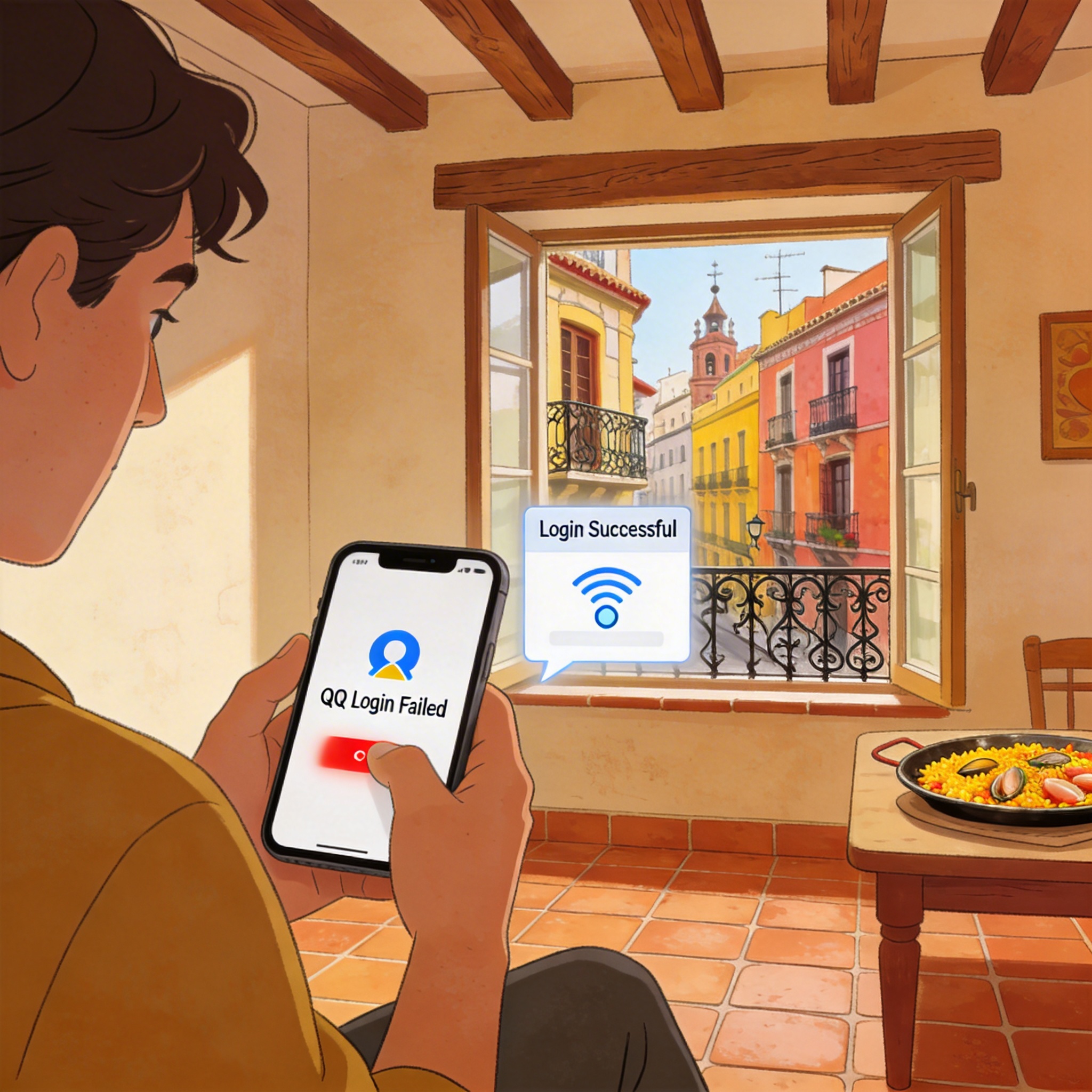
When I was studying in Madrid last year, right after I landed and connected to the apartment wifi, I tried to log in to QQ to send documents to my supervisor in China. After entering the password and clicking login, it got stuck on security verification, spun for three minutes, and then popped up “Current network environment is unstable, please try again later”. I switched to mobile data and it was still the same. I tossed around for almost two hours before fixing it, and later helped several Chinese friends in Spain solve the same problem. I’ve listed the tested and effective steps in order of priority, just follow them.
First, check what error message you get, different problems correspond to completely different solutions, don’t mess with settings randomly at the beginning.
If the pop-up says “Login is not supported in the current region” or “Your account has security risks and login has been restricted”, it’s 100% Tencent’s regional IP restriction, which is the most common situation. That’s exactly what I encountered when I first arrived in Spain. For account security, Tencent blocks access from IPs outside mainland China, especially when you log in to QQ on a new device in Spain for the first time, it will most likely trigger risk control directly.
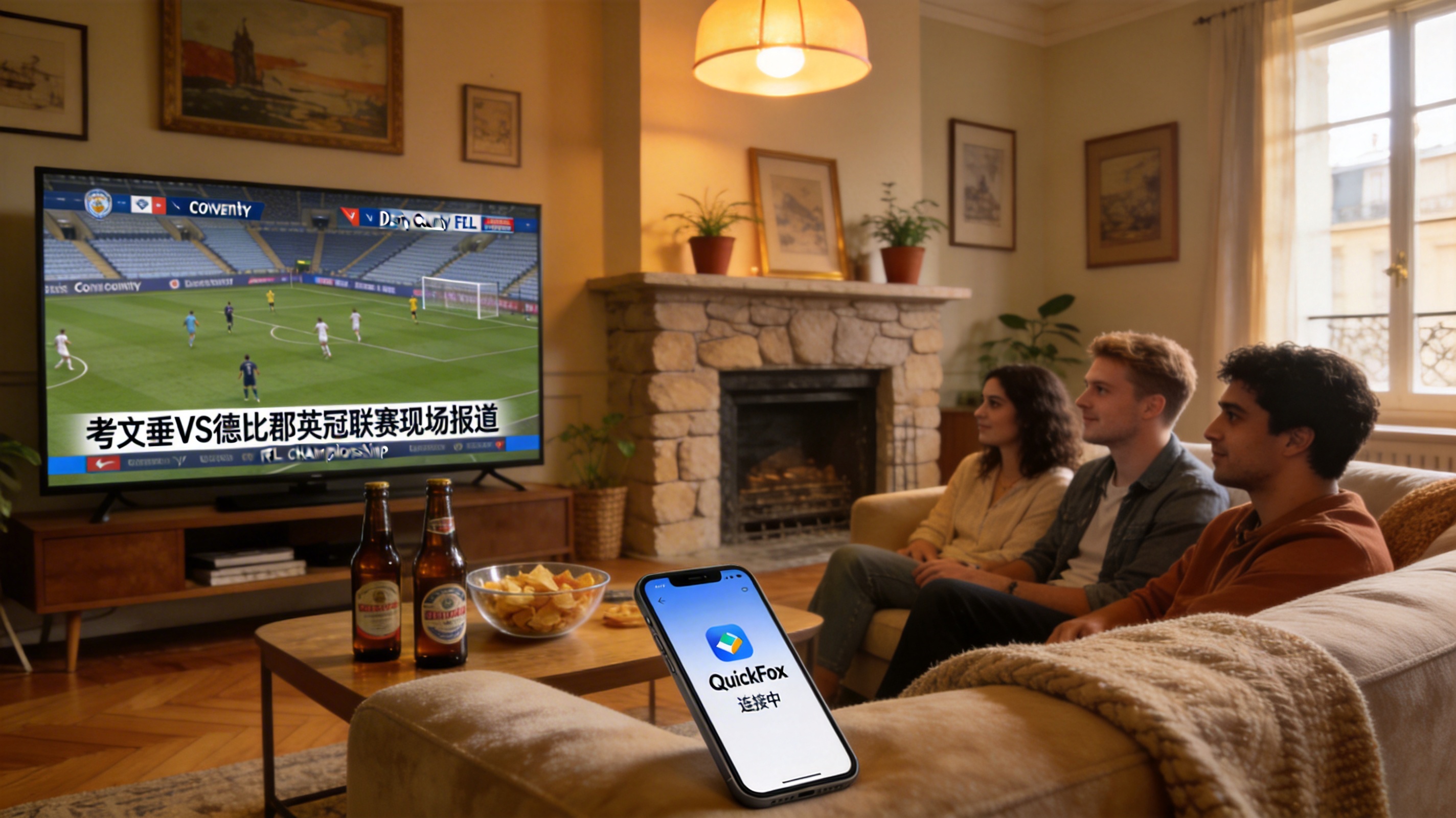
Don’t waste time on this problem. The stupidest thing I did was recharge a QQ Super Membership, thinking there was some kind of overseas login privilege, which was completely useless. I then contacted customer service to appeal, waited 48 hours, and only got a reply saying “Please check your network environment”. Later, a friend who stayed in Germany told me I needed to switch my IP back to China. I tested no less than 5 tools, and finally kept QuickFox. After connecting to a domestic node and logging in to QQ again, I slid the verification slider and got in directly, in less than 30 seconds.
Oh right, if you use an iPhone, don’t download those free tools with shared IPs. I tried one before, and after connecting, logging in to QQ directly triggered secondary risk control, requiring me to find three friends for auxiliary verification, which took me half a day to resolve. QuickFox’s nodes are independent, I’ve used it for almost two years, and I’ve never had restrictions when logging in to QQ, streaming QQ Music, or even transferring large files via QQ.
If the pop-up says “Wrong password, please re-enter”, don’t rush to change the password. A friend of mine in Valencia encountered this before. He was sure he entered the password correctly, changed it three times and still couldn’t log in, later found out it was a problem with the input method. Spanish mobile input methods have accent marks enabled by default, or the full-width/half-width switch of the Chinese input method is incorrect. For example, if your password has the number 0, the full-width 0 is completely different from the half-width 0, and QQ can’t recognize it.
For this, first switch your input method to the system’s native English keyboard, pay attention to capitalization when entering the password. If it still doesn’t work, use QQ’s QR code login, scan it with a device that’s already logged in to QQ in China, no need to enter a password, which can bypass the input method pit. That’s how my friend logged in successfully later.
Another situation is getting stuck on the security verification loading circle, and finally prompting a timeout. First rule out problems with your own network. I encountered this when I stayed in a homestay in Barcelona before. When connected to the homestay’s wifi, logging in to QQ kept timing out, but switching to local mobile data worked fine. Many public wifis or old apartment networks in Spain block UDP ports, and QQ login happens to use UDP transmission, so it gets stuck on verification.
The solution is simple: either switch to mobile data to try, or switch to the 5G band of the WiFi. If that still doesn’t work, use QuickFox as I mentioned earlier, it uses a domestic transit channel, so the local network won’t block the port. At that time in the homestay, I logged in directly after connecting to the node, and even made a video call with my family via QQ, no lag at all.
Let me mention a few useless pitfalls I’ve stepped into, don’t waste time trying them:
The first one is switching QQ versions. I downloaded the so-called international version of QQ and the lite version before, but their login logic is essentially the same as the regular version. As long as your IP is in Spain, it will still block you. Moreover, the international version hasn’t been updated for a long time, many functions are unavailable, and you can’t even send large files.
The second one is asking customer service to unblock your account. Unless your account is actually violating the rules, customer service won’t unblock you individually for login failures caused by regional restrictions. I appealed twice before, and each time I only got an automatic reply, which was completely useless.
The third one is changing your phone’s location. I tried changing my iPhone’s location to China before, but it was completely useless. QQ recognizes your network IP, not your phone’s GPS location, so changing it is a waste of time.
By the way, if you log in successfully and get kicked offline shortly after, prompting an off-site login, just keep logging in with a domestic IP for 3-5 consecutive days. Once Tencent’s risk control system recognizes that you are logging in from a commonly used device, it won’t pop up restrictions randomly. Now I log in to QQ in Spain almost without secondary verification, just enter the password and get in, no different from using it in China.
There’s also a detail: if you can’t log in to QQ Mail or QQ Space either, the solution is exactly the same, it’s all an IP restriction problem, switching to a domestic node will fix it. I usually use QQ Mail to receive work emails from China, and after connecting to QuickFox, the loading speed is much faster than logging in directly, and I don’t have to wait ages for attachments to load.
If you still can’t log in after following the steps above, you can leave a comment with your specific error screenshot, and I’ll help you find the problem when I see it. After all, I’ve encountered so many weird QQ login problems. Before, there was a friend whose domestic mobile phone number bound to QQ was out of service, so he couldn’t receive the verification SMS, and later he used his family’s domestic phone number to receive the code and logged in. Such special cases need specific analysis.