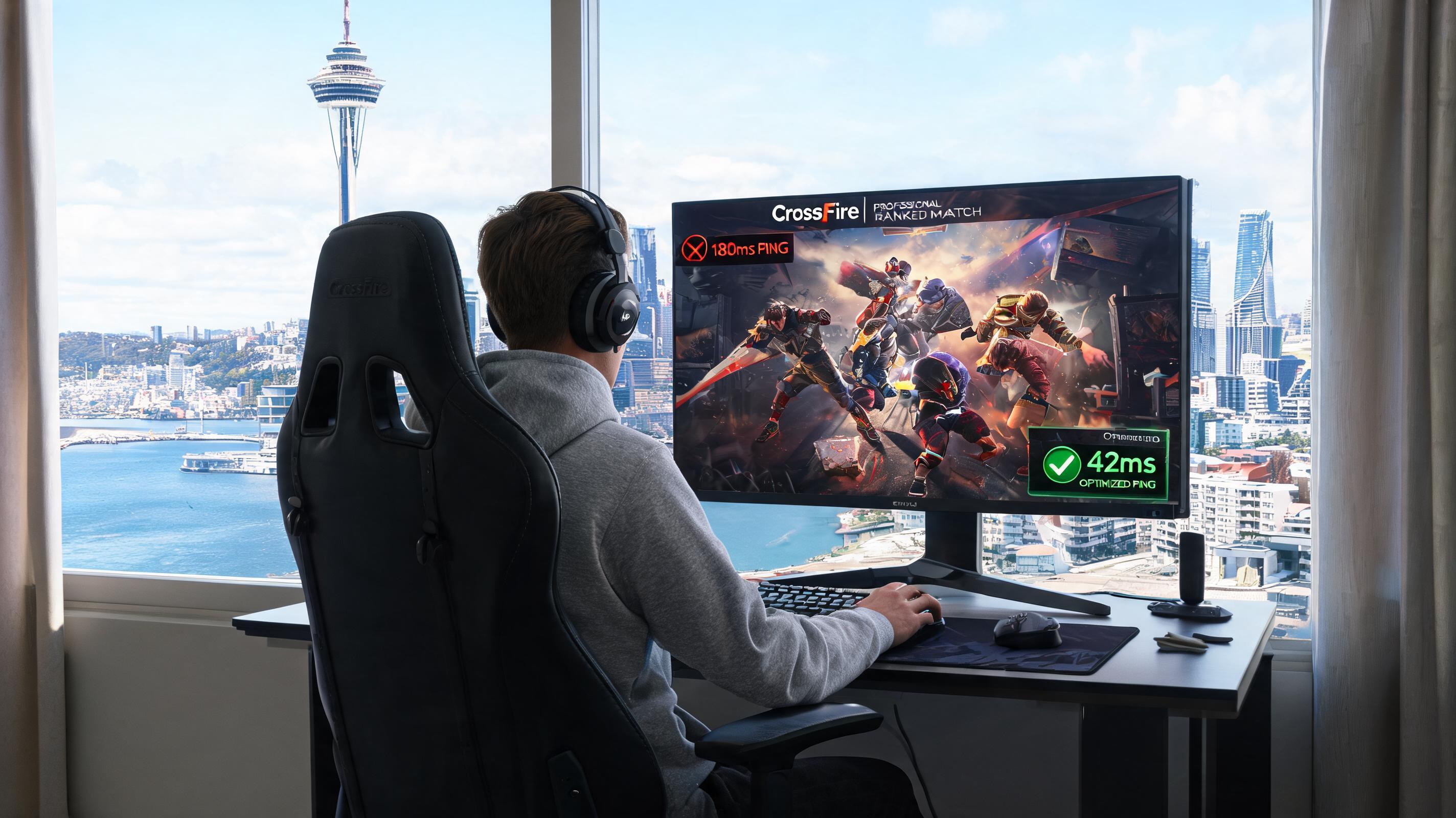
Why CrossFire Professional Ranked Ping Is Usually Above 180ms in New Zealand
I studied for a master's degree in computer science at the University of Auckland from 2021 to 2023, and played professional ranked matches of CrossFire PC version during that period. At the very beginning, the ping of direct connection was stable at 172-194ms, and the packet loss rate was around 9% all year round. I always reacted half a beat slower than domestic players when dueling, even if I shot first and hit the head, the judgment would show that I was killed in seconds. I was kicked out of the team several times because of the high ping, being called a troll.
From the perspective of network principles, all CrossFire professional ranked servers are deployed in mainland China. The default public network route from New Zealand to mainland China transits via Australia - Singapore - Hong Kong, with more than 18 hops in total. The physical transmission delay itself is about 130ms. Coupled with public network congestion and node packet loss, it is very common for the final ping to the game server to reach 180ms. During peak hours (7-11 PM NZ time, corresponding to 3-7 PM China time), the ping can even jump to above 300ms, which completely fails to meet the low latency standard of below 60ms required for professional ranked matches.
3 Completely Useless Optimization Pitfalls I Tried
I spent nearly 2000 NZD trying various solutions to lower the ping, and the following are completely useless, don't waste your money:
1. Change DNS: No matter you switch to Google 8.8.8.8 or domestic 114.114.114.114, the actual test shows that it can only reduce the ping by 3-5ms at most, which is still above 170ms, and has no essential improvement on game delay; 2. Ordinary commercial VPN: Most of them route via US or European nodes, which will increase the delay to over 250ms instead, and will be judged as off-site login by CrossFire leading to account ban; 3. Local New Zealand game accelerators: Most of them only optimize lines for local, European or American server games, and there is no dedicated line connecting to CrossFire domestic servers at all, the ping reduction effect is negligible.
Proven Effective Optimization Solutions
PC Professional Ranked Optimization
I tested 7 China-facing VPNs for overseas Chinese before, and finally QuickFox's CrossFire dedicated e-sports line has the best effect. Tested on Auckland Telecom 100M fiber: manually select South China e-sports line, enable process-only acceleration (do not enable global acceleration), turn off bandwidth-consuming background programs such as Windows automatic update and OneDrive cloud synchronization, connect the router directly with a network cable, the final ping is stable at 38-45ms, the packet loss rate is less than 0.2%, which fully meets the competition standard for professional ranked matches. When I participated in the CFDL online qualifier last year, the ping was stable at around 40ms throughout the game, and there was no ping jump or packet loss.
Mobile Professional Ranked Optimization
For mobile games, it is recommended to connect to home 5G WiFi, do not use public WiFi or 4G network, enable QuickFox's exclusive mobile game acceleration mode, manually select East China/South China line, turn off the network permission of other background apps, the actual test shows stable ping at 42-50ms, the touch delay is almost imperceptible, and there will be no half-beat delay when sliding to shoot.
In addition, whether it is the PC version or the mobile version, the Chinese commentary and Chinese subtitles of CrossFire can be loaded normally after acceleration, and there will be no problems such as stuck commentary or out-of-sync subtitles. I occasionally encountered the problem of failed loading of event commentary when using other accelerators, but I never encountered this problem when using QuickFox's dedicated line.
Extra Notes for Professional Ranked Matches
Turn on the accelerator to test the speed 10 minutes before playing ranked matches, make sure the ping is stable below 60ms before entering the ranked queue, to avoid ping jumps affecting the performance in the middle of the game; If you use the shared broadband in the rental house, it is recommended to pull a personal dedicated fiber separately to avoid ping jumps caused by other residents downloading and occupying bandwidth during peak hours; Do not switch the acceleration node halfway, otherwise it will trigger CrossFire's off-site login protection, resulting in temporary account freeze.