Introduction
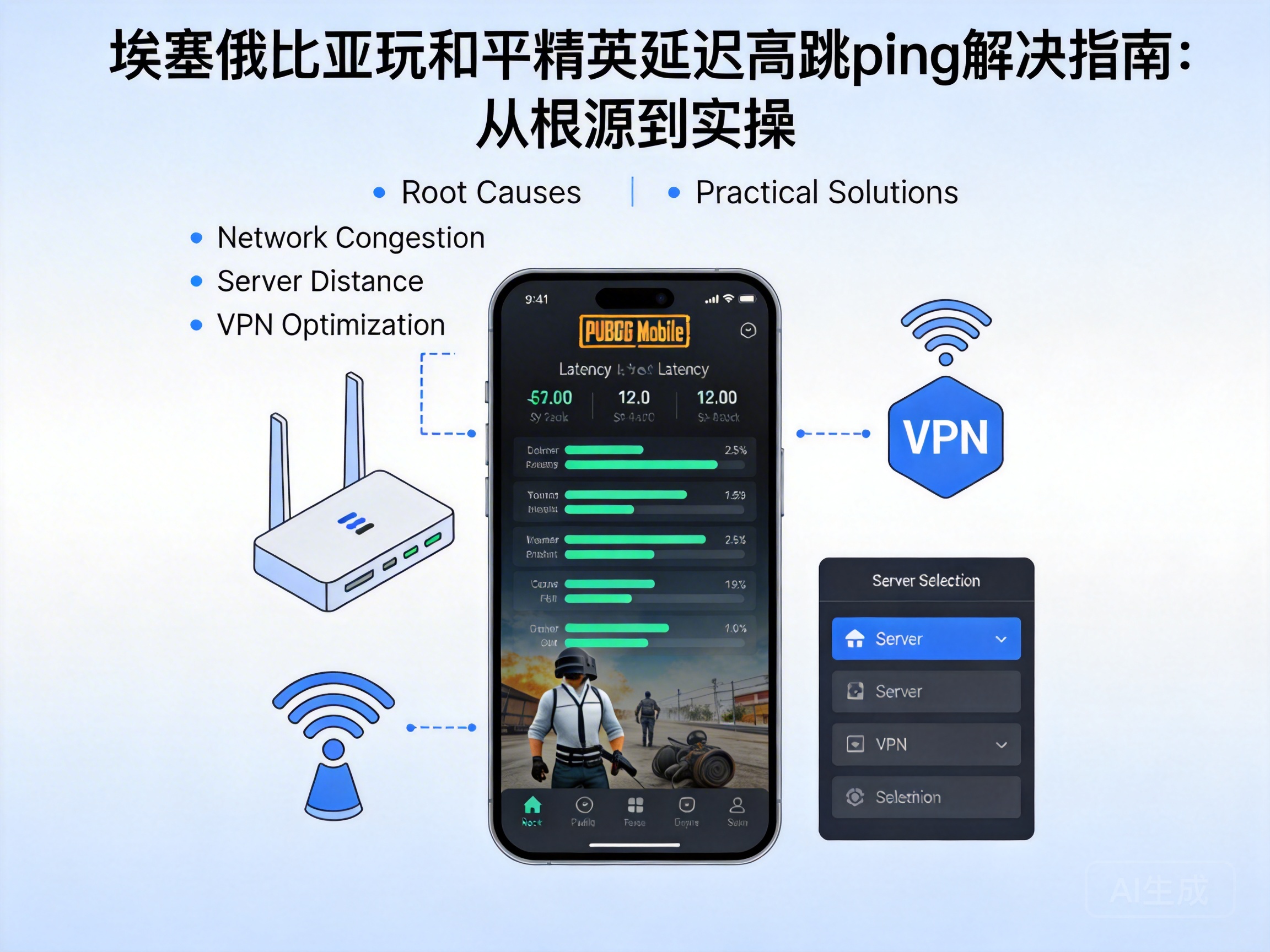
For PUBG Mobile players in Ethiopia, high ping and lag spikes are core issues ruining the gaming experience—you aim at an enemy but miss the kill due to delay, or get eliminated by a "teleporting" opponent right after landing. This problem is not caused by a single factor, but a combination of local network infrastructure, game server architecture, and device settings. This article will analyze the problem professionally and provide actionable solutions.
1. Understand the Core Limitations of Ethiopia's Local Network
Ethiopia's network infrastructure has inherent shortcomings: its international bandwidth mainly relies on undersea cables, and local ISP (Internet Service Provider) node optimization is insufficient, which is one of the core causes of high ping in PUBG Mobile. PUBG Mobile servers are mainly deployed in East Asia and Southeast Asia, so data packets from Ethiopian players must pass through multiple international nodes, resulting in latency accumulation (the total waiting time for data packets to be processed at each node on the transmission path).
In addition, Ethiopia's mobile network is dominated by 4G, and some remote areas still use 3G. Unstable mobile signals directly cause ping spikes. Meanwhile, international exit bandwidth congestion in local networks further compresses the transmission priority of game data packets during peak evening hours (18:00-22:00 local time), when a large number of users access the network simultaneously.
Professional Tip: Use tools like Speedtest to test the latency of international nodes. If the latency to Singapore nodes exceeds 300ms, there is an obvious problem with the basic network environment.
2. Optimization Solutions for Servers and Network Links
The core of solving cross-regional network latency is to shorten the data packet transmission path by prioritizing PUBG Mobile servers closer to Ethiopia. Although there are no exclusive servers for the African region, Southeast Asian servers (Singapore and Malaysia nodes) are relatively closer in physical distance. Players can manually switch to this regional server in the game settings instead of using the default auto-matching server.
Second, using a professional game accelerator is the most direct solution. The core principle of game accelerators is to bypass congested public international exits through exclusive international backbone network nodes, and mark game data packets with QoS (Quality of Service) priority to ensure they receive priority processing during transmission.
When choosing an accelerator, prioritize products that support Ethiopian regional nodes, and avoid those that only cover Europe, America, and East Asia. It is also recommended to choose accelerators that provide UDP (User Datagram Protocol) acceleration, as PUBG Mobile uses UDP to transmit real-time game data, which can further reduce latency fluctuations.
3. Refined Adjustments of Device and Game Settings
In addition to network-level optimization, adjustments to device and game settings can also effectively alleviate ping spikes. First, close high-bandwidth applications running in the background of the device, such as video streaming and cloud storage synchronization. These applications occupy a large amount of network bandwidth, squeezing the transmission resources of game data packets.
Second, make two key adjustments in PUBG Mobile's game settings: first, adjust the frame rate mode to "Smooth + Extreme Frame Rate" to reduce the device performance occupied by screen rendering, avoiding "false latency" caused by device lag; second, turn off unnecessary functions such as "HD Voice" and "Real-time Shadows" to reduce the upstream transmission volume of game data.
In addition, use a wired network connection for the device if possible. WiFi connections are susceptible to environmental interference (such as wall obstruction and same-band device interference), while wired networks are 3-5 times more stable in transmission, which can reduce the probability of ping spikes at the physical level.
4. Advanced Optimization Tips for Local Network Environment
If the above solutions still do not solve the problem, you can try advanced optimization of the local network environment. First, contact your local ISP to apply for an upgrade to a higher bandwidth package, especially the upgrade of international exit bandwidth, which can directly improve the transmission speed of game data packets.
Second, enable the QoS function in the router, and manually set the game ports of PUBG Mobile (default UDP ports are 27015-27030) to the highest priority to ensure that game data is transmitted first in the local network. Some high-end routers also support a "Game Mode" that can automatically identify and optimize game data packets.
In addition, restart the router and device regularly to clear the network cache of the device, avoiding the decline of network transmission efficiency caused by cache accumulation. If using WiFi, switch the router's frequency band to 5GHz, which has less interference and more stable transmission speed, making it suitable for delay-sensitive applications such as games.
Conclusion
The high ping and lag spikes in PUBG Mobile encountered by Ethiopian players are the result of the combined effects of network infrastructure, cross-regional transmission, and device settings. From choosing nearby servers and using professional accelerators to optimizing device and game settings, and adjusting the local network environment, players can troubleshoot and optimize step by step according to their own conditions. Through systematic adjustments, latency fluctuations can be effectively reduced, and a smooth gaming experience can be restored.


