Introduction
For Chinese living, studying or working in Australia, WeChat is a core tool for connecting with family and friends back home and handling daily affairs. However, many people encounter regional restriction prompts when downloading, or cannot open the app after installation, which directly cuts off important connections with China. This article collates verified solutions to help you quickly restore normal use of WeChat.
First, Understand: Common Causes of WeChat Restrictions in Australia
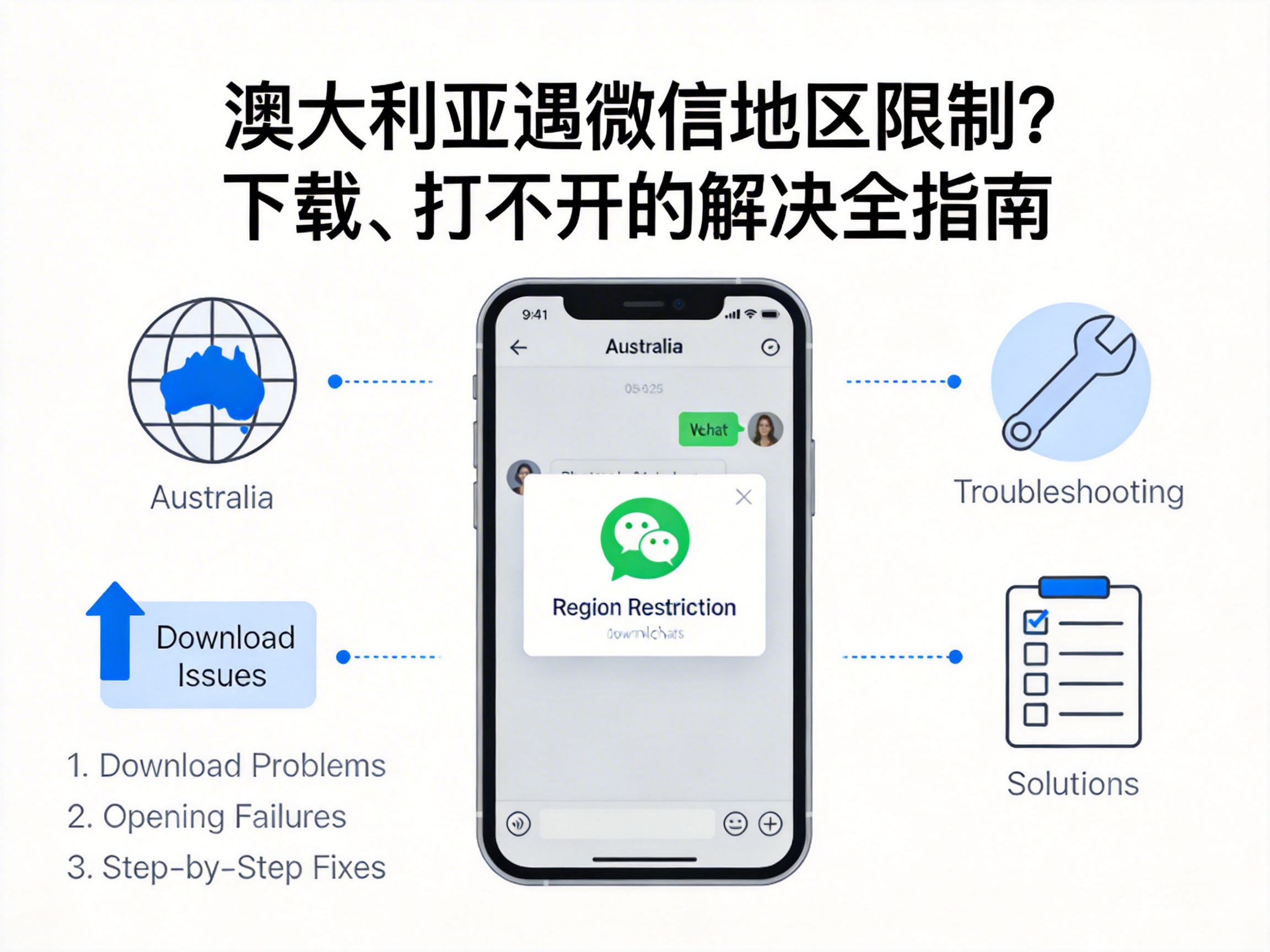
First, it is important to clarify that WeChat itself does not have official comprehensive restrictions on Australia. Most problems are caused by local technical restrictions or device settings. There are three main common causes: first, regional copyright restrictions in app stores, as Apple App Store and Google Play divide content libraries based on IP addresses; second, node restrictions from network operators, where some Australian operators' international network nodes may affect connections to WeChat servers; third, regional setting conflicts on devices, such as mismatched regions between Apple ID and actual location.
Tip: If you are a new user who just arrived in Australia, prioritize checking your device's regional settings and app store account region, as this is the easiest trigger point to overlook.
Solution 1: Adjust Device and App Store Regional Settings
This is a basic solution without additional tools, suitable for most ordinary users. For Apple users, first open "Settings" - "Apple ID" - "Media & Purchases", click "View Account" and change the country/region to Australia, then complete the address information as prompted. After modification, restart the App Store to search and download WeChat.
Android users need to open the Google Play Store, click the personal avatar to enter settings, select "General" - "Account and device preferences", switch the country/region to Australia, and after filling in local address information, they can search and download WeChat normally. If WeChat is installed but cannot be opened, uninstall it first and then re-download it from the corresponding store.
Solution 2: Use Compliant Network Tools to Optimize Connection
If you still cannot download or open WeChat after adjusting regional settings, it is most likely a network connection issue. At this point, you can choose a compliant Virtual Private Network (VPN) tool to optimize the connection path with WeChat servers by switching to a domestic network node. Note that you should choose a VPN service provider that is compliant in Australia and has stable domestic nodes, avoiding unregistered illegal tools.
When operating, first open the VPN and connect to a regular domestic node, then try to open WeChat or enter the app store to download. When using a VPN, you must comply with Australia's network supervision regulations and not use it for illegal activities. If there are still problems after connection, try switching to different domestic nodes or replacing with other compliant VPN tools.
Solution 3: Install APK from WeChat Official Channel
For Android users, you can also bypass regional restrictions in app stores and directly obtain the installation package from WeChat's official channel. First, open the WeChat official website, find the APK download entry for the Android version, and directly download the installation package to your phone. After downloading, you need to enable the "Allow apps from unknown sources" permission in your phone settings to install it normally.
After installation, open WeChat and log in. This method does not depend on regional settings in app stores, and is suitable for users who cannot modify the region of their Google account. It is important to download only from the official WeChat website, avoiding installation packages from third-party platforms to prevent malicious software or phishing programs.
Solution 4: Contact WeChat Official Customer Service for Feedback
If none of the above methods solve the problem, your account or device may have been mistakenly restricted. At this point, you can feedback the issue through WeChat's official customer service channels, providing your device model, location, specific error prompts and other information, and request manual review and processing.
The contact information for WeChat official customer service can be found in the "Help & Feedback" section of the WeChat official website. You can also use a family member or friend's WeChat account in China to enter "Settings" - "Help & Feedback" to submit a work order. Generally, the official will respond within 1-3 working days, and you can restore use after completing verification as prompted.
Summary
When encountering WeChat regional restrictions or access issues in Australia, there is no need to be overly anxious. Start with basic checks such as device regional settings and app store accounts, then gradually try methods like network optimization, official installation packages, and customer service feedback. As long as you follow compliant procedures, most problems can be solved in a short time, quickly restoring smooth connections with China.