Introduction
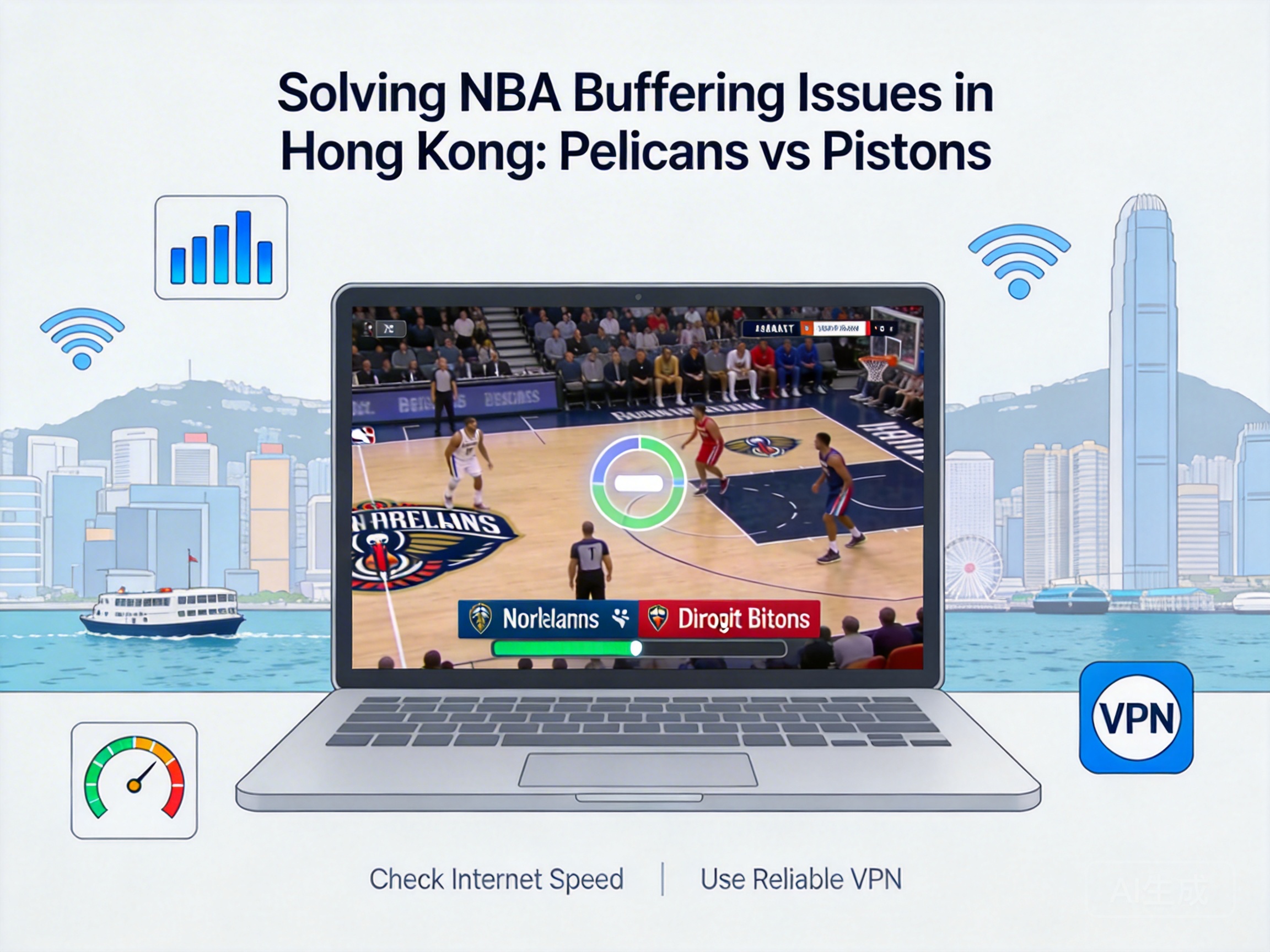
NBA fans in Hong Kong often encounter issues like buffering, loading delays, or even disconnections when watching the regular season game between the New Orleans Pelicans and Detroit Pistons, which severely undermines the viewing experience. Such problems are not caused by a single factor and require multi-dimensional troubleshooting based on network environment, streaming platform features, and other aspects. This article provides professional and actionable solutions tailored to Hong Kong's network scenarios.
Network Infrastructure Troubleshooting and Optimization
Hong Kong's network is primarily fiber-optic broadband, but buffering can still occur due to bandwidth congestion or line faults. First, confirm whether your current network bandwidth meets the requirements for NBA live streaming: HD streaming typically requires a stable bandwidth of 5-10Mbps, while 4K streaming needs 15Mbps or more. Users can perform real-speed tests using tools like Speedtest, and close background downloads, online videos, or other bandwidth-consuming applications if bandwidth is insufficient.
Next, check the stability of the network link. If using Wi-Fi, switch to the 5GHz band to avoid signal interference from the 2.4GHz band; place the router within 3 meters of the viewing device without obstructions to reduce signal attenuation. If using a wired connection, check for aging network cables or loose interfaces, and replace them with high-speed CAT6 or higher cables if necessary.
Note: Some Hong Kong operators experience congestion on international exit bandwidth during evening peak hours. If the speed test shows a packet loss rate of over 2% on the international link, contact your operator to confirm bandwidth expansion or line optimization solutions.
Targeted Adjustments for Streaming Platforms
Legal platforms for watching NBA games in Hong Kong mainly include Now TV, TVB Anywhere, and the official NBA League Pass. The causes of buffering vary across platforms and require targeted solutions. For Now TV users, ensure that adaptive bitrate settings are enabled—this feature automatically adjusts video quality based on real-time network conditions, avoiding buffering caused by bandwidth fluctuations.
If using League Pass, check if the "Low Latency Mode" is enabled, and select the nearest CDN node to Hong Kong in account settings—usually Singapore or Japan nodes—to reduce cross-regional transmission delays. Additionally, clear platform cache regularly: excessive cache files occupy local storage resources and affect video decoding efficiency. Users can find the cache cleaning option in platform settings to delete temporary files.
For TVB Anywhere users, prioritize using the official client instead of the web version, as the client’s video decoding engine is optimized to reduce buffering; if problems persist, try uninstalling and reinstalling the client to fix potential program file corruption.
Cross-Regional Transmission Optimization and Tool Selection
Most NBA live streaming sources are located in North America, and Hong Kong users need to go across the Pacific international link, which is one of the core causes of buffering. For such issues, compliant network acceleration tools can be used to optimize international link transmission. Choose service providers specializing in sports live streaming acceleration, as they typically have global distributed nodes that effectively reduce packet loss and latency in cross-regional transmission.
It is important to note that Hong Kong has clear regulations on the use of network tools, so users must select services that comply with local regulatory requirements to avoid legal risks. In addition, some operators offer international bandwidth upgrade services; users can consult their operators to apply for "international dedicated line acceleration" services, which optimize international routing and significantly improve transmission stability for North American signal sources.
Alternatively, modify the device’s DNS settings to use public DNS services such as Cloudflare 1.1.1.1 or Google 8.8.8.8 instead of the operator’s default DNS, reducing domain name resolution delays and improving initial video loading speed.
Terminal Device Performance Optimization
Insufficient hardware performance of viewing devices can also cause buffering, especially for users with older smart TVs, mobile phones, or computers. First, close idle background applications on the device to free up CPU, memory, and network resources: smart TV users can close background processes via the task manager, while mobile phone users can use one-click cleaning functions.
Next, check the device’s video decoding capabilities: if the device does not support 4K video hardware decoding, forcing 4K resolution will cause buffering, so adjust to 1080P or 720P. For smart TV users, regularly update the system and streaming platform firmware versions—manufacturers usually fix decoding compatibility issues and performance vulnerabilities in updates.
In addition, if using external devices like TV boxes, check the connection interface between the device and the TV, and prioritize HDMI 2.0 or higher interfaces to ensure stable video signal transmission; avoid placing the TV box in an enclosed space to prevent performance degradation due to overheating.
Summary
Buffering issues for Hong Kong users watching the Pelicans vs Pistons regular season game need to be troubleshooted and optimized from four dimensions: network environment, streaming platforms, cross-regional transmission, and terminal devices. Measures such as bandwidth testing, switching Wi-Fi bands, adjusting platform settings, using compliant acceleration tools, and optimizing device performance can effectively resolve most viewing buffering issues and provide a smooth live game experience.