
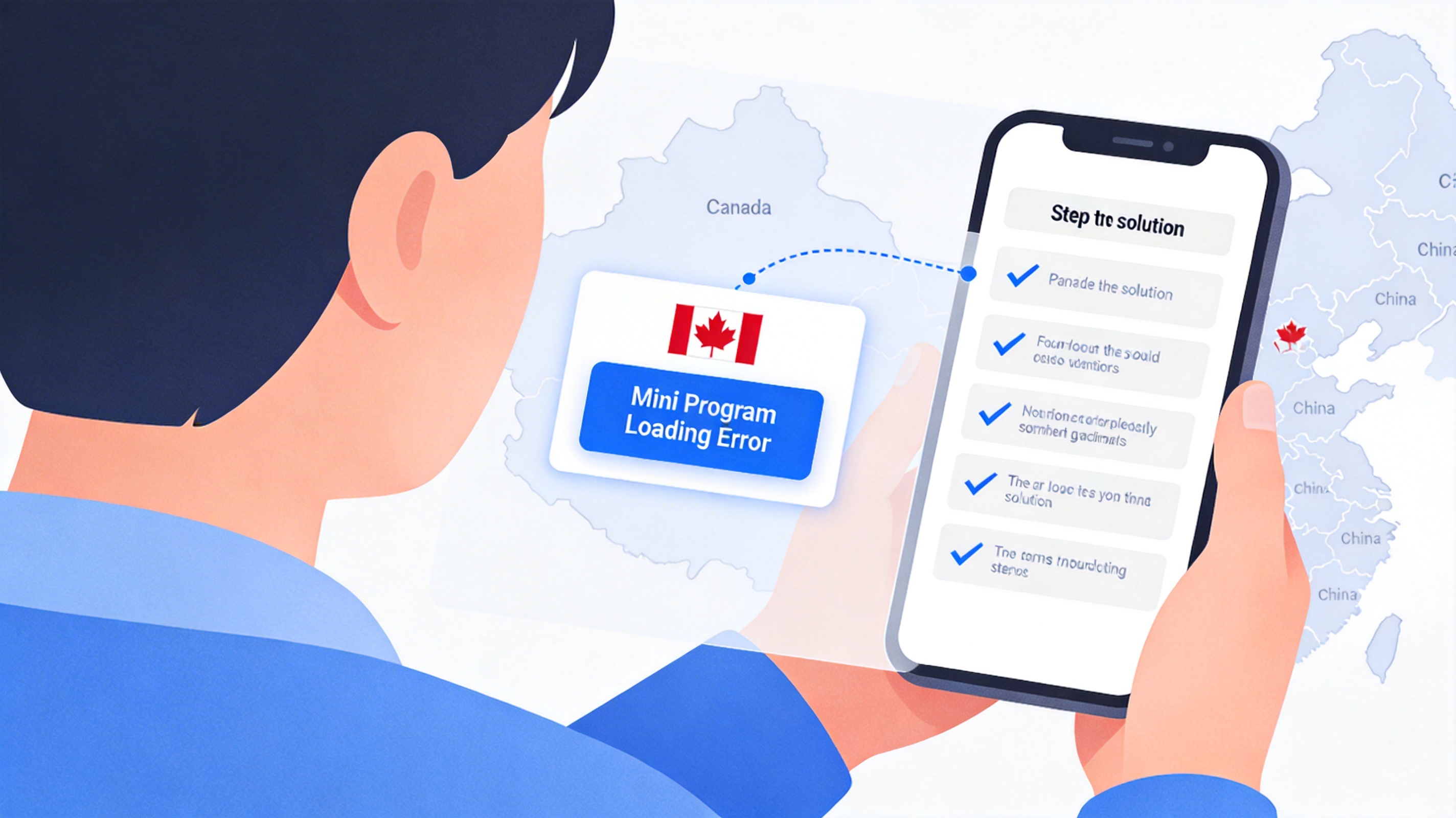
Core Reasons Why Chinese WeChat Mini Programs Fail to Open in Canada
Failed access to Chinese WeChat Mini Programs in Canada can be essentially categorized into three types of technical or regulatory restrictions. Users can first identify their problem type by comparing with the following descriptions:
1. Network Link Restrictions
Servers of some domestic Mini Programs only open access to IP addresses located in Chinese mainland. Public network IPs from Canadian carriers will be directly intercepted, resulting in Mini Program loading timeout, prompts such as "network connection failed" or "service is not available in the current region". In addition, some public WiFi (such as campus and mall networks) may set traffic restrictions on WeChat-related ports, which can also cause loading failures.
2. Regional Copyright and Service Rule Restrictions
Mini Programs for video, music, and local life services (such as regional government services, medical insurance query, exclusive discount Mini Programs) have set regional access whitelists themselves, only allowing users in Chinese mainland to use them. This issue is unrelated to network configuration, and will explicitly prompt "unavailable in current region".
3. WeChat Version and Cache Issues
If you are using the international version of WeChat instead of the Chinese mainland version, the interface permissions of some domestic Mini Programs are incompatible, which may cause white screens or missing functions. In addition, accumulated WeChat cache and outdated Mini Program versions may also lead to loading abnormalities.
Scenario-based Practical Troubleshooting Steps
The following steps are sorted by priority. It is recommended that users operate and troubleshoot in order:
Step 1: Rule Out Basic Software Failures
- Confirm WeChat version: Open WeChat "Settings - About WeChat". If it shows WeChat (international version) instead of the Chinese mainland version, it is recommended to uninstall it, download the official Chinese mainland version of WeChat from domestic app stores, and log in to your original account again.
- Clear WeChat cache: Go to "Settings - General - Storage", clear the cache data (be careful not to delete chat records by mistake), then restart WeChat and try to open the Mini Program again.
- Check Mini Program updates: Enter "More - Settings - Version Update" of the target Mini Program to confirm that the Mini Program is the latest version, avoiding interface incompatibility of old versions.
Note: When logging in to WeChat again, please ensure that the mobile phone number bound to the account can receive verification codes normally to avoid login failure.
Step 2: Troubleshoot Network Link Issues
If you still cannot open the Mini Program after completing the first step and receive network-related errors, follow the steps below:
- Switch network environment: Disconnect the current WiFi first, and try to access using the mobile cellular network of Canadian carriers to rule out port restrictions of public WiFi.
- Test connectivity to domestic websites: Visit domestic public sites such as Baidu and Tencent in the browser. If they cannot be opened either, it means that the current network cannot access domestic public resources normally, and network configuration needs to be adjusted.
- Use compliant network acceleration services: Choose a compliant network acceleration tool that supports nodes in Chinese mainland. After switching the network route to a Chinese mainland node, open the WeChat Mini Program again. When operating, pay attention to choosing services with formal operation qualifications to avoid data security risks.
Note: When using network acceleration services, you must comply with local and Chinese mainland network management regulations, and only use them for personal legal purposes.
Step 3: Confirm Mini Program Regional Permissions
If you still receive the prompt "unavailable in this region" after adjusting the network, it is a service rule restriction of the Mini Program itself. You can verify it through the following methods:
- Try to open general-purpose Mini Programs (such as WeChat Pay, Tencent Health, 12306 and other national service Mini Programs). If these Mini Programs can be opened normally, it means that the target Mini Program itself has set a regional whitelist.
- Contact the Mini Program operator to confirm the service coverage. Some commercial Mini Programs can temporarily grant permissions by binding a domestic mobile phone number, providing proof of residence in Chinese mainland and other methods.
Optimization Suggestions for Long-term Stable Use
1. Account and Version Management
For daily use, it is recommended to keep the Chinese mainland version of WeChat, and do not switch to the international version casually, to avoid the account permission being identified as an overseas user. At the same time, clean up WeChat cache regularly, it is recommended to clean it every 1-2 months to avoid loading abnormalities caused by accumulated cache.
2. Network Configuration Optimization
If you often need to access domestic Mini Programs and services, you can choose a stable and compliant acceleration service, and give priority to products that support WeChat exclusive link optimization, to reduce the probability of Mini Program loading failure. Avoid using free acceleration tools of unknown origin to prevent personal information leakage.
3. Preparation of Alternative Solutions
For government and local life Mini Programs that clearly do not support overseas access, you can download the corresponding official independent APP in advance. Most official APPs of domestic services have fewer restrictions on overseas IP than Mini Programs, and have more complete functions.
Frequently Asked Questions
Q: What should I do if I still cannot open the Mini Program after switching to a Chinese mainland node?
A: You can try to log out of your WeChat account and log in again to trigger the IP address refresh of WeChat. Some Mini Programs will verify the current IP region when logging in, and logging in again can update the regional status.
Q: Will using the Chinese mainland version of WeChat affect the use of local functions in Canada?
A: No. The Chinese mainland version of WeChat supports functions such as payment for overseas users, friend addition, and local Mini Program access at the same time. There is no difference in core functions from the international version, only the coverage of some operational activities is different.


