Last year, I was so frustrated watching Wang Manyu’s match at the World Table Tennis Championships in the US—by the time the ball hit the ground, the screen was still showing a short service. I almost smashed my tablet. This year, I’m preparing early for the 2026 Macau World Cup singles match between Chen Xingtong and Diaz, so I’ve tested all possible pitfalls and compiled this set of proven solutions.
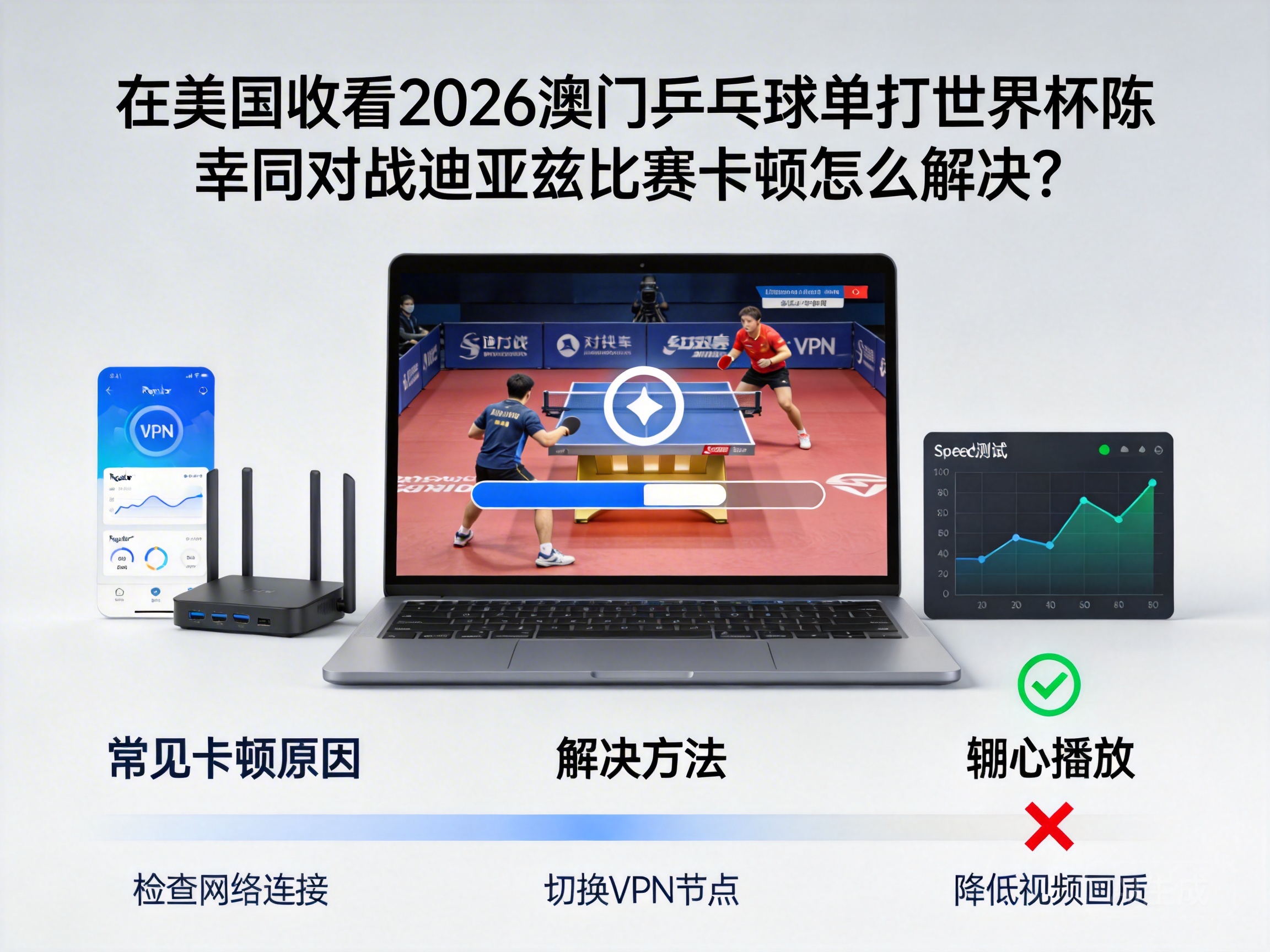
First, understand why it buffers—it’s not usually your internet speed, but mostly due to copyright and geo-restrictions. Mainland platforms authorized by the Macau Table Tennis Association (like CCTV Sports and Migu) restrict access from overseas IPs. Even if you get in, you’ll be throttled to the lowest bandwidth priority, which guarantees buffering. Another factor is trans-Pacific latency: the undersea cable from the US to Macau has a natural delay of 150-200ms, and if the platform’s CDN nodes don’t cover North America, buffering becomes inevitable.
Start with free basic troubleshooting before spending money.
First, test your actual internet speed. Don’t trust your ISP’s advertised package speed—it’s just a theoretical value. Use Speedtest: you need at least 5Mbps down for 1080P live streams, and 20Mbps+ for 4K. Last time, my Speedtest showed 20Mbps, but the stream still buffered badly. Turns out my ISP uses "shared bandwidth"—during the 8 PM peak, the entire neighborhood was competing for bandwidth, and I only got 3Mbps. In this case, either switch ISPs or watch the replay off-peak, but who wants to wait for a replay of a key match like Chen vs. Diaz?
Second, try a different device or browser. My old iPad turned the CCTV Sports stream into a slideshow, but switching to a desktop with Chrome made it smooth. I later learned that older devices lack the hardware to decode H.265 streams, so they use software decoding, which eats up CPU and causes buffering. Browsers matter too—Chrome and Edge have better live stream decoding optimization than Safari, which has always had compatibility issues with mainland platforms.
Third, close all background apps that use bandwidth. I was downloading a game while watching a stream once, and it turned into a mosaic. After closing Thunder, Steam, and Netflix, the bandwidth freed up instantly, and the stream became smooth. Don’t overlook smart home devices like cameras and speakers—they sync data in the background and steal bandwidth, so temporarily disconnect them.
If basic troubleshooting doesn’t work, you’ll need targeted tools. I’m talking about dedicated streaming acceleration tools, not random free VPNs. I tried at least 5 free VPNs—either they wouldn’t connect, or they had over 2000ms latency, so the match was over before the screen loaded.
A proven option is QuickFox. I bought a monthly subscription specifically to test its performance for mainland sports streams. Select the "Mainland Streaming" mode and connect to a node near Macau, and latency drops to 80-100ms—more than half the original 200ms. It’s optimized specifically for sports streaming bandwidth, so it won’t be throttled by platforms like regular VPNs. I watched an entire China Table Tennis Super League match with it, no buffering at all, even the slow-motion net brushes were crystal clear.
A word of warning: don’t go for the cheapest acceleration tools. You get what you pay for. I once bought a $1.49/month option, and after 10 minutes, the platform detected it and blocked my IP. It took me three days to get it back to normal.
Another option is overseas sports streaming platforms. ESPN sometimes broadcasts table tennis World Cup matches, but not every game, and you need an ESPN+ subscription ($69.99/year). I checked the 2026 Macau World Cup rights—ESPN only bought the final, so Chen vs. Diaz (likely a semi-final or quarter-final) won’t be available. Plus, even if it was, the commentary is in English, and I prefer CCTV’s commentary, which offers more detailed analysis of the players’ technical strengths.
Some people ask if casting solves the issue. I tried casting my phone’s stream to a TV, and it was even worse. Casting requires encoding the phone’s screen and transmitting it to the TV, which adds latency and bandwidth usage. If your phone is already buffering, casting makes it worse. Wired casting via HDMI reduces wireless loss, but it’s too much hassle—better to just use a computer or tablet.
Finally, a few emergency tips if the stream buffers once the match starts.
First, lower the stream quality. Switch from 1080P to 720P or even 480P. The quality is worse, but at least you can watch the match smoothly. Switch back when the buffering eases.
Second, refresh the page or restart the app. Sometimes the platform’s servers have temporary issues, and a refresh fixes it. I had to refresh three times last time to get the stream back to normal.
Third, switch networks. If you’re on Wi-Fi, switch to your phone’s hotspot; if you’re on hotspot, switch to Wi-Fi. Sometimes a single network node has issues, and switching networks fixes it.
To sum up, the most effective way to watch Chen Xingtong vs. Diaz at the 2026 Macau World Cup in the US is: first troubleshoot basic internet issues, then use a dedicated streaming acceleration tool to optimize your connection. If all else fails, lower the quality or watch the replay. Don’t waste time with free VPNs—they’re unreliable and can get your IP blocked.
One last detail: log into the stream 10 minutes early to let the buffer load. Last time, I logged in 15 minutes early, and by the time the match started, half the buffer was loaded. I watched the entire match smoothly, even didn’t miss the opening introductions.