Introduction
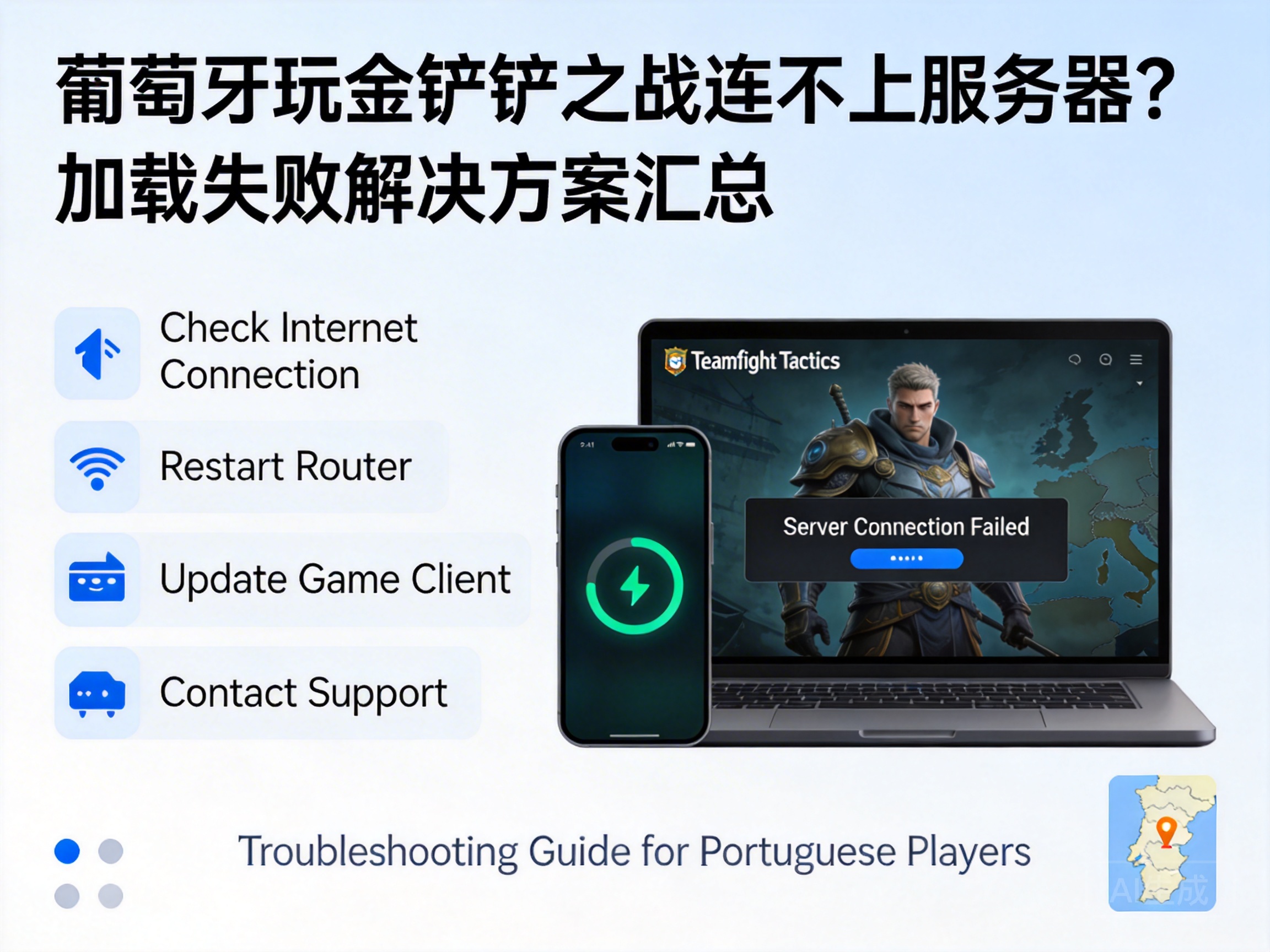
Players of Teamfight Tactics: League of Legends in Portugal often face server connection failures and loading delays due to cross-regional network environment differences, which directly impact gaming experience. Combining the characteristics of overseas network architecture and game server mechanisms, this article summarizes a set of feasible troubleshooting and solutions to help players quickly return to the game.
1. Basic Network Environment Troubleshooting and Repair
First, it is necessary to rule out basic local network failures, which is the core prerequisite for solving connection problems. Players can restart their home routers first to resolve temporary routing node congestion by releasing caches and resetting network sessions. If using a Wi-Fi connection, it is recommended to switch to a wired Ethernet connection to avoid wireless signal interference from local building walls and signal sources in Portugal.
Note: Wait 3-5 minutes after restarting the router for the device to complete network re-registration before attempting to log in to the game.
Players can also use local Portuguese network speed testing tools (such as Speedtest) to detect bandwidth and latency. If the upstream bandwidth is less than 1Mbps or the latency exceeds 200ms, contact the local Internet Service Provider (ISP) to troubleshoot line faults.
2. Game Client and Account Adaptation Adjustment
Some connection problems stem from corrupted client files or account region configuration conflicts. Players can find the "Game Integrity Check" function in the settings panel of Teamfight Tactics: League of Legends. This function will automatically scan and repair missing or damaged game files without re-downloading the complete client.
If players use an account registered in China, they need to confirm whether the account supports cross-regional login. Currently, the account systems of the international server and the Chinese server of Teamfight Tactics: League of Legends are independent of each other. Players in Portugal need to register and log in to an international server account to avoid connection failures caused by regional permission restrictions.
In addition, players need to close third-party plug-ins and acceleration tools running in the background of the client. Some tools that are not adapted to the overseas environment will interfere with the game's network connection protocol, causing the loading process to be interrupted.
3. Scientific Selection of Overseas Network Acceleration Solutions
Since the international servers of Teamfight Tactics: League of Legends are mostly deployed in Singapore, North America and other regions, cross-ocean network transmission for players in Portugal will encounter high latency and packet loss problems, requiring professional game acceleration tools to optimize the path.
Players should choose acceleration tools that support Portuguese nodes and dedicated lines for the game's international server. These tools establish a Virtual Private Network (VPN) or dedicated line channel to bypass congested public network nodes, reducing latency and packet loss rate of cross-regional transmission. When accelerating, select the international server acceleration node closest to Portugal instead of directly connecting to the node where the server is located to further optimize the transmission path.
Tip: Avoid using free acceleration tools, as their node bandwidth is limited and prone to congestion during peak hours, which may worsen connection problems.
4. Server Status and Regional Restriction Verification
If the above methods are ineffective, it is necessary to check the status of the game server itself and regional restrictions. Players can visit the official Twitter or Discord community of the Teamfight Tactics: League of Legends international server to check for announcements of server maintenance or failures. Temporary access restrictions may occur in Portugal due to regional network regulations.
Some players may have their connections blocked because their IP addresses are misjudged as abnormal by the server. In this case, players can restart the router to obtain a dynamic IP address, or contact the official game customer service to submit an IP address appeal, explaining their legitimate gaming identity in Portugal and requesting the restriction to be lifted.
In addition, confirm that the local network has not blocked the IP segment of the game server by the ISP. Players can use online IP query tools to verify whether the game server IP is accessible normally.
Summary
When players in Portugal encounter connection failures and loading problems in Teamfight Tactics: League of Legends, they need to troubleshoot step by step from four dimensions: basic network, client configuration, acceleration tools, and server status. Prioritize resolving local network failures and account adaptation issues, then optimize the transmission path with professional overseas acceleration tools, and finally confirm the server status through official channels to quickly restore normal gaming experience.


