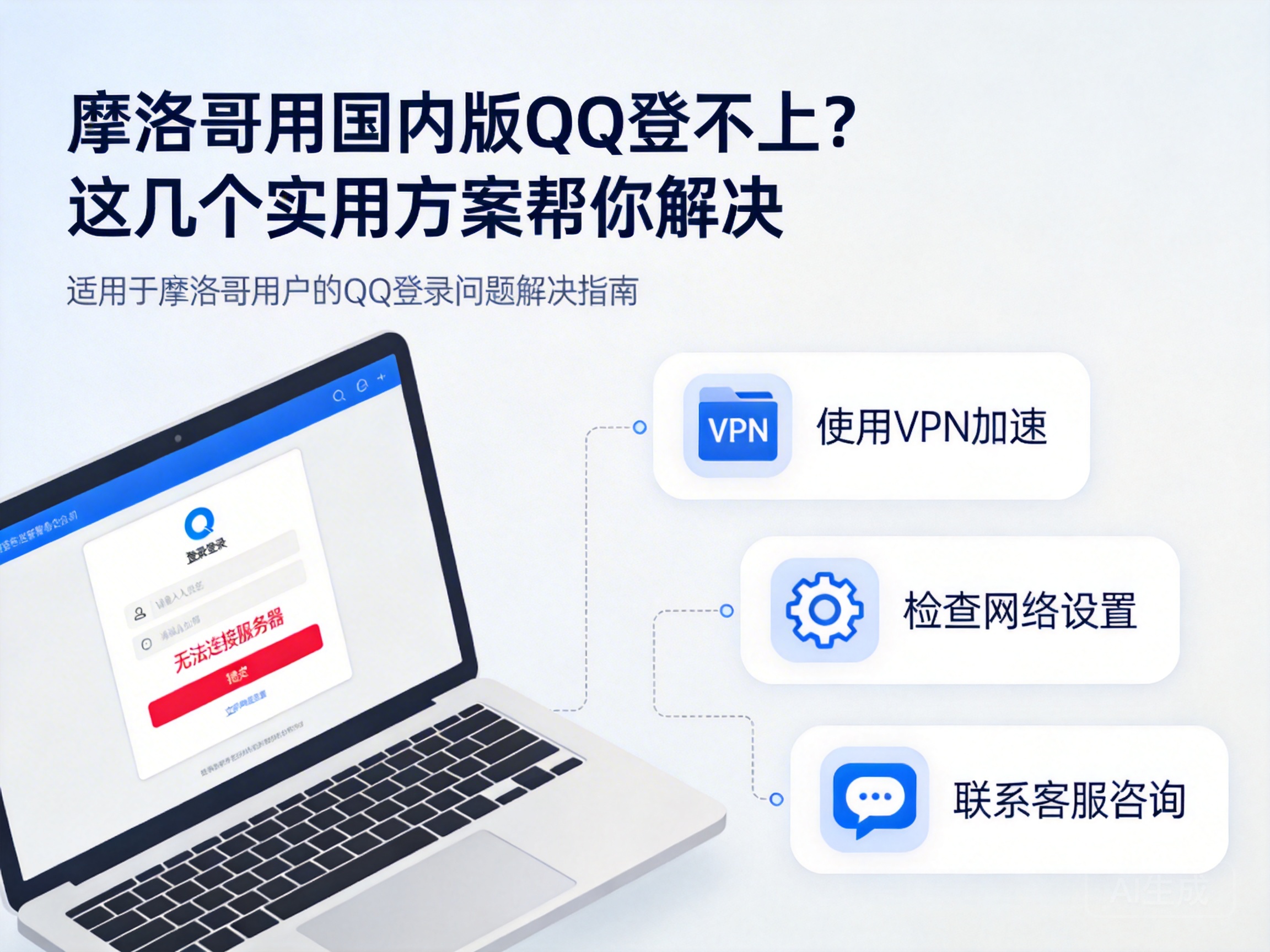
Introduction
If you're living or traveling in Morocco, you might face the frustrating issue of being unable to log in to the Chinese version of QQ. Whether you want to video call family back home or transfer files, getting stuck on the login screen can be a major hassle. In most cases, this is caused by regional restrictions and network environment issues. Don't worry—here are some tested solutions to help you fix it.
First Check Basic Network and Software Issues
Don't jump into complex operations right away; start with the basics, as the problem often lies here. First, check if your phone or computer has a stable internet connection. Try opening other Chinese websites like Baidu—if they don't work either, the issue is likely due to regional network restrictions.
If your internet is working, check if your QQ version is outdated. The Chinese version of QQ regularly updates to fix bugs and adapt to network environments, and old versions may fail to log in due to protocol incompatibility. You can download the latest installation package from the official Chinese app store website, then send it to your device in Morocco via email or cloud storage.
Note: Do not search for and download QQ directly from local app stores in Morocco, as you will most likely only find the international version, which has different features from the Chinese version.
Use a VPN to Bypass Regional Restrictions
The servers of the Chinese version of QQ are mainly located in China. When connecting directly from Morocco, you may be unable to access them normally due to regional copyright and network regulations. This is where a VPN (Virtual Private Network) comes in handy. A VPN works by routing your connection through an intermediate server, making your device appear to have a Chinese IP address, thus bypassing regional restrictions.
When choosing a VPN, keep two things in mind: first, select a legitimate VPN that supports Chinese servers, and avoid unqualified small platforms to prevent information leakage. Second, test the stability of the server lines, prioritizing those with low latency and low packet loss, so that video calls and file transfers won't lag after logging in.
To use it, turn on the VPN and connect to a Chinese server, then launch QQ. You should be able to log in normally. If not, try switching to a different Chinese server, or restart the VPN and QQ.
Emergency Solution: Use the International Version of QQ Temporarily
If you can't find a suitable VPN temporarily, or don't want to adjust network settings, you can use the international version of QQ as an emergency measure. The international version can be downloaded directly from local app stores in Morocco. While it has fewer features than the Chinese version (missing some QQ Space functions), it supports basic chat, video calls, and file transfers.
Note that the international version shares the same account system as the Chinese version, so you can log in with your existing QQ account without re-registering. Once you resolve the network issue, you can switch back to the Chinese version, and your chat history will sync automatically.
Special Cases: Contact QQ Official Customer Service
If none of the above methods work, the problem may be with your account itself—for example, your account is frozen, or a异地 login has triggered security verification. In this case, you can seek help through Tencent's overseas customer service channel. Go to the customer service page on the official Tencent website, select the "Overseas Users" entry, and submit your issue.
When submitting your request, prepare your QQ account, registered phone number, and identity verification information. The customer service team will usually respond within 1-3 working days. Alternatively, you can ask relatives or friends in China to contact customer service on your behalf, which may be more efficient.
Conclusion
If you can't log in to the Chinese version of QQ in Morocco, start by checking your basic network and software version. If that doesn't work, use a legitimate VPN to bypass regional restrictions, or use the international version temporarily as a backup. Finally, contact official customer service if the issue is related to your account. Following these steps will help you resolve the login problem and stay connected with your family and friends in China.




