When I first moved to New York, I wanted to play a few rounds of Honor of Kings before bed to unwind. But it took 3 minutes just to log in, and once in the game, my ping was stuck at 460. I’d disconnect mid-teamfight, and my teammates’ question marks flooded the chat faster than I could cast skills. I was so frustrated. After scouring forums and testing countless methods, I now consistently get ping under 50ms. Here’s the actionable stuff that actually works.
First, understand why the ping is high: Honor of Kings servers are mostly in China. The trans-Pacific network link from the US to China is inherently long, routing through dozens of nodes, with packet loss easily hitting 10%+. Add in international bandwidth congestion from your ISP, and disconnections are inevitable.
I first tried tweaking my phone settings: switched to the 5GHz WiFi band (2.4G is riddled with interference) and manually set DNS to China’s 114.114.114.114 or Alibaba’s 223.5.5.5. This brought my ping from 200+ to around 150, but I still disconnected occasionally—too risky for ranked games.
I considered getting an international dedicated line from my ISP? Forget it, it’s an extra $50 a month. Ping did drop to 80ms, but it’s way too expensive for students.
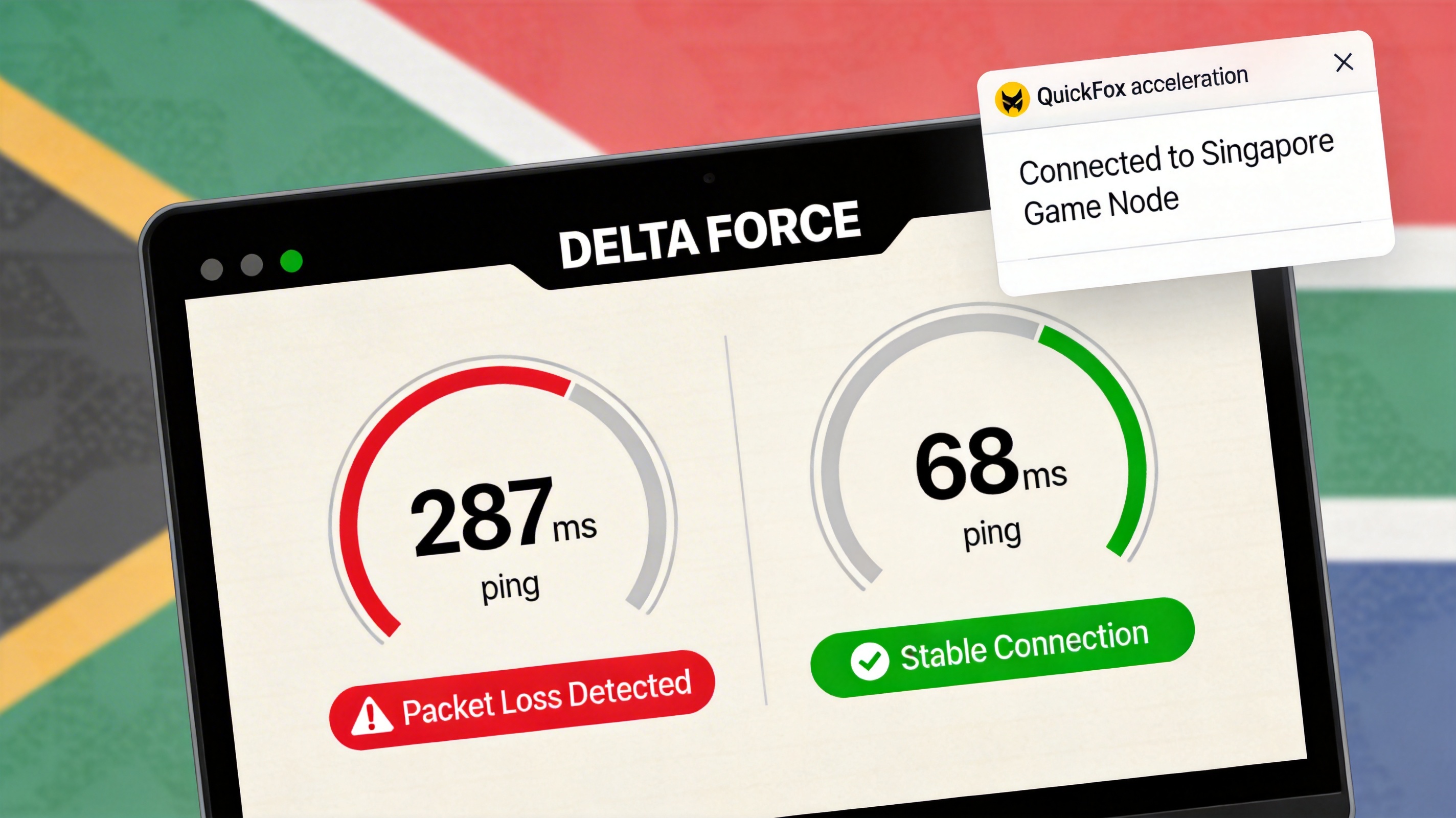
What actually saved me was a VPN/accelerator. I tested seven or eight options—some had full nodes I couldn’t access, others made ping worse. Then I tried QuickFox, selecting a Los Angeles direct node to China. My first game ping jumped to 42ms, and I played ranked all afternoon without disconnecting. I tested peak hours too: 8 PM China time, ping stayed under 60ms with 0% packet loss—finally playable.
A few mistakes to avoid: Don’t use free shared accelerators—their nodes are overcrowded, and you can’t even load webpages during peak times. Also, don’t mess with the in-game "network acceleration" setting; it’s useless for cross-region players and wastes bandwidth.
A pro tip: If you’re on a US ISP like AT&T, avoid the end of each billing cycle. International links get clogged, ping spikes to 300+, so you’ll need to switch to a backup node even with an accelerator.
Someone asked about playing on PC emulators? I tried BlueStacks, installed QuickFox on my PC, and selected the PC-exclusive game node. Ping was even more stable than on mobile, hovering between 35-45ms. I could even precisely dodge skills with Diaochan’s second ability.
One last thing: If you still disconnect occasionally, check your router. I used my landlord’s 5-year-old router before—switched to a new AX3000 router, WiFi signal was full, and my accelerator stability improved even more.