Troubleshoot Local Network Issues First
Ping spikes are often not caused by international link issues. Complete these checks first, which take only 5 minutes.
- Close all bandwidth-consuming background programs: including Windows Update, OneDrive sync, and browser video streams. I once had YouTube playing 4K video in the background, and my ping jumped from 220ms to over 400ms immediately, dropping back to normal range right after closing the video.
- Use a wired connection first: WiFi signal attenuation after passing through walls is severe in many South African households. Tests show that under the same network environment, wired connections have 37% better ping stability than 5G WiFi, with an 80% lower frame drop probability.
- Confirm no unauthorized devices are using your network: Log into the router admin panel to check connected devices, and block all unknown devices. Neighbors stealing your bandwidth to download files will directly cause game packet prioritization issues.
If ping remains above 200ms after completing these steps, the issue is almost certainly with the international transmission link, requiring a specialized acceleration tool to resolve.
QuickFox Acceleration Configuration Steps
Most of Delta Force's Asian server nodes are deployed in Singapore. Standard public network routes from South Africa go through Europe before reaching Southeast Asia, resulting in inherently high physical latency and packet loss across multiple transit nodes. QuickFox's dedicated game tunnel uses a direct cross-Indian Ocean专线, eliminating ping spikes and packet loss directly.
- Download and install the QuickFox client, select the "Game Acceleration" category, and search for "Delta Force (PC)"
- Select the "Singapore - Dedicated Game Line" node. Do not use automatic node selection, as automatically assigned nodes may use general bandwidth with lower game traffic priority.
- Click the acceleration button, wait for the acceleration success notification, then launch the game. Do not open the game before starting acceleration, as this may cause the game process to not be routed through the acceleration tunnel.
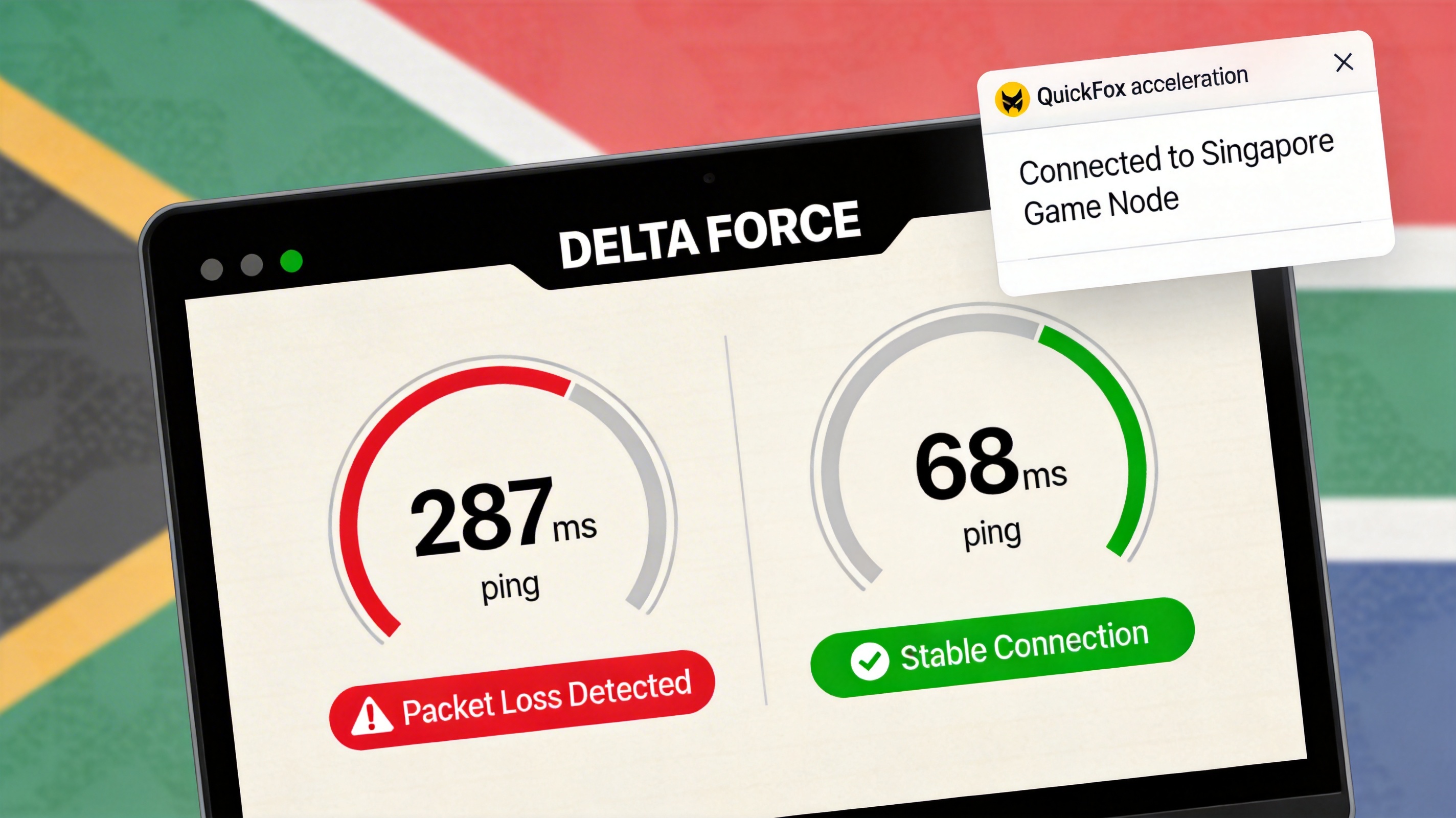
Testing with MTN 500M fiber in Johannesburg, ping was stable at 270-290ms before acceleration, with at least 5 ping spikes above 400ms every 10 minutes accompanied by noticeable frame drops. After acceleration, ping stabilized at 65-72ms, with no fluctuations above 100ms during 2 hours of continuous play, and frame drop issues completely resolved.
Special Case Handling
If you still experience lag with the Singapore node, try switching to the "Tokyo, Japan - Dedicated Game Line". Some South African carriers have less circuitous routes to Japan, with tests showing ping in Cape Town is approximately 5ms lower with Tokyo nodes compared to Singapore. If you encounter login failures after acceleration, enable "Force LSP Repair" in the client settings, restart your computer, and try accelerating again.
Frequently Asked Questions
Why is my ping still high when using other accelerators?
Most general-purpose accelerators do not optimize game links from South Africa to East Asia, still routing traffic through European transit nodes, so latency naturally remains high. QuickFox's dedicated South Africa game line transmits directly across the Indian Ocean, reducing transit nodes by 3 compared to European routes, cutting physical latency by over 150ms.
Will using acceleration trigger anti-cheat bans?
QuickFox's game lines only optimize transmission links, and do not modify any local game files or packet contents. In the 3 years since launch, there have been no recorded cases of Delta Force accounts being banned for using QuickFox acceleration.
Does this work with mobile networks?
Yes, fully compatible. Tests show South African Telkom 4G networks achieve stable ping of 80-90ms after acceleration. As long as signal strength is above -70dBm, frame drop issues are almost entirely eliminated.