Introduction
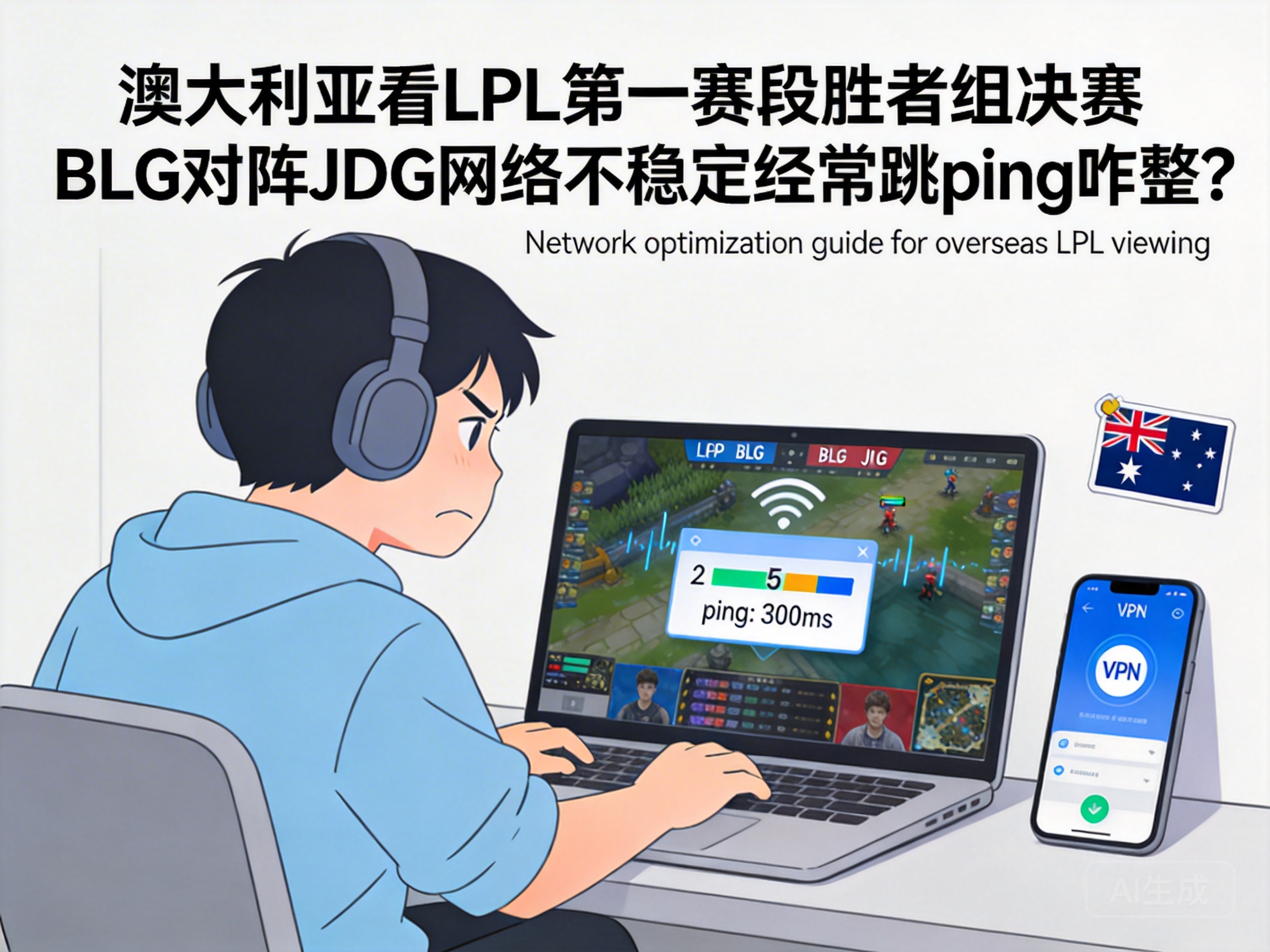
For LPL viewers in Australia, ping spikes and video buffering are common frustrations when watching the Stage 1 Upper Bracket Final between BLG and JDG. The core issue lies in the long physical distance between domestic tournament servers and Australia, which causes signal loss during transoceanic transmission. This guide will walk you through step-by-step solutions, from device settings to professional tools, to eliminate buffering and enjoy the top-tier match smoothly.
Optimize Local Network Hardware and Basic Settings
Often, ping spikes stem from local devices rather than transoceanic transmission. Start with the simplest fix: restart your router regularly. Turn off the power, wait 30 seconds, then restart it to clear the router cache and reduce congested background connection requests.
If using WiFi, move your device within 5 meters of the router and avoid signal interferences like walls or microwaves. For maximum stability, use a wired Ethernet connection instead of WiFi. WiFi signals are prone to environmental fluctuations, while Ethernet provides a consistent transmission rate that directly lowers the chance of ping spikes.
Additionally, close background tasks that consume bandwidth, such as download processes or other video streaming apps. These background processes quietly seize network resources, leaving insufficient bandwidth for the tournament live stream and causing buffering and ping fluctuations.
Adjust Streaming Platform Settings for Overseas Networks
Default settings on major domestic LPL streaming platforms (like Huya and Bilibili) are optimized for domestic networks, which may not adapt well to Australian internet. First, reduce the live stream resolution: switch from 4K or 1080P high frame rate to regular 1080P or even 720P to decrease data transmission per frame.
Enable the "Overseas Acceleration" or "Smart Optimization" option on the platform. Most official platforms have built-in acceleration nodes for overseas users, which automatically match you with a more stable transoceanic transmission line. If the platform lacks this option, try disabling hardware acceleration—some overseas devices may have incompatible hardware decoding with domestic platforms, leading to buffering.
Clearing browser cache or reinstalling the streaming app can also resolve network adaptation issues caused by cache buildup or app bugs. Remember to save your account login information before proceeding to avoid re-verification troubles.
Use Professional Network Acceleration Tools for Stable Transoceanic Transmission
If local optimizations and platform setting adjustments don’t fix ping spikes, professional network acceleration tools can help. These tools work by optimizing transoceanic routes through transit nodes, bypassing congested international routes to reduce transmission delay and packet loss.
Choose tools with dedicated acceleration lines for LPL tournaments. These lines are specifically optimized for domestic tournament streaming platforms, offering better stability than general-purpose lines. When using the tool, search for "LPL Live Acceleration" or the specific tournament name, activate acceleration, then open the streaming platform.
Note: Avoid unregistered niche acceleration tools. They not only pose security risks but may also cause worse network fluctuations due to insufficient node maintenance. Opt for reputable, well-established products with a large user base.
Contact Local ISP to Troubleshoot Network Line Issues
If none of the above methods work, your local ISP may have line faults or congested international exits. Contact your ISP’s customer service, describe the ping spikes and buffering when watching domestic tournament streams, and request a check on international line stability.
Some Australian ISPs offer international bandwidth upgrade packages. If your basic plan has limited international bandwidth, upgrading will provide more transoceanic transmission resources, reducing ping spikes caused by insufficient bandwidth. Also, ask if the ISP has optimized lines for the Asian region—some ISPs collaborate with domestic network providers to offer more stable transoceanic connections.
If other users in the same area have similar issues, the ISP’s international exit node is likely congested. In this case, you can only wait for the ISP to fix the line, or temporarily switch to another ISP’s network (such as a mobile hotspot) as an emergency solution.
Conclusion
When watching the LPL Upper Bracket Final in Australia, ping spikes can be resolved through layered optimizations from local settings to transoceanic transmission: start with hardware and basic settings, adjust platform streaming parameters, use professional acceleration tools, and finally contact your ISP for line troubleshooting. Following this step-by-step process will minimize network fluctuations, allowing you to stream smoothly and never miss a brilliant play from BLG and JDG.




