Introduction
With the official launch of Eggy Party S29: Enchanted Heart Season, many players in Saudi Arabia have been plagued by high ping and frequent disconnections, unable to smoothly experience the new season's magic-themed levels and social gameplay. These network issues not only disrupt the rhythm of level challenges but may also cause players to miss out on season-exclusive rewards, making the need to resolve network lag increasingly urgent.
Troubleshoot Local Network Basic Issues
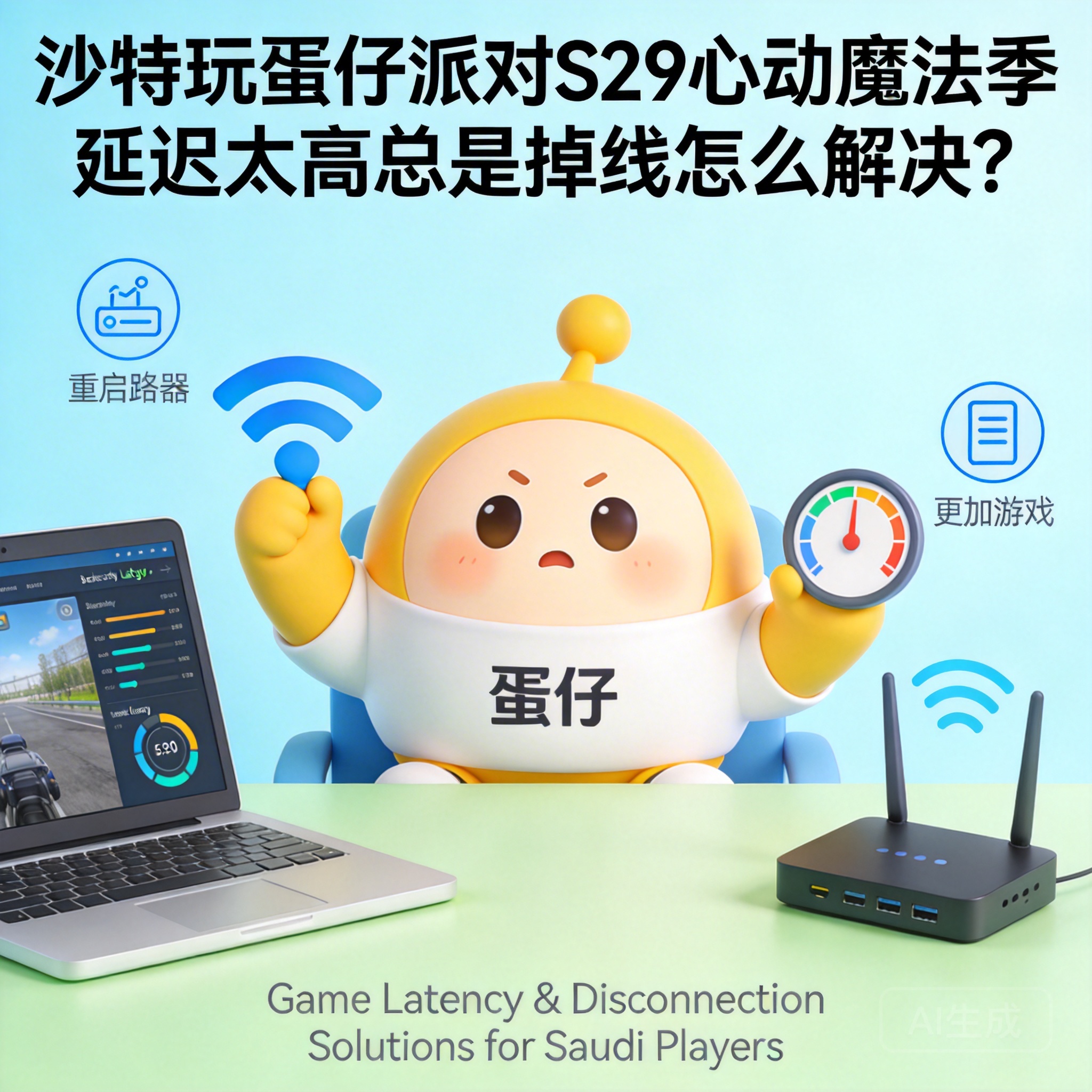
When encountering ping and disconnection issues, players should first troubleshoot basic local network faults. Start by restarting the router and device, as most temporary network congestion or connection anomalies can be resolved with this step. If the problem persists, switch network environments, such as changing from WiFi to mobile data, to determine if the issue is caused by unstable WiFi signal or insufficient bandwidth.
Additionally, check if other devices are consuming a large amount of network resources, such as background downloads or online videos. Such activities will divert bandwidth, lowering the network priority of the game. It is recommended to close all unnecessary background applications to reserve sufficient network resources for Eggy Party.
Tip: If the local network itself has operator faults, contact the local internet service provider for repairs, which is a direct way to solve the root problem.
Adjust In-Game Network Settings
Eggy Party has built-in network optimization options that players can adjust to improve connection status. First, enter the game settings interface, find network-related options, and try switching server nodes. Some Saudi players are connected to distant servers by default; manually selecting a closer node with lower ping can effectively reduce data transmission time.
At the same time, turn off non-essential in-game features, such as automatic real-time voice recording and HD dynamic backgrounds. These features consume additional network bandwidth and device performance, indirectly increasing network lag. It is recommended to adjust the graphics quality to a level matching the device's performance to reduce device operating pressure and avoid network synchronization issues caused by device lag.
Use Professional Network Acceleration Tools
If adjusting the local network and in-game settings does not resolve the issue, professional game network acceleration tools can be used. These tools transfer game data through dedicated lines, bypassing congested public network nodes to reduce packet loss and ping during data transmission. When choosing an acceleration tool, Saudi players should prioritize products that support Eggy Party and have acceleration nodes in the Middle East.
When using acceleration tools, ensure the tool is updated to the latest version to avoid software bugs affecting acceleration performance. After starting the acceleration, run a network speed test first to confirm if the ping and packet loss rate meet the game's required standards, then enter the game. Most formal acceleration tools offer free trial periods, allowing players to test the effect before deciding whether to pay.
Conclusion
To resolve network issues in Eggy Party S29 in Saudi Arabia, players need to troubleshoot step by step from three dimensions: local network, in-game settings, and acceleration tools. Prioritize checking basic network faults, then optimize connections through built-in settings, and finally use professional tools to break through regional network restrictions. By adjusting step by step, players can effectively improve ping and disconnection issues and smoothly experience the new season's magic-themed content.




