Introduction
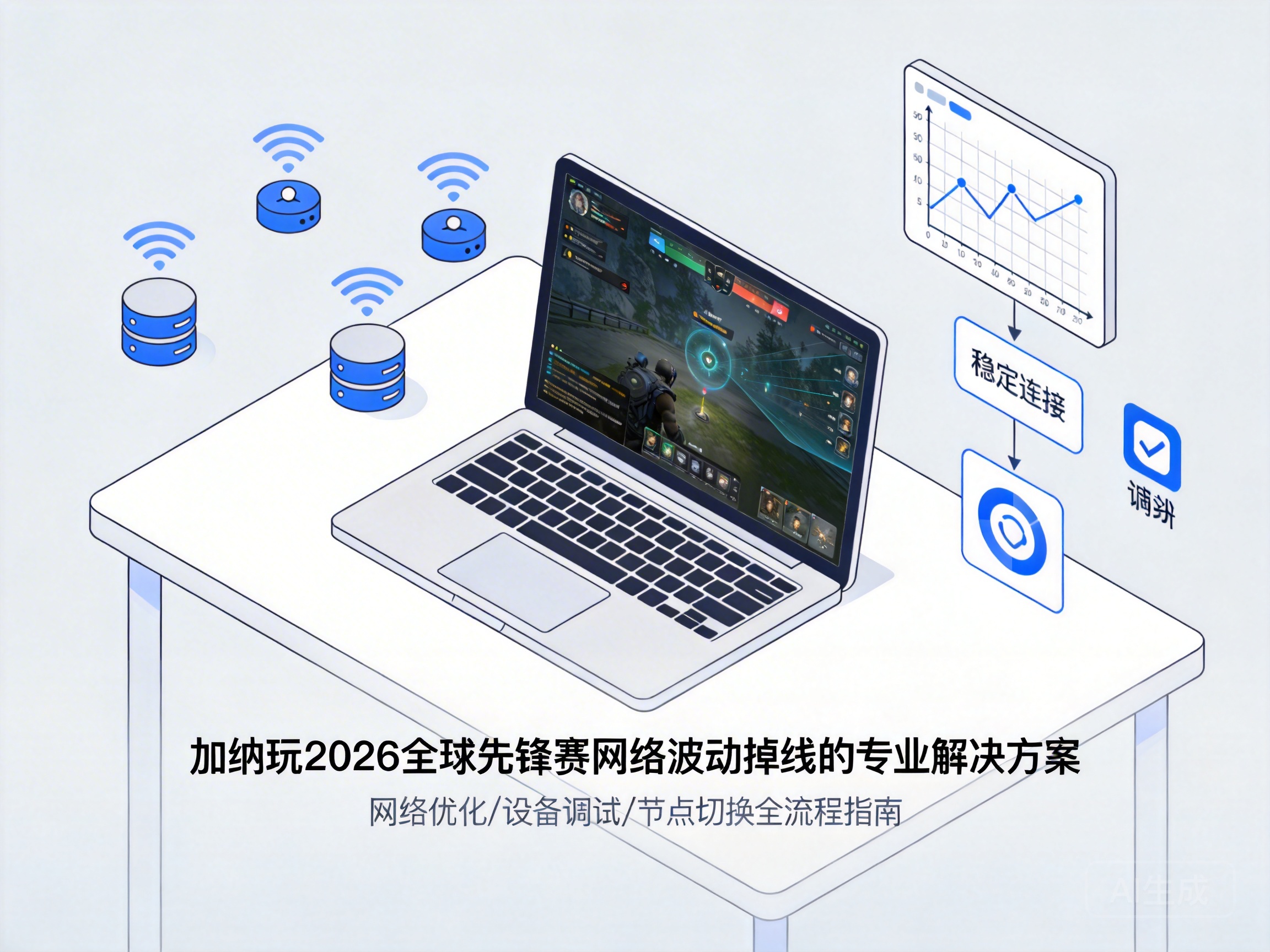
As a top international esports event, the 2026 Global Pioneer Series has attracted a large number of players in Ghana to participate in online qualifiers, live interactions and other activities. However, due to the limitations of Ghana's local basic network infrastructure and cross-border transmission delays of event servers, many players frequently encounter network fluctuations and disconnections, which seriously affect their participation experience. This article combines network technology principles with Ghana's local network environment to provide targeted professional solutions.
1. Preliminary Troubleshooting: Locate Core Issues in Ghana's Local Network
Before conducting complex optimizations, players need to complete basic troubleshooting to determine whether the problem lies in the local network or cross-border transmission. First, test the stability of the local network by pinging the DNS server of the local ISP (Internet Service Provider). If the packet loss rate exceeds 2%, it indicates a fault in the local access network.
Second, conduct a comparative test by connecting to a local entertainment server in Ghana. If the local connection is normal but the event server disconnects, it can be confirmed that the problem lies in the cross-border transmission link. In addition, check the Wi-Fi signal strength of the home network. The 2.4GHz band is susceptible to interference, while the 5GHz band is more stable, so you can try switching to it first.
Professional Tip: Use the traceroute tool to track the data packet path, which can directly see the nodes with packet loss in the cross-border link, providing a direction for subsequent optimization.
2. Local Network Optimization: Resolve Fluctuation Roots from the Access Layer
For common problems in Ghana's local network, players can optimize from both hardware and settings. At the hardware level, if using an old router, replace it with a device that supports MU-MIMO (Multi-User Multiple-Input Multiple-Output) technology. This technology can allocate network resources to multiple devices at the same time, avoiding fluctuations caused by multiple devices competing for bandwidth.
At the settings level, turn off the automatic QoS (Quality of Service) allocation function of the router, and manually set the bandwidth priority of event-related applications to the highest. At the same time, it is recommended to use a wired Ethernet connection instead of Wi-Fi. The packet loss rate of wired connections is usually more than 80% lower than that of Wi-Fi, which can greatly improve stability.
In addition, contact the local ISP to apply for an upgraded bandwidth package. The basic home bandwidth in some areas of Ghana is only 4Mbps, which cannot meet the high-definition transmission and low-latency requirements of the event. Upgrading to 10Mbps or above can effectively improve the experience.
3. Cross-Border Link Optimization: Resolve Delays and Packet Loss in International Transmission
Cross-border transmission is the core bottleneck for Ghanaian players to participate in the 2026 Global Pioneer Series, which can be optimized through the following three methods. First, choose a CN2 dedicated line or international esports accelerator optimized for esports. Such services can reduce cross-border latency from over 200ms to 80-120ms and control packet loss rate within 1% through optimized international backbone links.
Second, manually modify the DNS server of the event client, and prefer global public DNS such as Cloudflare (1.1.1.1) or Google Public DNS (8.8.8.8) to avoid connection failures caused by slow DNS resolution of local ISPs.
Third, avoid participating in event activities during peak network hours. The local network peak in Ghana is from 18:00 to 22:00, when the load rate of cross-border links exceeds 70%. Players can choose to participate from 8:00 to 12:00 in the morning, which can significantly reduce the probability of disconnection.
4. Event-Side Adaptation: Use Official Tools to Reduce Connection Pressure
The official client of the 2026 Global Pioneer Series provides a number of settings adapted to low-network environments, which players can adjust targeted. First, enable the "Network Fluctuation Protection" function in the client settings. This function will automatically adjust the data packet transmission strategy, reduce the data sending frequency when the network is unstable, and avoid disconnection caused by data packet congestion.
Second, reduce the screen resolution and frame rate in the event live broadcast or game. Reducing the image quality from "HD" to "Smooth" can reduce bandwidth consumption by about 40%, alleviating the transmission pressure of cross-border links. In addition, the official also provides a list of backup servers, and players can manually switch to a European backup server close to Ghana to shorten the transmission path.
Professional Tip: Regularly update the event client to the latest version. The official will continuously optimize the network adaptation logic and fix known connection vulnerabilities.
Conclusion
The network fluctuations and disconnections encountered by Ghanaian players when participating in the 2026 Global Pioneer Series need to be solved comprehensively from three dimensions: local access, cross-border links, and event adaptation. By locating the root cause of the problem through basic troubleshooting, and combining methods such as hardware upgrade, link optimization, and official setting adjustment, the network stability can be improved to meet the event requirements, and a smooth participation experience can be obtained.


