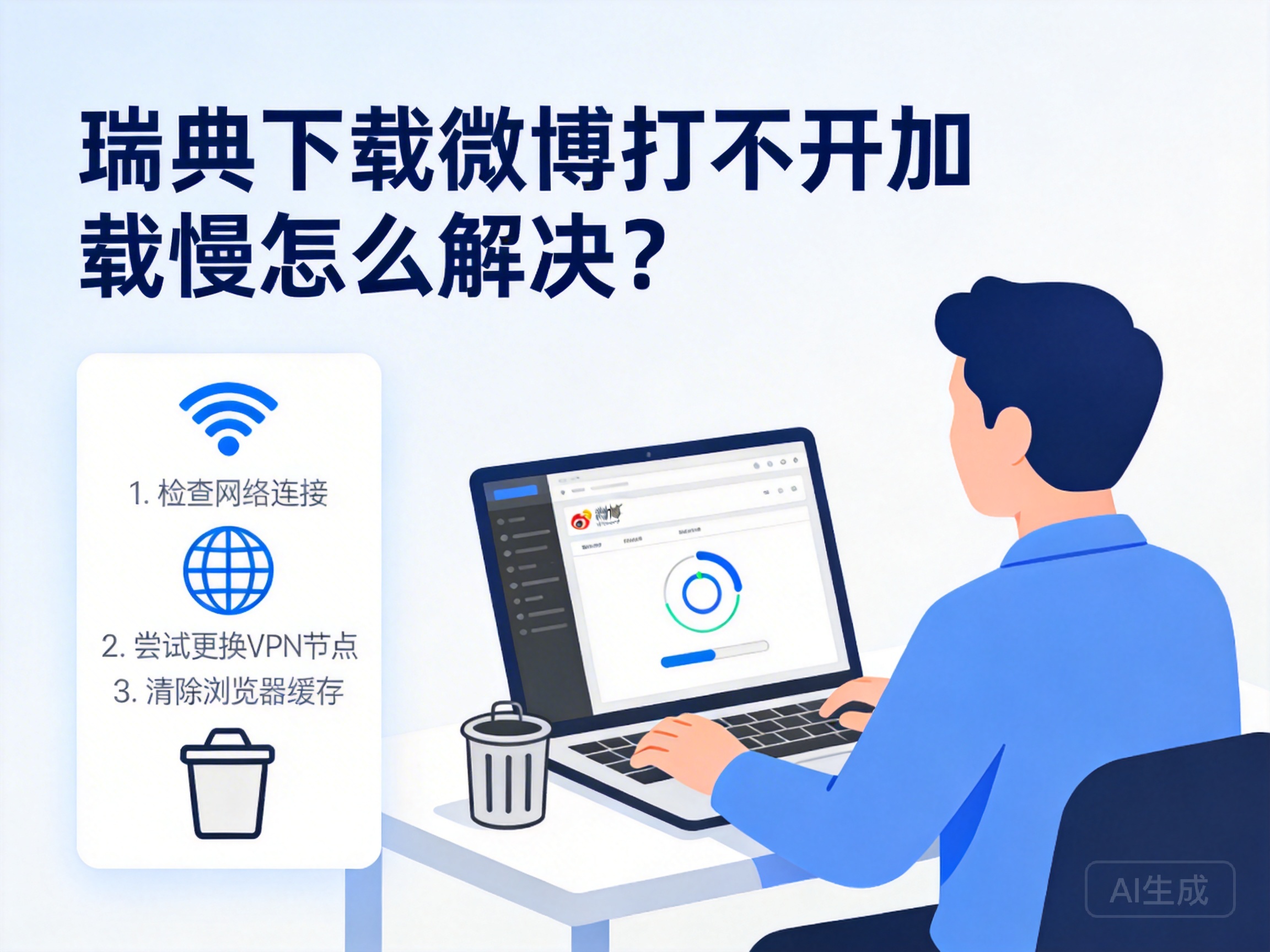
Introduction
Many Chinese living, working or studying in Sweden rely on Weibo to access domestic news and stay in touch with relatives and friends, but they often encounter issues like download failures, inability to open the app, or slow loading, which affects the user experience. In fact, most of these problems are related to regional network restrictions or local network environments, and can be effectively resolved through targeted adjustments.
Check Basic Local Network Status
When encountering Weibo usage issues, first troubleshoot the basic status of the local network. Try accessing other commonly used domestic and foreign websites, such as Google or NetEase, to confirm whether the network is functioning properly. If all websites are inaccessible, it is likely a local network failure, and you need to contact your network operator for troubleshooting.
If other websites work normally but only Weibo has issues, check your device's network settings, such as whether unnecessary proxies are enabled or if the firewall is blocking Weibo-related requests. At the same time, try switching network environments, such as from home WiFi to mobile data or other public WiFi, to rule out restrictions specific to a single network.
Tip: Some public WiFi in Sweden restricts access to Chinese domestic websites. If the problem persists after switching networks, prioritize solutions for regional network restrictions.
Use Compliant Network Tools to Break Regional Restrictions
Some of Weibo's services are only available to IP addresses in mainland China, and overseas IP addresses in Sweden cannot access them directly, which is one of the core reasons for inability to open or slow loading. In this case, you can use compliant network acceleration tools to switch your device's IP to a mainland China IP for normal access.
When choosing such tools, prioritize products with formal qualifications and stable server nodes, and avoid unqualified free tools that may pose information security risks. When using the tool, select a mainland China node with low latency, then reopen Weibo after a successful connection, which usually resolves slow loading or access issues.
Note that when using network tools, you must comply with relevant network regulations in Sweden and China to ensure legal and compliant operation, and avoid unnecessary troubles caused by improper use.
Adjust Weibo App Settings and Version
If network and regional restrictions are ruled out but Weibo still does not work properly, try adjusting app settings or updating the version. First, go to the Weibo settings page, find the "General Settings" option, and clear the app's cached data. Excessive cache may cause the app to freeze or load slowly.
If you cannot open Weibo after downloading, check if your device's system version is compatible with Weibo. Some older system versions may not support the latest version of Weibo. In this case, try downloading an older version compatible with your system, or update your device system before reinstalling Weibo.
In addition, disabling features like automatic playback and HD image display in Weibo can reduce network data load and improve running smoothness in Sweden's network environment.
Summary
When encountering issues like inability to open or slow loading of Weibo in Sweden, you can troubleshoot in a step-by-step order: first confirm the local network status, then use compliant tools to break regional restrictions, and finally adjust app settings or versions. With targeted solutions, you can restore normal use of Weibo, continue to access domestic news, and stay connected with relatives and friends.




